
- Title: A60+ S319 Extreme edition rev4.1
- Listed: August, 2013
- Last modified: 08/21/2013 1:35 pm
- Version: Rev4.1
You must be logged for ROM download.
24938 total views, 3 today
1 Total favorites


 Member Info
DESCRIPTION
Author: masterlam
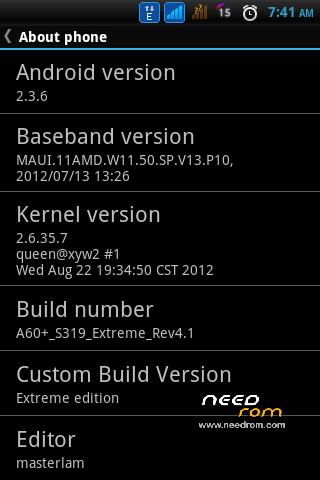
Based: A60+S319_121113_END
Android version: 2.3.6
I. INTRODUCTION
1. Features (basic)
- Already rooted
- All files system apk/jar odexed
- Added busybox support
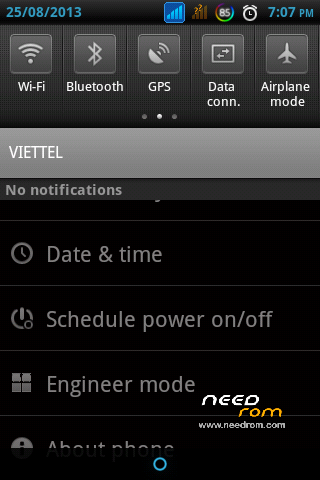
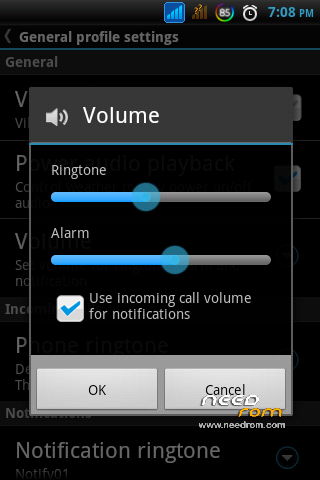
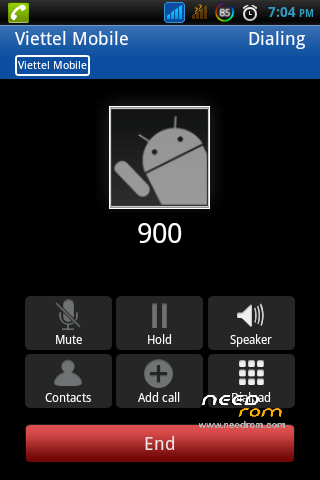
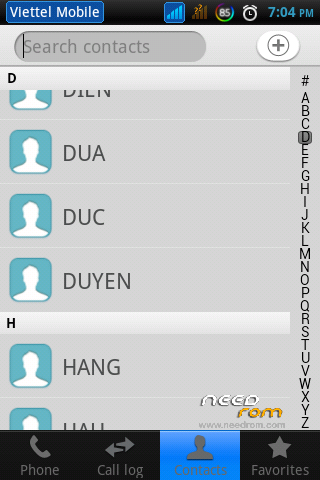
- Added new GUI
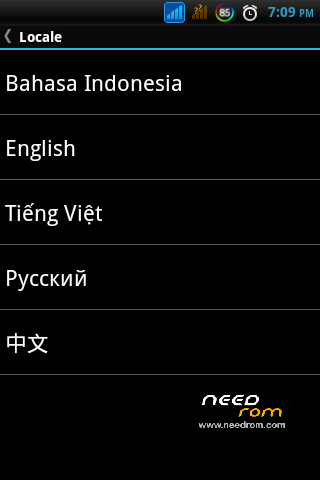
- Languages supported: CH, EN, IN, VI
- Removed many unused apps, unused libs
- Added many useful apps
- Fonts changed for optimize
- Added/removed some files media
- Lighter and smoother
2. Features (advance)
- Included scripts to mount sd-ext as internal memory
- Can get your location by using NetworkLocation (not GPS)
- Android core was patched
- Edited file hosts for block unwanted connection/ads
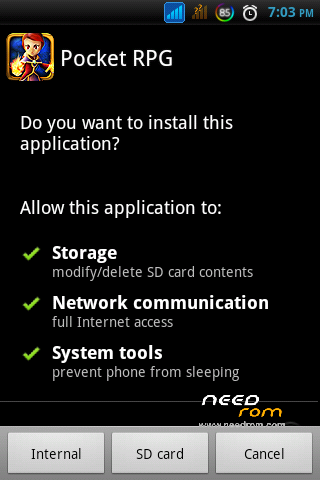
- Added option allow install app to SD card directly
- Added scripts to extend internal memory and optimize system
- Battery warning level is 3% instead 15%
- Optimize system by editing build.prop
- And much more
II. INSTALLATION
1. Resize phone' partion table (optional)
You can change phone' size partition by flash Image via Flash tool (link at the end post)
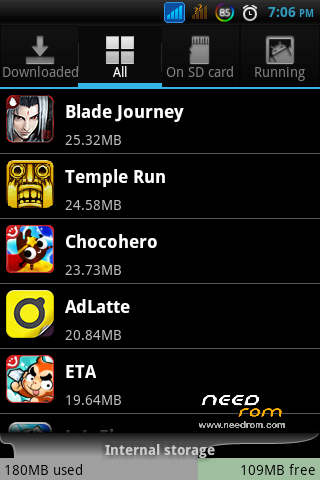
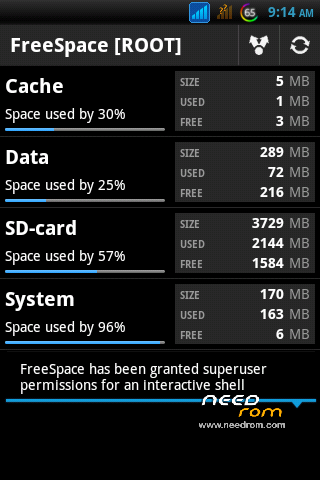
By this way, your phone can inscrease size up to 289MB. From 109MB/60MB/295MB -> 289MB/5MB/170MB (data/cache/system)
- Tutorial to using Flash tool (Step 2-4): http://www.facebook.com/notes/guill…orking-contact-identification/539507352727233
2. Flash ROM
- Boot your phone to CWM Recovery (*)
- Wipe data/reset
- Wipe cache
- Install zip from sdcard
- Choose zip from sdcard
- Choose file "A60+_S319_Extreme_Rev4.1Official_masterlam.zip"
- Choose option that you like
- Watting for installing complete
- Reboot your phone to main screen
- Boot your phone to CWM Recovery again (*)
- Install zip from sdcard
- Choose zip from sdcard
- Choose file "A60+_S319_Extreme_Rev4.1Official_masterlam.zip"
- Choose option 9 to update kernel
- Watting for installing complete
- Reboot your phone
- Done 
III. BUGS
1. Invail IMEI (also fix cannot connect to mobile internet)
- Use IMEI tool to recover: http://www.facebook.com/notes/guill…orking-contact-identification/539507352727233
2. Appear error 498&492 when download apps from Google play store
- Use Cache fixer to increase cache partition.
IV. CREDITS
1. Thanks to slaid480 (Fly-On Mod script)
2. Thanks to ungaze (Ungaze script)
3. Thanks to dsixda (Android Kitchen)
4. Thanks to amarullz (AROMA Installer)
5. And All who have supported me Be it time, thought,…
***If you'd like to support future development and new features, please make a donation to my credit number: 4221-5100-0990-7596. Thank you. 
※Please make a backup of your device before installing or updating ROM
thank you very much who have uploaded my rom to new host.
hi Lam,
can you describe more about "Resize phone' partition table" ?
I go to your link & see 3 files; I download "A60+boot" file, is it correct ? And when flash via "flash tool", which files I need to chose (recovery img, boot img …. or all of them) ?
Hi, You download A60+boot file and flash it via Flash tool, after stick all of them.
tnx masterlam for sharing ur knowledge about this… but im not yet using it, coz im not finish downloading it… later, i will. tnx in advance.. more power and rom in the future…
By this way, your phone can inscrease size up to 289MB. From 109MB/60MB/295MB -> 289MB/5MB/170MB (data/cache/system)
where is the link?? and as far as i remember the the firmware version of the tweaks for this is S317 and your rom is S319.. and the link you provided is for S312… please help.. explain it thoroughly
the link is on the top of master lam post
here you are: http://tinyurl.com/a60extrafil.....es-lql
this is S319 firmware.
i tried your rom and the sim tool is missing… please help
when flash your phone, use first option & you won't miss anything
does it support memory(ram) expander?
No. because the stock kernel A60+ not support swap.
GREAT!!
Xin lỗi, Master_Lam có phải người Việt Nam không ? Mình thấy mạng xử dụng là Viettel nên hỏi thử bằng tiếng Việt !
uh, mình là ng Việt. Bạn có thể tham gia thảo luận tại diễn đàn này cho tiện. http://www.tinhte.vn/threads/n......2036795/page-5
thanks bro.. i have successfully changed my phones's partition table… but couldn't save any words to my user dictionary in "A60+ S319 Extreme Rev4" ..
could you help me on that..? the keyboard crashes every time when i try 2 save a word
what option have you choiced when flashing? 1 or 4?
i used the first method
Hi, You download A60+boot file and flash it via Flash tool, after stick all of them.
master_lam, im sorry for this question might be stupid but what do you mean by "stick all of them"?
oh, meaning "select all". you must check all index before flasing.