
- Title: Xperia Z 4 Micromax Canvas Juice {Baba}
- Listed: June, 2014
- Last modified: 06/17/2014 3:50 am
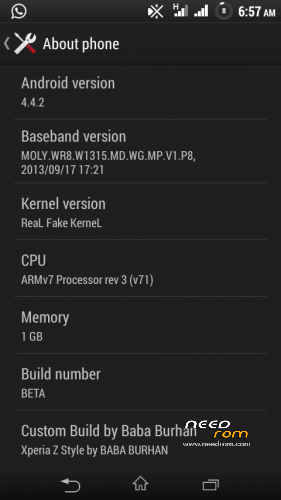
- Version: 4.4.2{Real 4.2.2}
You must be logged for ROM download.
43396 total views, N/A today
195 Total favorites

 Member Info
DESCRIPTION
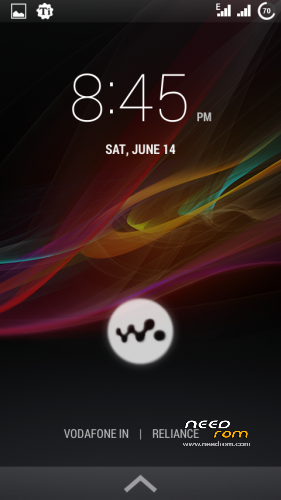
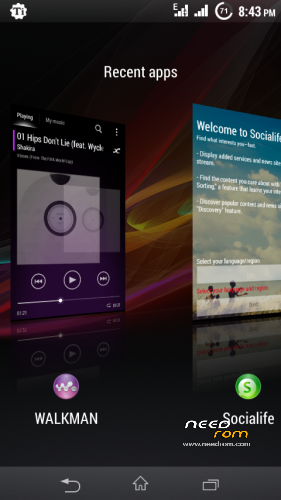
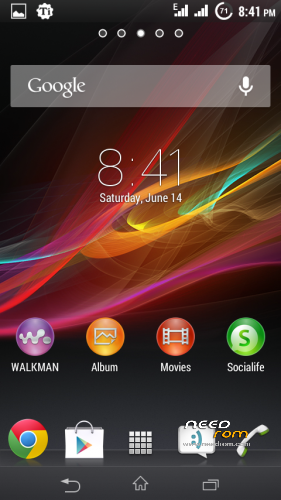
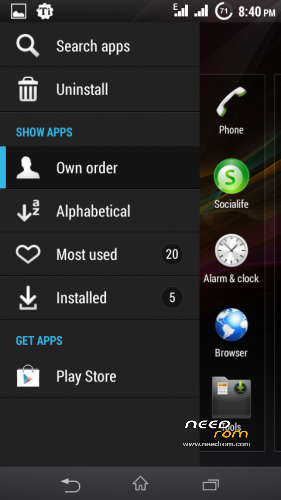
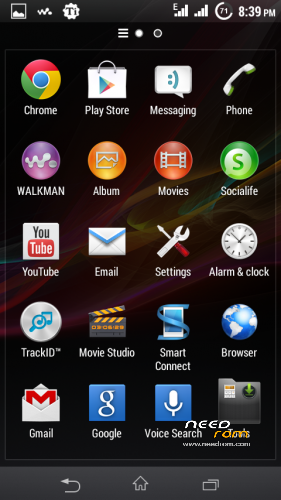
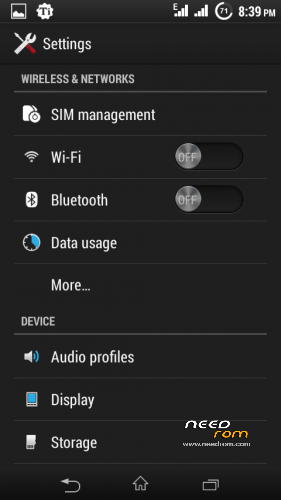
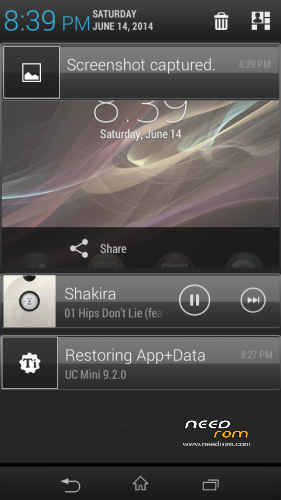
Xperia Z ROM 4.2.2[Honami Base]
Micromax Canvas Juice A77
PLEASE READ FROM TOP TO BOTTOM IN ORDER TO HAVE SUCCESSFUL INSTALLATION
Features :-
1.De-odexed
2.Zipaligned
3.180 Degree Rotation Support
4.Dual SIM 3G Support
5.Init.d Tweaks
6.Battery Tweaks
7.Net Tweaks
8.Pre-rooted
9.Gapps Included
10.Bunch of Build.prop Tweaks
11.Amazing UI
12.Smooth as Butter
13.Some SuperChargeV6 Tweaks
14.BUGFREE
Rest the ROM will itself speak 
Download The ROM
PLEASE NOTE THAT SOMETIMES THE LINK WILL NOT OPEN CAUSE OF DROPBOX EXCESSIVE TRAFFIC.IN THIS CASE PLEASE WAIT AND TRY DOWNLOADING AFTER SOME TIME.
Disabling or Enabling Soft key cwm zips are in Xperia Z {Baba} in splits
PROCEDURE PC:-PC Needed and WinRar
After downloading these files put them in any folder.
1.Right click on the 5th part that is Xperia 4 JUICE {Baba}.zip
2.Select extract to Xperia 4 JUICE{Baba} or extract it to any location using winrar.
3.Now u will get a folder in which all the files like meta inf,system, boot etc etc will be placed.Now select all the files (pleasedont select the folder in which the files are. Select only the files) and right click and add to archieve.
4.Tick on zip option and select compression normal(dictionary size wipl automatically get changed to 32kb) and then archive it.Wait till it is done.
CWM Procedure:-
1.Copy the file to ur sd card
2Then go to recovery
3.Then wipe data/factory
3.Then wipe cache partition
4.Do wipe dalvik cache
5.Then go to mounts and storage and format system also
PLEASE DON’T FORGET THESE TWO STEPS
6.Now go to Install zip you will find toggle signature verification, please disable it
6.Below it u will find toggle assert verification, disable it also
7.Now click on install zip from sd or internal sdand then select the Xperia 4 Juice{Baba}.zip
8.Wait there and it will get installed
If any problem occurs dnt worry msg me(fb : burhan.nabi).I will surely help u.
All reviews are wlecomed
Enjoy the ROM
Allah bless
If any one wants to port it to any MT6572 Device or any other, do take permission from me
It will work for both A77 and also A177.
For A177 users just replace the boot.img of ur stock rom and then flash
Thanks to Zulmy Eve. Credits also go to him.
※Please make a backup of your device before installing or updating ROM
This ROM looks so cool and stable so far I have used this. The only thing which irritated me is the window animations . is there anyway I can disable them or change the animation?
do we have to replace the boot.img contained in this zip ?
i mean is there any external file which has to be copy pasted after extracting this rar ?
because i did it in s4 and s5 roms ??
pls rply asap .. tq.. and if any boot.img file has to be copy pasted.. pls share the link to tht _/\_ tq in adv
thank you bro … it works like Gem . any more updates to improve sound quality ?
some time wifi not working … after restart phone its will working … and after restart phone all icon are disappear only system icons are appear …
is this kitkat rom for a77 ?? i want to one thing only …
Heyy plzzzz update the links or create mirror as soon as possible
indeed one of the best ROM available for juice…..
If the file is not cmw flashable how i wl flash it to my mobile
Plz help me I download this ROM may be is 443 mb from 1st link ..so plz help me its rar file how to flash
Thanx work fine rom baba wait your other rom