
- Title: CWM for Oukitel U8 Android 5.1
- Listed: March, 2016
- Last modified: 03/30/2016 8:31 pm
- Version: CWM 6.0.x
You must be logged for ROM download.
12388 total views, 1 today
1 Total favorites
CUSTOM
 Member Info
DESCRIPTION
Flash with SP Flashtools, flashify or else.
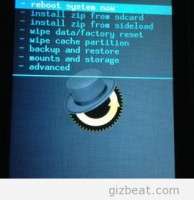
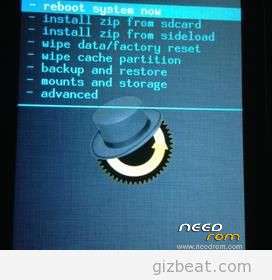
First boot into Recovery. ( Hold Vol + and Power, select with Vol + and start with Vol – )
※Please make a backup of your device before installing or updating ROM
Hope it works! … but tahnk you!
Works or not?
At the moment…no…today I repeat all the steps and hope…
Hi,
Witch part won't work??
Don't forget!! After flash first boot into Recovery!!
DO: push Power button and after that directly the Volume + button an hold both until:- Menu appears – select with Volume + and start with
Volume -
Great! Recovery works.
1. Enable developer options
2. Settings->Developer->Enable Bootloader Unlock
3. Settings->Developer->Enable Debug
4. adb reboot bootloader
5. fatboot oem unlock
6. Press Vol +
7. fastboot flash recovery recovery.img
8. fatboot reboot
9. Press and hold Vol +
Now, where can I get a CyanogenMod for Oukitel U8?