
- Title: CyanogenMod 10.1 Stable
- Listed: April, 2016
- Last modified: 04/16/2016 5:10 pm
- Version: 4.2.1
You must be logged for ROM download.
15649 total views, 2 today
8 Total favorites


 Member Info
DESCRIPTION
CM 10.1 Stable for Lenovo P770
Changelog:
-apps updated
-cpu control addet
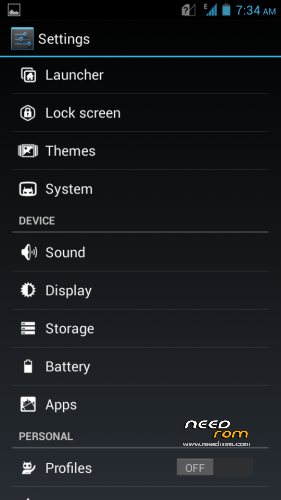
-new design
-bugfixes
-and more
Installing
Boot into CWM Recovery (volume UP + power) and do backup (for yourself, just in case)
Then do a full WIPE:
• wipe data / factory reset
• wipe cache partition
• advanced – wipe dalvik cache
• mounts and storage – format / cache
• mounts and storage – format / system
• mounts and storage – format / data
6. Without leaving the CWM Recovery, go to the "install zip from sdcard" >>> "choose zip from sdcard" and install the previously downloaded ROM
7. Wait until the installation is completed
8. Select "reboot system now" (it is possible that the phone will reboot itself after the end of the paragraph, and then do not need)
9. Wait for a full load smartphone
※Please make a backup of your device before installing or updating ROM
Hang on Logo after Install