
- Title: CyanogenMod 11 for Samsung Galaxy Young GT-S5360
- Listed: December, 2015
- Last modified: 12/25/2015 11:03 pm
- Version: Android 4.4.2
You must be logged for ROM download.
20228 total views, 1 today
11 Total favorites








 Member Info
DESCRIPTION
So for all those who are not familiar with cyanogenmod based roms cyanogenmod is an open source operating system for smartphones . It is developed as free and open source based on the official android released by google.
Requirements:-
A Galaxy Y with stock rom
CWM Recovery
Kernel
And finally Cyanogenmod 11
Installation Instructions:-
Power off your galaxy Y and wait till it vibrates.
After it vibrates boot it in the recovery mode by pressing the three button combination (volume up + home + power button)
Then go to apply update from sd card and then choose CWM Recovery.zip
Now to select install zip from sd card>choose zip from sd card>kernel Bangprovn#1.zip
Wait till the installation completes and then go to advanced and then select reboot recovery.
Now it would boot in CWM Recovery v6.0.49 and would show a number of errors. No need to worry
Go to mounts and storage and format system, data and cache
Now mount all partitions (system, data, cache, storage/sd card and sd-ext)
Press the back button and select install zip>choose zip from storage/sd card
Choose cm-11-20140719-unofficial-totoro.zip
Wait till the installation completes and then select reboot system.
The first boot will take time to complete
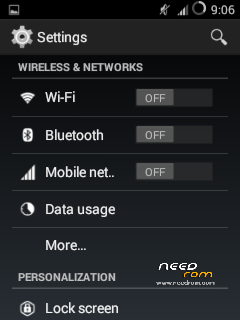
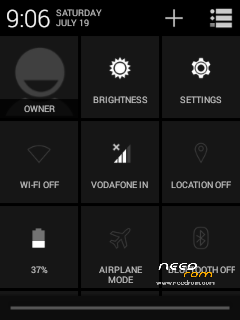
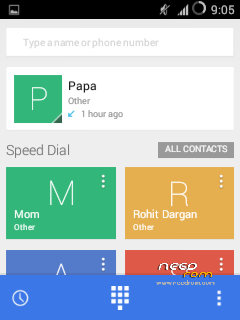
Finally you have Kitkat Android 4.4.4 on your Galaxy Y.
Most of the bugs in this rom have been fixed except some lags, video recorder and panorama mode
※Please make a backup of your device before installing or updating ROM
link dead
can you give guide to port rom on s5360
Thanks muck
Thanks much
Broken link for cyanogenmod 11 download
dissapointing how its lost to time