
- Title: Cyanogenmod 13 R74 Rom with Pixel Features For HTC Desire 620G
- Listed: January, 2017
- Last modified: 01/25/2017 2:06 pm
- Version: 6.0.1
You must be logged for ROM download.
11114 total views, 2 today
3 Total favorites
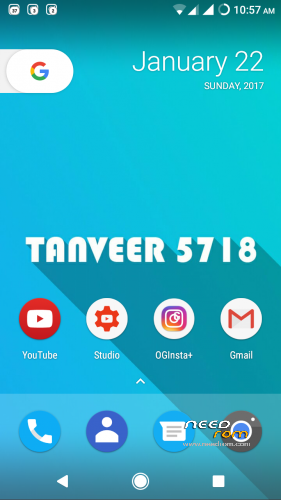
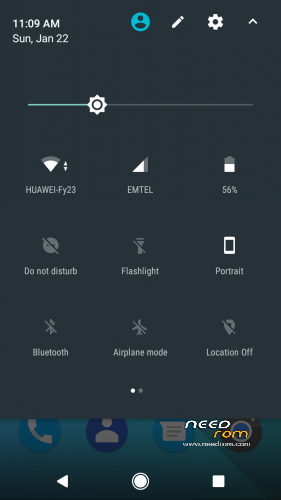
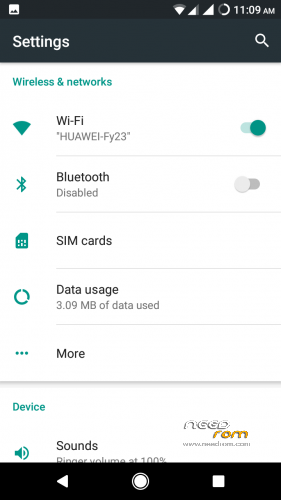
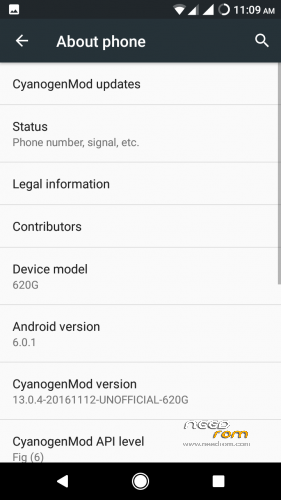
 Member Info
DESCRIPTION
> Wifi
> Bluetooth
> Audio
> Sensors
> Camera (photo and video recording)
> GPS
> FMRadio
> HD games are Smooth
> Screen Recording
> Multi Window
Changelog :- (12-11-2016)
> Upstreamed to r74 (13.0.4)
> Nov 2016 Security Patch Level
> Fixed Carrier Name instead of Number
> Improved Performance
> Added Stock Power Profiles
> Improved Battery Backup
> Added Ambient Display by Default
> Fixed Xposed in release 74 (r74 contains whitelisting which causes bootloop if any extra app is added which is not mentioned in white list)
> Fixed all UI lags
> Added MultiUser UI
How to Get Root Access?
-> Go To Settings–>About Phone–>Tab Build No 7 Times
Then Go to Devs Option And Select Root Access–>Apps and ADB !
VPN (use psiphone's browser only mod)
2G/3G Switch
>Workaround :-
1. To Get VPN Working :-
Use VPN for wifi
1. Download psiphon from playstore and open it, choose Browser-Only mode don't tunnel whole device.
2. Go to its logs tab and check the port of http proxy.
3. Now open WiFi setting and long press to your WiFi network (from which u are connected) go to modify tab and from check the advanced options.
4. Chosen manual proxy option and put host name as 127.0.0.1 and port as the no. which you noted in step 2 (eg. 8080) and click save .
For Cellular Data-
1. Download psiphon from playstore and open it, choose Browser-Only mode don't tunnel whole device.
2. Go to its logs tab and check the port of http proxy.
3. Now open Setting>Sim cards>Sim 1/Sim 2 settings/Access Points Names and click on Connected APN
4.In Proxy put 127.0.0.1 and port as the no. which you noted in step 2 (eg. 8080) and click save .
Enjoy you have set up a VPN connection successfully.
You can open your browser and check your IP
Note: You have to undo this after you don't need VPN by changing manual proxy to none .
==================================
ROM OS Version : 6.0.x Marshmallow
ChipSet : MT6592
Kernel : 3.4.67
Based On : Cyanogenmod
===================================
※Please make a backup of your device before installing or updating ROM
Link does not work
disable ad blocker then you can download
link not working
ну и как Норм прошива?
Link not working … Please solve this …
Rom Bağlantısı New Lin
+1
Turkish bro
https://yadi.sk/d/G9jJjHScyej8.....n