
- Title: Cyanogenmod11 (by Iceman)
- Listed: October, 2014
- Last modified: 11/01/2014 12:03 am
- Version: 4.4.2
You must be logged for ROM download.
28407 total views, 3 today
CUSTOM









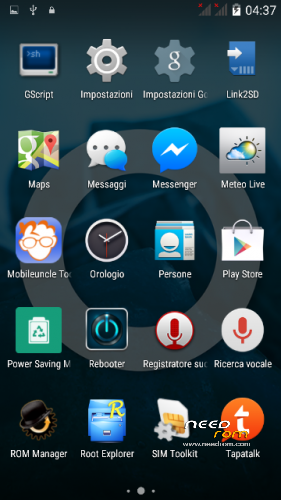
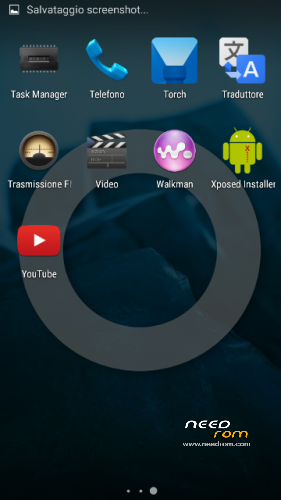
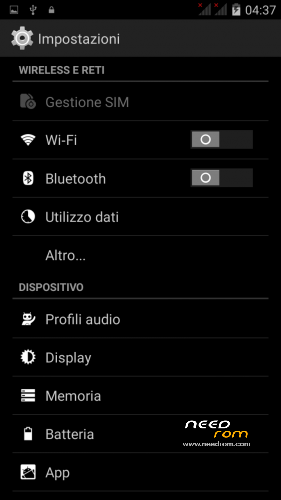
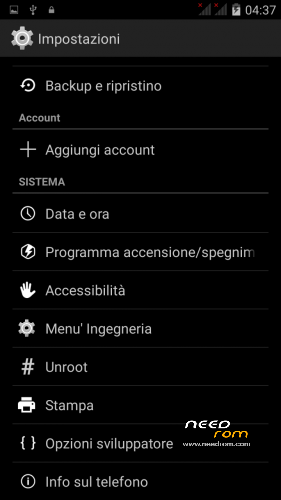
 Member Info
DESCRIPTION
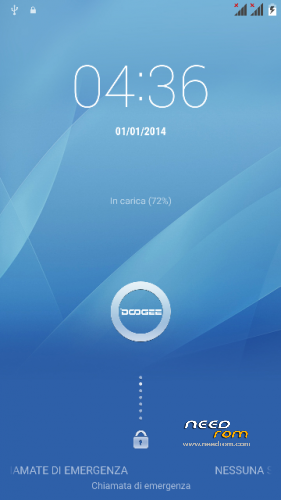
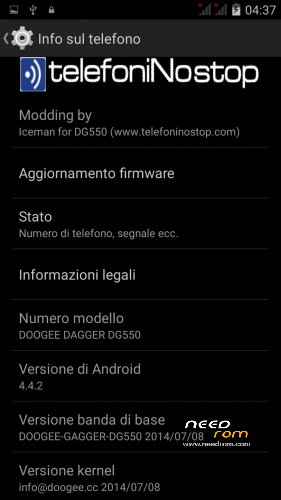
New Cyanogenmod11 rom (4.4.2) to unroot DOOGEE DAGGER DG550
Changelog
Full Deodex
Statusbar transparent
Multilingual
Unroot integrated
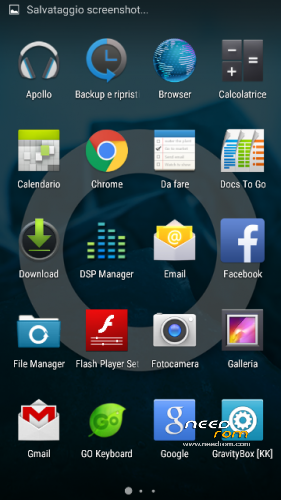
Full gapps
Walkman Music
Keyboard CM11
Launcher tribuchet
Boot.img with debug mode enabled
Download the .zip file (do not unzip it!), copy it to the sdcard and installed via modded recovery (CWM or TWRP).
I hope you enjoy it.
Until next time,
Iceman
※Please make a backup of your device before installing or updating ROM
Don't worry gianfante. I just didn't want to lose any comment on this thread as I am in the same situation as you; I have downloaded the ROM, but I haven`t still decided to install it as it seems that some people are having problems with the camera. I have this mobile only a week ago and don't feel very secure with installing new ROMs. Regarding what you say about iceman I completely agree with you; Any person that spend his time developping for a mobile and shares his work with the rest of the people deserves my admiration and respect. I think it is very good that everybody gives his opinions about the ROM as this is the way to the developper to improve his work, but this must always be done with the maximum respect and education.
iceman: When installing this ROM, is it advised to backup the IMEI number and restore it after installing the ROM?. I say it because I have seen that in other ROMs for this model it must be done. Sorry for the question, but I have this mobile only a few days ago and don't feel very secure.
Before you make any changes to its smartphone always recommend making your own "dump" (technically called the "redback") so that you always have a "lifesaver" in case something does not go the right way.
It 's always good to provide a backup of NIVRAM easily possible through MtkDroid.
The installation of a custom rom via file.zip is always carried out by modded recovery (CWM or TWRP) that must be installed with SpFlashTool Mobileuncle or if they have root permissions.
To this end I stress that before issuing any custom rom provider and always make available to all its modded recovery to the phone by the change.
Install a custom-ROM by file.zip never gives rise to loss of IMEI; of course we have to rely on modders and developers "trusted", so it is always advisable to check whether the author of the Roma has already made other publications and what impact they have had. I say this because the installation of file.zip is always dependent on the file that contains the updater-script in the folder Meta-inf.
Generally a modder and / or developer does not compile never serious and conscientious updater-script as to be able to cause irreparable damage.
You should also pay attention if the zip file contains the flash Lk.bin (video drivers).
That said, you can safely install the rom MAKING SURE THAT YOU HAVE MADE THE Redback AND BACK-UP NIVRAM.
Happy modding
Iceman
Hey jcabad don’t worry flash the iceman ROM and all will go fine. The ROM it’s better than stock and work good withouth bugs and camera so good like the stock ROM. No problem for imei you don’t lose nothing. Iceman you are the best for me and i give all my thanks to you because if i’m waiting doogee company for KitKat ota i must wait for all my life. You have made a very good ROM and the best work. I like your ROM very much. Thanks a lot iceman.
Rom excellent. Fully functional. Thanks Iceman.
I installed the ROM this morning and everything was working perfectly: GPS, Camera, and the ROM seemed very smooth. But I had to go back to PUR3AOSP because of a little but annoying problem: I always use Titanium Backup to restore my Apps from a previous TRWP backup, but with this ROM, when I try to find a backup the program says something similar to this: "Impossible to find the folder TWRP/Backups in the SDcard", and of course I have the folder in my SD card. Some of you have and idea of what can be the reason?
I must say that I have found the same problem with the Stock 4.4.2 ROM, so it is not a problem inherent to Iceman ROM, but I don't have the problem with the PUR3AOSP ROM. Very strange, isn't it?
You can not import settings from a previous rom. You can import the settings but you would have many problems.
Thank you Iceman
Great rom so far.
I report battery in the next days
thank you friend!
Thanks..
La Rom va perfecta, yo diría que la mejor la verdad, funciona todo, muy suave y rápida, la batería dura pues más o menos igual que con las otras, lo que si me gustaría es que metieras la pantalla de bloqueo que lleva la verdadera Cyanogenmod. Muchas gracias por la ROM amigo y a seguir..
Un saludo
Thanks
I instaled this ROM again yesterday and everything is working well. Very good job Iceman. I think I am going to keep this ROM several days to test, because I like it a lot.
Thanks.
Battery seems nice. (Mine is not complete calibrated atm), used my phone moderated for 15 hours now. Still 55% left.
Deepsleep works here.
If u have drains, check for wakelocks with betterbatterystats. Best tool so far.