
- Title: DG800 2014 10 08 Custom rom
- Listed: November, 2014
- Last modified: 11/18/2014 2:57 pm
- Version: 4.4.2
You must be logged for ROM download.
19631 total views, N/A today
 Member Info
DESCRIPTION
You may have already downloaded the zip file from the link above and copied the zip file in SD card. Restart your device in Cwm recovery and make a backup of your device.
Then always from Cwm perform a full wipe:
INSTALLATION
1. Download the. Zip file and dump the firmware to the memory card.
2. Loaded in Recovery
3. Making wipes:
1) Wipe Data Factory Reset
2) Wipe cache partition
3) Mounts and storage -> format system
4) Advanced -> Wipe Dalvik Cache
5) Select Install / Instal zip from SD
6) Choose. Zip firmware file and wait for the end of the process.
7) Boot the system is ready.
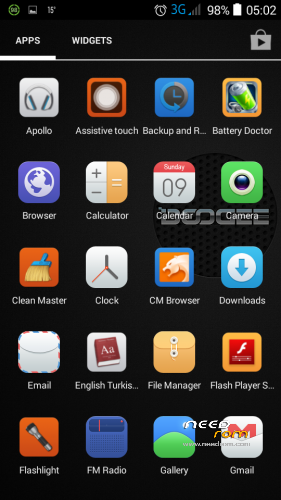
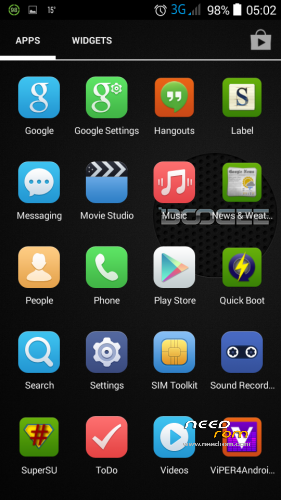
gapps included – rooted
Multilanguage…
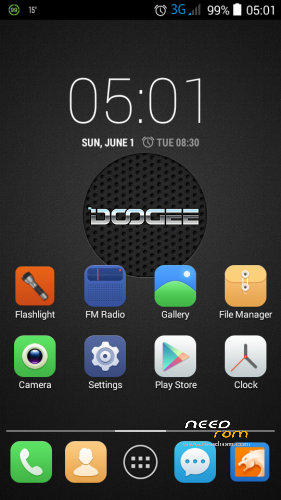
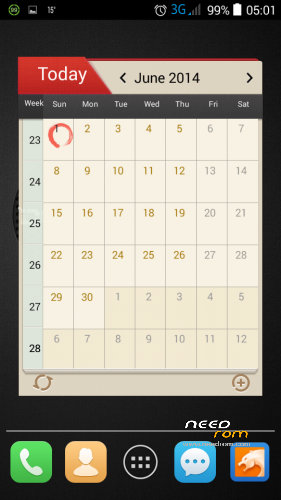
Torch added, Music Player replaced, fmradio replaced, calendar replaced vs…
※Please make a backup of your device before installing or updating ROM
Somehow me wrong dg800 to connect a USB drive to the OTG cable, you do not know how to access a procedure usb data for the phone?
Thanks for the advice
How long is the durability of the battery with this rom? In hours i mean
with the init.d also work Viper Audio? Because in your rom ViperAudio report a error in installing driver. This in the same problem of a rooted stock rom.
Thank you for the work.