
- Title: DND 2.1
- Listed: July, 2017
- Last modified: 07/23/2017 1:23 pm
- Version: 2.1
You must be logged for ROM download.
11641 total views, 2 today
1 Total favorites
CUSTOM



 Member Info
DESCRIPTION
Changelog:
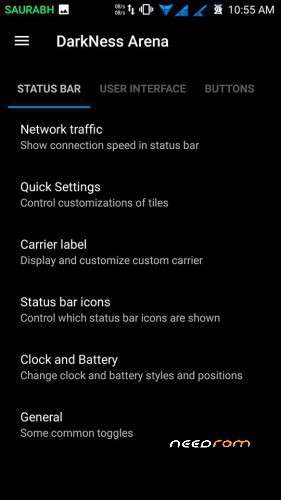
Network Traffic
Quick Settings
Bluetooth Device Battery Status
Statusbar Icon
Clock and Battery Adjustment
Brightness Control
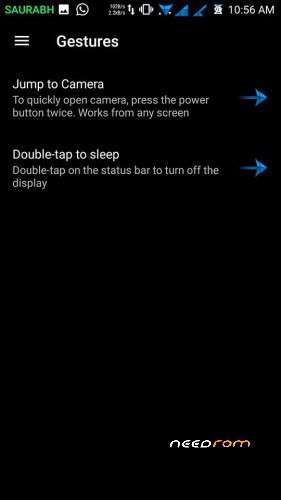
Double-Tap to Sleep
Animations
Force Expanded Notification
Disable Immersive Mode Message
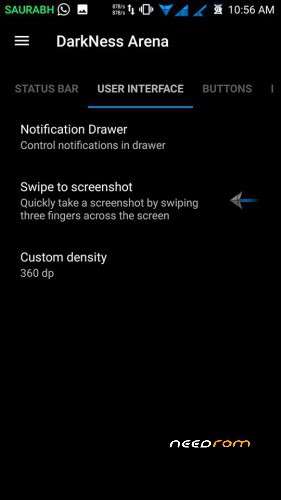
Three Finger Screenshot
Fingerprint authentication
Hide Apps from Recent Panel
Hardware Key Configuration
-Backlight Control
-Key Custom Actions
Power Menu Configuration
Navigation Bar Configuration
-Enable/Disable Navigation Bar
-Fling
-Height and width of Nav Bar Control
-Pulse
Volume Steps
Screenshot Sound
Media Cover Art
Superuser Indicator
Launch Music Player when Headset Connected
Snapdragon Camera
Snapdragon Gallery
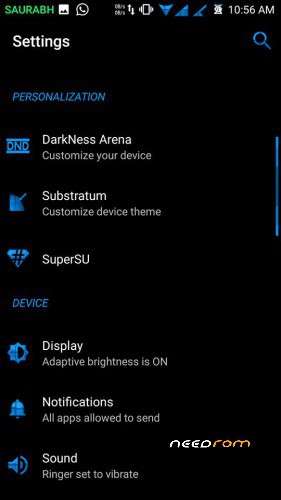
OMS
Quick Settings
Bluetooth Device Battery Status
Statusbar Icon
Clock and Battery Adjustment
Brightness Control
Double-Tap to Sleep
Animations
Force Expanded Notification
Disable Immersive Mode Message
Three Finger Screenshot
Fingerprint authentication
Hide Apps from Recent Panel
Hardware Key Configuration
-Backlight Control
-Key Custom Actions
Power Menu Configuration
Navigation Bar Configuration
-Enable/Disable Navigation Bar
-Fling
-Height and width of Nav Bar Control
-Pulse
Volume Steps
Screenshot Sound
Media Cover Art
Superuser Indicator
Launch Music Player when Headset Connected
Snapdragon Camera
Snapdragon Gallery
OMS
Install Instructions:
1. Boot into recovery mode TWRP Recommended.
2. Now select wipe – Advance wipe, dalvik cache, system, cache, data.
3. Select install & select downloaded zip file.
4. Reboot
※Please make a backup of your device before installing or updating ROM
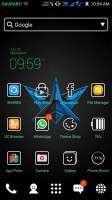
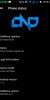
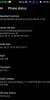
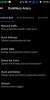
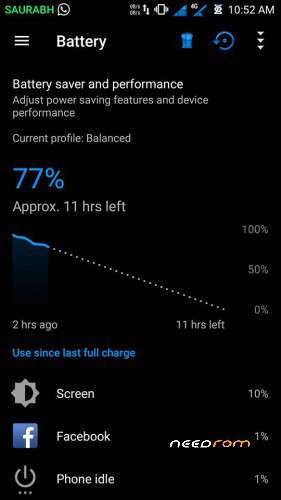
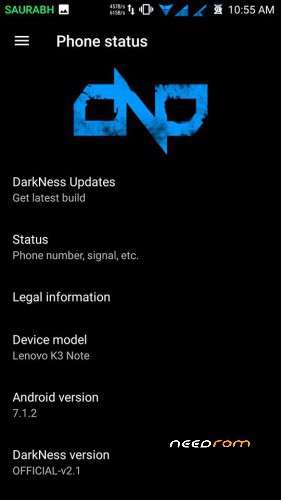
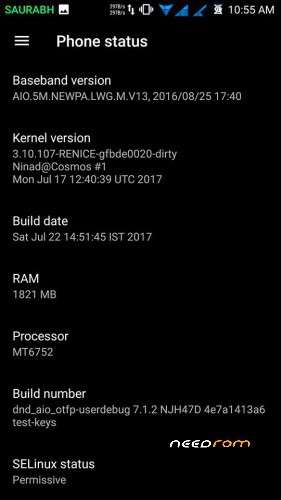
Please provide some screenshots
Yaa.. please
is hotspot bug has fixed?
Application s force close?
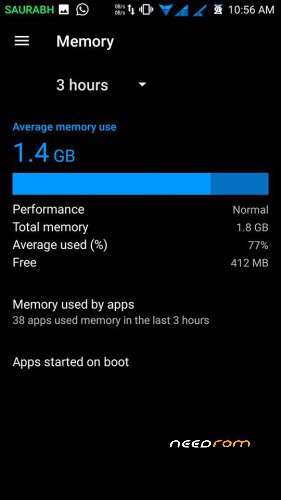
Memory management?
Are these issues fixed yet?
Multilanguage? Dutch?
hi bro how to change themes not showing themes options
It’s perfect rom using for last 3-4 days didn’t found any bug
Only one thing some time apps goes autoclose nd that’s not any bigprblm
https://www.youtube.com/watch?.....eature=youtu.be
WATCH THIS VIDEO FOR DND.2.1 HOW IS INTERFACE ALSO SUBSCRIBE MY CHANNEL THANK YOU!
Developer Options blocked for 'Owner' user as well as not possible to access the 'User' option – Pitty!
you can use dev tools for play store to access developer options