
0
- Title: Dolby Atmos
- Listed: July, 2016
- Last modified: 07/09/2016 2:50 pm
- Version: 4.2.2 and above
You must be logged for ROM download.
11653 total views, 1 today
2 Total favorites
OFFICIAL
 Member Info
DESCRIPTION
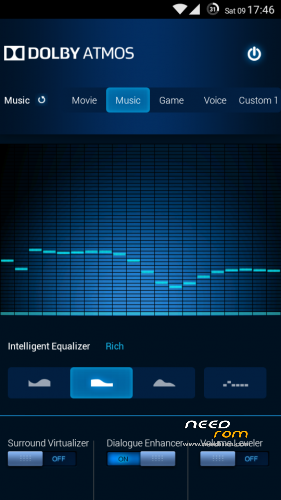
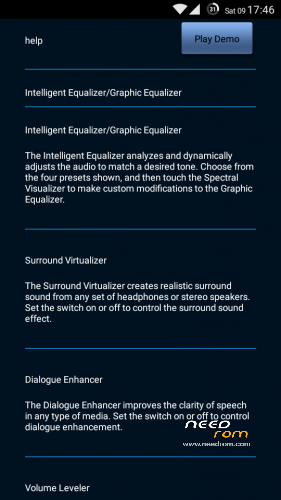
Dolby Atmos for all devices with Android version 4.2.2 and above
1.Flash a custom recovery (CWM/TWRP/Philz).
2.Boot into recovery and flash dol_atm.zip.
3.Reboot device.
Alternate Method:
1.Flash a custom recovery (CWM/TWRP/Philz).
2.Install Flashify from Play Store.
3.Open Flashify and flash dol_atm.zip
Device will now boot into recovery, install zip and reboot.
Dolby Atmos should be now installed on your device.
※Please make a backup of your device before installing or updating ROM