
- Title: Doogee DG300 for P9
- Listed: February, 2014
- Last modified: 02/08/2014 8:26 pm
- Version: Android 4.2.2
You must be logged for ROM download.
20464 total views, 1 today




 Member Info
DESCRIPTION
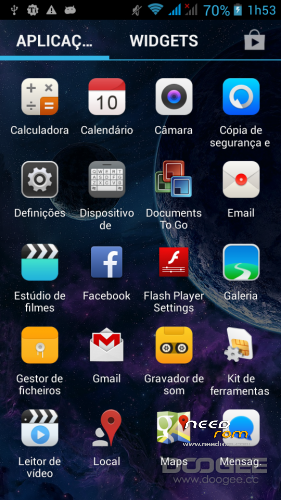
Here I present you my ported rom from Doogee Voyager 300 to Cubot P9.
Boot image is from P9.
It's just a normal port without any modifications. Supersuser added.
Install recovery first
1- Download to your hdd;
2- Rename the file to recovery.img and use Flash tools selecting scatter file and select only recovery, search the location of recovery.img previously downloaded and after hit download on flashtools (remember: phone must be power off before hit download)
Rom install
1- Put your downloaded zip on sdcard of phone.
2- Enter recovery wipe factory reset, after, touch update from zip, select the file and after wait to finish
3- Reboot phone
※Please make a backup of your device before installing or updating ROM
wi fi doesn't work
On mine works ok.
Where is scatter file to flash cwm?
you dont need root and cwm . Just copy zip to SD card . Press power + volume up . When you see bios , just wipe data factory and wipe …. and just press instal from sd card . Thin smartphone is ready to flash from sd card . This s,artphone is already prepared to flash by manufactured . . I never rooted this mobil . I just bought brand new and nothing has changed .
https://www.youtube.com/watch?.....v=SoGgoJj1y6……. help me please…. after updade my mobile phone stay that… help help help…… is doogee 300
it worked? because I have the same problem. LG
????????
?????
???
?