
- Title: UPDATED!!! DOOGEE-X5-Android5.1-V17-FlickAir-MOD
- Listed: January, 2016
- Last modified: 01/05/2016 8:04 pm
- Version: ROM Android 5.1
You must be logged for ROM download.
21080 total views, 2 today
8 Total favorites
 Member Info
DESCRIPTION
Update ROM Mobile Doogee X5 – ROM Android 5.1 - for TWRP recovery
You can install with TWRP recovery.
Rooted, deodexed, multilang, smooth & fast.
Everything what need – nothing what unnecessary!
Be patient! The first boot will take long time, approximately 5-10 minutes!
I attached my favorite patches (MiraVision, Dolby Audio Processor) installable also with TWRP recovery.
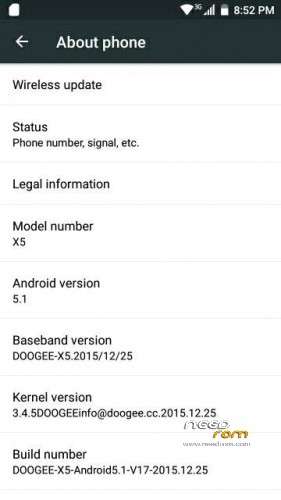
ROM Mobile Doogee X5 – ROM Android 5.1
Modified Official ROM Doogee X5 version: DOOGEE-X5-Android5.1-V17-2015.12.25 – g931bm-dg-a37-wg-hd-64g8g – full_hct6580_weg_a_l-user 5.1 LMY47I
Rooted
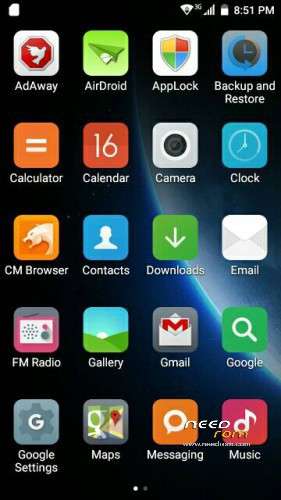
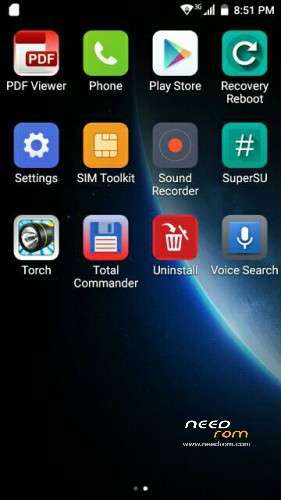
Full Gapps included (PlayStore, Gmail, Maps, ect.)
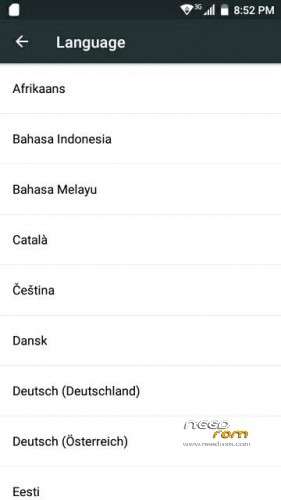
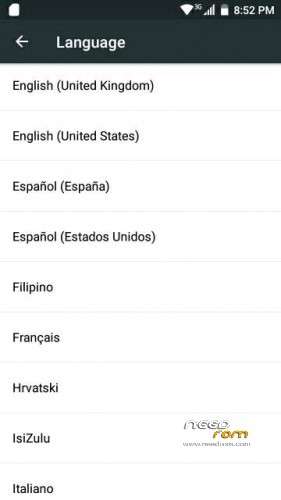
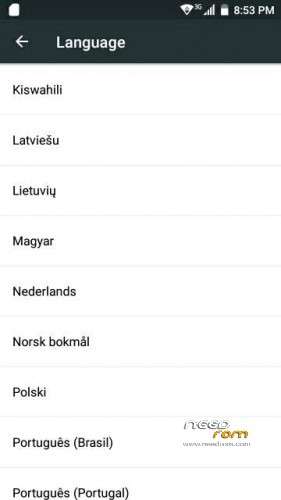
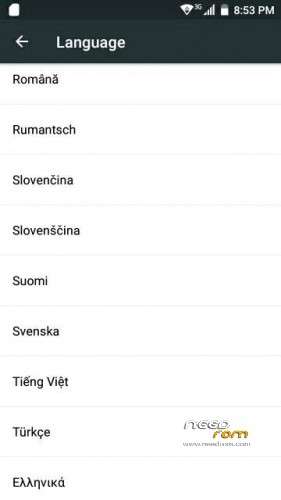
Language support: Multilang
The launcher changed to MiLauncher
Added APKs: AdAway, CM Browser, PDF Viewer, Recovery reboot, Total commander, Uninstall
Install ROM:
Install with SP_Flash_Tool:
1). Turn off the smartphone. Cable is not connected to the computer.
2). Remove the battery
3). Connect your phone to a computer cable. The operating system detects a new device
4). Disconnect the cable from the computer.
5). Run flash_tool.exe
6). Click Scatter File and select the MT6580_Android_scatter.txt file (it's in the folder with the rom).
7). Click "Download only".
8). Connect your phone to a computer cable. The program should see and blink.
9). When finished, insert the battery and turn on.
10). Enjoy!
Be patient! The first boot will take long time, approximately 5-10 minutes!
※Please make a backup of your device before installing or updating ROM
Firstly, thanx for ur effort on this- i'm using this mod for a while now. Now i wonder how to install the Update..which version of twrp should i use and how can i install it..i didn't see a version for doogee phones. Sorry i'm new into rooting stuff as u can probably see (:
Hi, thanks for this nice ROM!
I was hoping, the updated v17 version would solve my USB OTG problem. According to OTG checker app, the "device OS has USB OTG API", but OTG signal cannot be found. When I insert the OTG adaptor, ringtone settings pop up, but nothing more happens. No connection to usb stick or usb camera possible.
can You help?
Cheers
Jas
The hardware on X5 doesn’t support OTG the pin for OTG is used for “Usb headphones”
How can i install TWRP recovery to my Doogee X5??? Not pro…
Help,my Doogee x5 after flashing this rom is ded, no doogee logo ,screen is black .I flashed original rom do the same result-what should I
Please.I tried test with SPFT with memory test result is ERROR: Nand flash is not detected .Can I solve this problem-alone or do I need service?
how can i anstal the root ?? i need it cause i dont have an imei and i cant call