
- Title: Doogee X6 Custom
- Listed: January, 2017
- Last modified: 01/05/2017 3:55 am
- Version: V6
You must be logged for ROM download.
11238 total views, 1 today
4 Total favorites
 Member Info
DESCRIPTION
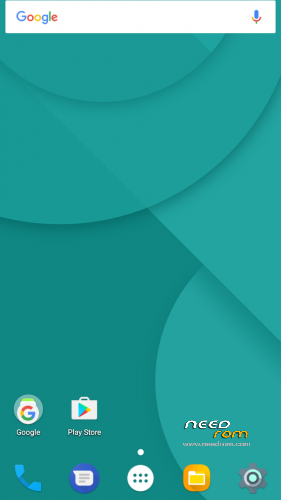
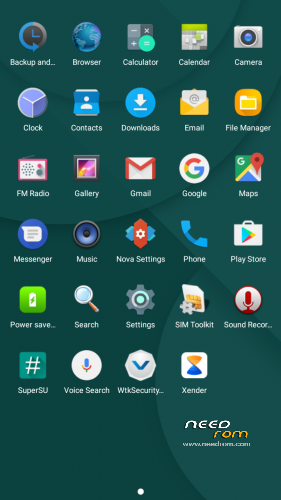
Custom Doogee X6 With Nova. Bloat Removed;-)
Twrp Backup Version:
Unpack Downloaded Archive. Please put the Folder into your TWRP backups Folder. IE:-TWRP/BACKUPS/??/Twrp Backup Version Then Restore Via Twrp.
How To Root: Install Universal SuperSU V2.79 Once finished restoring.
Zip Version: Install Via Twrp.
Unpack Downloaded Archive, Put zip file on to Sd or Internal Drive. Please Wipe "Dalvik Cache"-"Cache" and "Data", Before Install. Universal SuperSU v2.79 Root Included.
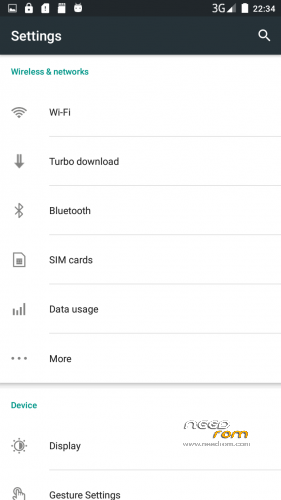
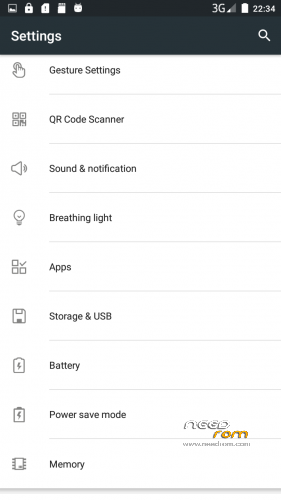
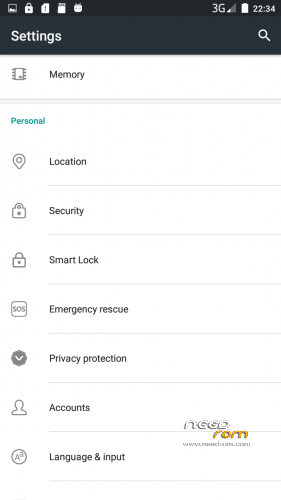
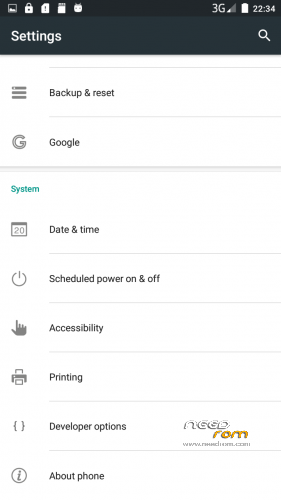
I have Included a Optional Nova Backup for you to use (2017-01-01_MarshMod). Put onto Sd or Internal drive. When Nova starts, select Browse File and restore. OS will Look as Pics Listed Above.
Regards Paxster;-)
Please note: When Installed, Doogee Will reboot once, due to SuperSU. This Is Normal.
※Please make a backup of your device before installing or updating ROM
work in dual sim? i had problem with the sms apk, not recognized the sims