
- Title: Download Samsung SM-J320G Stock Firmware
- Listed: February, 2019
- Last modified: 02/24/2019 7:18 pm
- Version: Android Version: 5.1.1
You must be logged for ROM download.
7313 total views, 1 today
 Member Info
DESCRIPTION
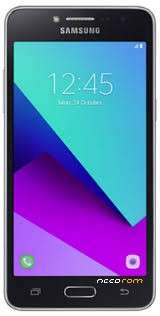
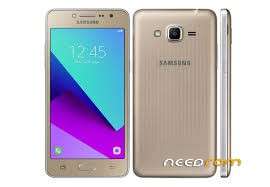
Download Samsung SM-J320G Stock Firmware (flash file)
File Name: J320GXXS0AQL1_J320GOLB0AQL1_XME.zip
Country: Malaysia
File Size: 1 GB
Android Version: 5.1.1
File Name: J320GXXS0AQL1_J320GOLB0AQL1_XSP.zip
Country: Singapore
File Size: 1 GB
Android Version: 5.1.1
File Name: J320GXXS0AQL1_J320GOLB0AQL1_XXV.zip
Country: Vietnam
File Size: 1 GB
Android Version: 5.1.1
How to Flash: Follow Tutorial
Firmware Link: Click Here to Start Download
File Name: J320GXXS0AQL2_J320GOLE0AQL2_XID.zip
Country: Indonesia
File Size: 956 MB
Android Version: 5.1.1
How to Flash
Step 1: Download and extract the Samsung SM-J320G stock firmware package on your computer.
Step 2: After extracting the package, you will be able to get the Firmware File, Flash Tool, Driver and How-to Flash Guide.
Step 3: Install the provided USB Driver on your Computer, and if in case USB Driver is already installed, SKIP this step).
Step 4: Follow the How-to Flash Manual to Flash the Firmware on your Samsung SM-J320G Device.
Follow Detailed Guidelines
Readme Once:
[*] Take a Backup: If you are going to flash the above Firmware on your Samsung SM-J320G device, then take a backup of everything as because your personal data will be deleted after flashing the stock firmware.
[*] The firmware shared on this page is officially released by the company and helps you to recovery your device if you ever got bootloop, software error, update error, hanging and dead issue.
※Please make a backup of your device before installing or updating ROM