
- Title: DROM v1 G4S 2/16 SD
- Listed: July, 2014
- Last modified: 07/05/2014 2:14 pm
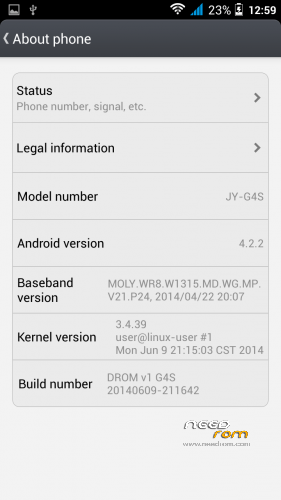
- Version: G4S-20140609
You must be logged for ROM download.
21063 total views, 1 today
 Member Info
DESCRIPTION
MADE FROM Official JIAYU ROM for G4S WCDMA : G4S 20140609-211642 + MutROM v1
Updated gps.conf (for Europe)
Updated hosts (Ad blocking from BORX ROM)
Updated boot animation and logo
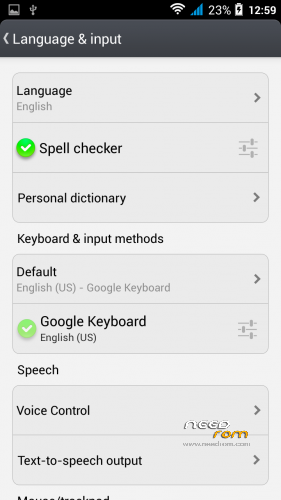
Default language – English
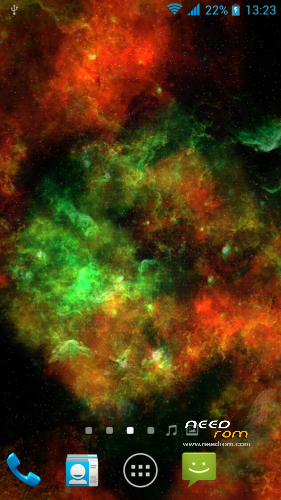
- Installed user apps AdAway, MobileUncle Tools, Powerbubble, Root Browser, Youtube, GPS Test, MT EPO GPS Fix, Adobe Flash Player, Lucky Patcher, Firefox, Busybox, Viper4Android, sweet live wallpaper (use gyro) Deep Galaxies HD (You can simply add or remove these apps in data/app in zip file)
From another ROM :
- Updated all apks (from MutROM)
- Uninstalled all Chinese apks (from MutROM + 2 trojans and Sogou Input removed)
- Installed European Google Keyboard (from MutROM)
Install ROM :
- copy zip file to emmc
- use TWRP or CWM – not needed to clear data and cache – this will be done during Install
- Install zip file, on the Screen is installation progress
- Done, you can reboot
After Install ROM :
- change Theme to system
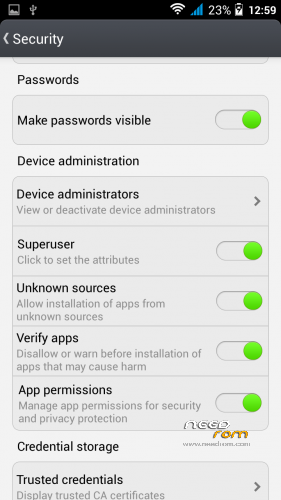
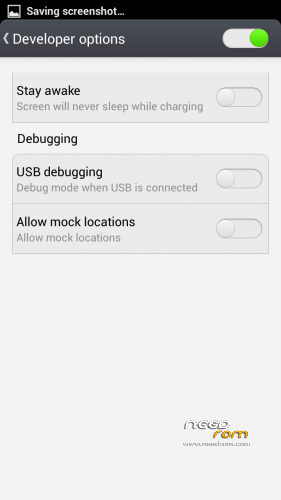
- go to Settings->Security and enable Superuser and App permissions, in Developer options disable USB Debugging
- connect to wifi (or 3g) and start MT GPS from menu, click Download EPO files and allow root acces – thats speedup GPS fix (i got in a car in 2 minutes 6satelites in use, accuracy 3m)
- Start AdAway (allow root) and click download files and apply ad blocking, then reboot
- start BusyBox (allow root) and click Install
- start Viper4Android, install driver (allow root) and reboot
- setup V4A – Phone Speaker (Master Power Enable, Speaker Optimization Enable), Headset (Master Power Enable, VHS+ ViPER Bass, Clarity, Curetech+ too enable)
- start Mobile Uncle Tools (allow root) and place you phone to flat surface (Check the flat surface with normal spirit level!!). go to Engineer Mode-> MTK -> Hardware testing -> Sensor -> Sensor calibration – here calibrate Gsensor and Gyroscope (click Do calibration (20%) – two times after a few time)
- change wallpaper to sweet live Deep Galaxies 
※Please make a backup of your device before installing or updating ROM
Is AdAway needed using a good hosts file???
I've just a custom hosts file and I have no ads at all.
you can download new hosts from time to time…
BTW, on my G4S I removed all the chinese apps.
But after removing Sogou Input Method, if I try to call my G4S from another phone I just get a free ringtone, then it turns to busy ringtone on the caller phone.
Can you test if it's doing the same for you?
If I’m not wrong also the brush to clean memory goes away.
Did you choose a tone, or you left it as it was after installation? By me working normally. The song is repeated when someone calls.
In this rom is brush to clean memory
you can add your favorite apps or remove apps from me… i add files via total commander
Thanks for your replies.
Sorry, I mean the tone heard on the caller phone, not the G4S ringtone.
I hope it's more clean now.
Hi,
do I have to format when starting from a 4.2.2 rom? Or can I just directly install from SD Card with CWM 5 (this one that is not for kitkat)?
just install via twrp…