
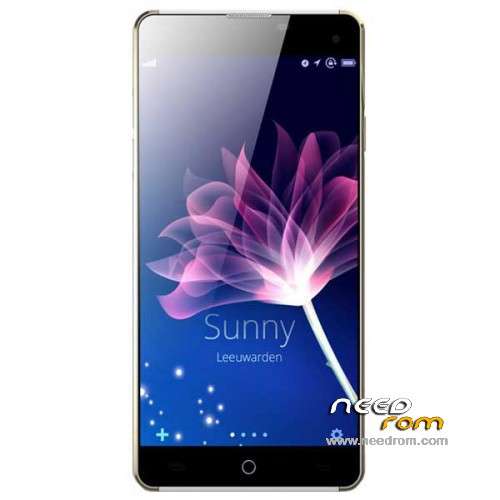
- Title: Elephone G7
- Listed: January, 2015
- Last modified: 02/05/2015 3:15 pm
- Version: 4.4.2 ROOTED
You must be logged for ROM download.
21568 total views, 2 today
2 Total favorites
 Member Info
DESCRIPTION
Elephone G7 – MT6592M
—————————————————————————————————————————————————-
8075-01B_JF_G7_HD_V011_20150127_1240_s7yler.zip = Stock G7 ROM solved APN selecting issue.
And added some languages, Poland, Denmark, Zulu, Swahili, Dutch, Norwegian, Romansch, Slovenia, Finland, Sweden, Hebrew, Estonia.
—————————————————————————————————————————————————-
Elephone-G7_150106-s7yler.zip = Stock G7 ROM = Stock G7 ROM rooted from 6 Jan 2015
—————————————————————————————————————————————————-
- Stock ROM, but rooted (just install SuperSU)
- 4.4.2 KitKat
- Play Store
Hardware : MT6592
Model : Elephone G7
Build number : ALPS.KK1.MP1.V2.11
Build date UTC : 20150106-110512
Android v : 4.4.2
Baseband v: MOLY.WR8.W1315.MD.WG.MP.V35, 2014/12/02 14:41
Kernel v : 3.4.67 (xiaolei@te-desktop) (gcc version 4.7 (GCC) ) #1 SMP Tue Jan 6 18:59:33 CST 2015
by s7yler
More techvideos on https://www.youtube.com/s7yler
More techinfo on http://s7yler.blogspot.com
If you flash this on a wrong phone you do it at your own risk!
I take no responsibilty for anything!
Untick preloader i SP Flash Tool before you flash, I recommend not to flash the preloader.
Install ROM with SP Flash Tool:
- Be sure you also have correct drivers installed, install http://pdanet.co/a/ and VCOM http://goo.gl/aeFWr3
(for Windows 7, if your in Windows 8 you need to manually install the mt6592 vcom drivers! More info here http://thebroodle.com/android/install-mediatek-mt65xx-usb-vcom-drivers-windows-8-8-1/ or http://thetechnolyte.blogspot.de/2014/04/installing-vcom-drivers-in-windows-81.html)
- Please use SP Flash Tool V5.13.52 or newer - as older versions can crash! and give you problems!
- Start the SP Flash Tool
- Unzip ROM, select the Scatter.txt in ROM
- Wait file to be added into Flash Tool
- Untick Preloader (DON'T flash the Preloader!)
- Turn off your phone
- Press F9 (hit "Download" button in SP Flash Tool)
- Then connect your phone with no battery to your PC via USB cable
- The process will start and a red progress bar will appear (now insert fast the battery again!) after color purple, yellow.
- And green circles display
- Finish !
- You can now safely disconnect your phone. Done!
※Please make a backup of your device before installing or updating ROM
merci
Good morning, you can install this rom whith recovery, or only whith the flash tool?
Thanks!!
Well i downloaded the ROM also Flash Tools and the driver for Win8. I run the Flash Tool selected Scatter file text unchecked Preloader etc. I took the battery out of the phone the SIM and the SD card as well. After connected to PC via USB cable. But , nothing happens the PC everytime installing the driver after pc recognising forgetting the phone , beeping finding – losing. Anyone any idea about the issue ?
try with a different usb cable
İs 3g connection problem fix?
ok
please help !!!
If you've bricked your phone, then search Mtk META mode on Google. It saved me.
Hi guys , I tried installing an update for my phone (Elephone G7) and the phone crashed . Now my phone is not booting to Andriod.
Please help ,this is very frustrating and I dont know what to do. I think I need to flash my phone , but how do I enable USB debugging option if my phone doesn't go to andriod?