
- Title: EMUI V3.0 ROM FOR MICROMAX FIRE2
- Listed: February, 2015
- Last modified: 02/21/2015 10:46 pm
- Version: EMUI V3.0 { 4.4.2}
You must be logged for ROM download.
17482 total views, 3 today
2 Total favorites


 Member Info
DESCRIPTION
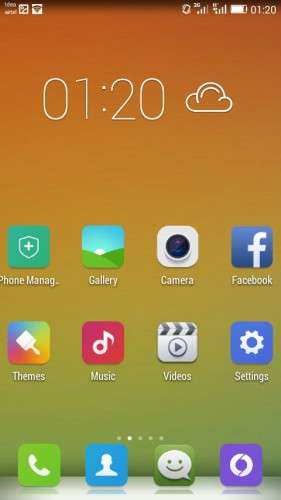
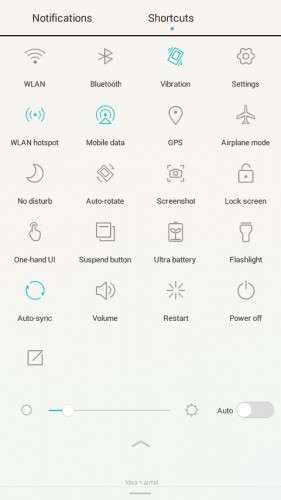
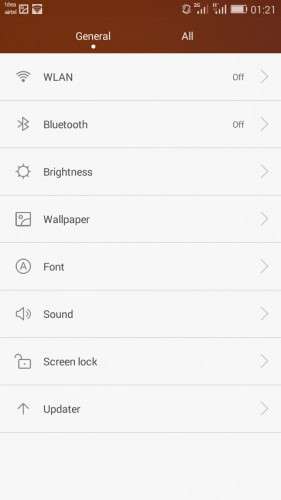
EmotionUI 3.0
5MP Back Camera
1.2MP Front Camera
DTS Built In Sound Enhancer
Themes Support
{7 Themes preinstalled}
3G Switch
HomeScreen Style (Standard and Simple)
Color Temperature Option (Warm & Cold)
Power Saving Option
Perfect Storage Usability and Info
Nice Clock Weather Widget
Superb Sound
Beautiful Music Player
Google Keyboard with Themes
And MORE…
HOW TO FLASH?
1. Download ROM Zip and save in the SD Card
2. Go to custom recovery (TWRP/PhilZ Touch)
3. Wipe Data/Factory Reset
4. Wipe Cache Partition
5. Advanced/wipe dalvik cache
6. Mounts and storage/format system
7. Install Zip from SD Card
8. Choose Rom Zip to install
9. Wait until installation is done
10. And finally you have EMUI3.0 in your phone
DISCLAIMER: I'm not held liable for whatever happens in your phone. FLASH AT YOUR OWN RISK!
※Please make a backup of your device before installing or updating ROM
hi, you can boot.img to a new version/audit a104 (v 8.1.3)? please. and then touch inadequate((
How to remove pink colour on camera…..please help otherwise rom is awesome……….
i have done all the thing u told but my phone didnt boot up after installation
outstanding and very smooth rom
we can't use without touch fix, Please fix touch