
- Title: Eton p1 for micromax juice (mt6572)
- Listed: June, 2015
- Last modified: 06/23/2015 2:40 pm
- Version: 4.2.2
You must be logged for ROM download.
13273 total views, 1 today





 Member Info
DESCRIPTION
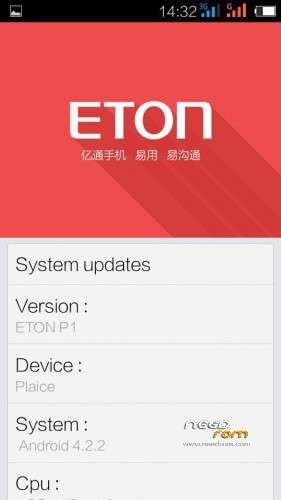
ETON P1 FOR MICROMAX CANVAS JUICE A177/A77
( MTK6572 )
*Stock eton p1 firmware based
*Good ram management
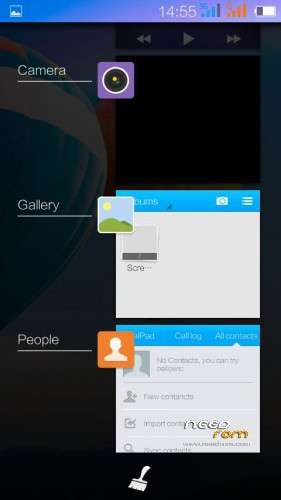
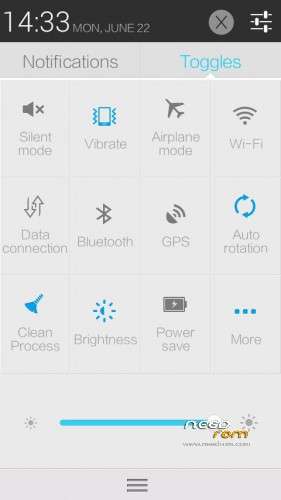
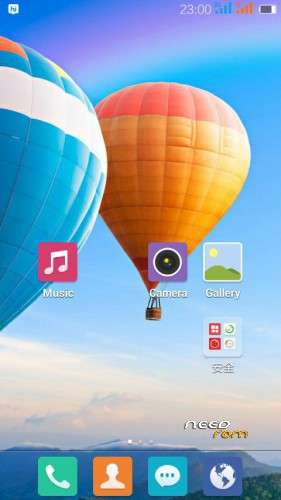
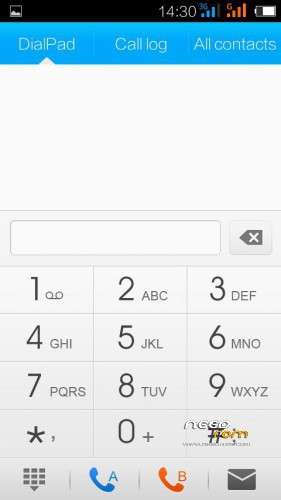
*New user interface
*Miui like icons
*Smooth like lewa
*looks beautiful
*easy to use
*etc…..etc…use nd watch
For changing Language:
When phone boots up …..go to settings (swipe down
notification bar)….click on the third option (from
setting)…then click on first option there u can change
language to ENGLISH
PORTED BY :-
Abhay Shah and Sadaf Siddiqui
======== AlsoThanks to- – Sudhansu Sekhar Satpathy AND
Deep Mitra ———
STEPS TO INSTALL :-
FOR A177 STEPS ARE GIVEN BELOW AND ALSO FOR A77
SAME STEPS JUST CHANGE boot.img
1) WIPE DATA/FACTORY RESET
2) WIPE SYSTEM
3) WIPE CACHE
4) WIPE DALVIK CACHE 5) Flash zip 6) Flash patch
Make backup before flashing rom..
※Please make a backup of your device before installing or updating ROM