
- Title: EVERCOSS A7S ANDROID 4.3
- Listed: November, 2013
- Last modified: 11/30/2013 6:12 pm
- Version: 4.3
You must be logged for ROM download.
31406 total views, 1 today
2 Total favorites

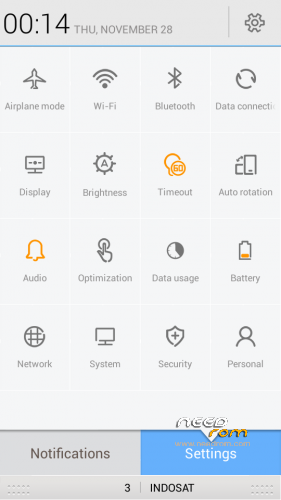
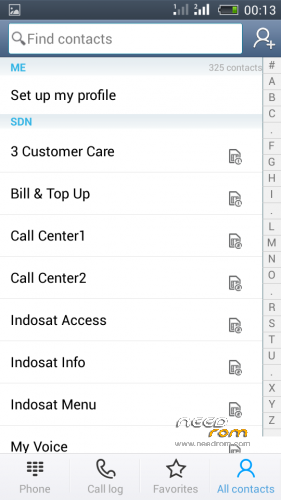
 Member Info
DESCRIPTION
Gapps NO – Rooted
Language support: EN/CN
Install ROM :
CWM
1) Download the custom ROM copied to an external SD card root directory
2) Download the recovery.img ( put in your SD card )
3) Start MobileUncle Tools ( Download on Goolge play )
4) Select Update Recovery ( choose recovery.img )
5) Mobile reboot in CWM and follow the instructions( if recovery is in chinese look tutorial "CWM for MTK Platform" )
Into the recovery:
– Wipe Data / Factory Reset -> delete all user data
– Wipe Cache Partition -> Wipe cache
- Return to recovery main interface Install zip from sdcard -> choose zip from sdcard -> Select your ROM
- Brush complete, restart the phone Patience required – first boot takes a while
※Please make a backup of your device before installing or updating ROM
this is MT6572 ? ? ?
Is there anyone try this ROM for daily use?
yes for mtk6572, overall good, but for everyday use little heavy ..
what kind the type of ths rom ? have ya test it n is that work smoothly ??
need gapps file for this rom, where i can download thx
can install to mt6577?
FM Radio doesn't work, check with MobileUncle there's no FM reciever .. want copy file lib from MIUI but doesn't know what file to copy, anyone can't fix it ?
play store not installed, and it can't instal.
Can instal to mt6577?
terimakasih gan