
- Title: PUREAOSP v1.1
- Listed: September, 2014
- Last modified: 09/09/2014 4:35 pm
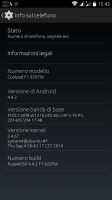
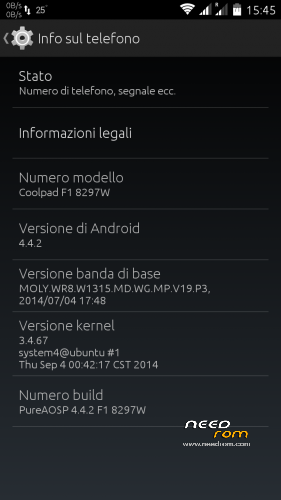
- Version: KitKat 4.4.2
You must be logged for ROM download.
29931 total views, 9 today
2 Total favorites
CUSTOM
 Member Info
DESCRIPTION
THIS ROM IS THE RESULT OF MULTIPLE TESTS, ENHANCEMENTS, VERY HARD WORK
============================================================================
If you like my work, feel free to make a little PAYPAL donation, also 1$ is appreciated! You’ll help me to develop new Roms for new Cool phones! Thank you very much!
============================================================================
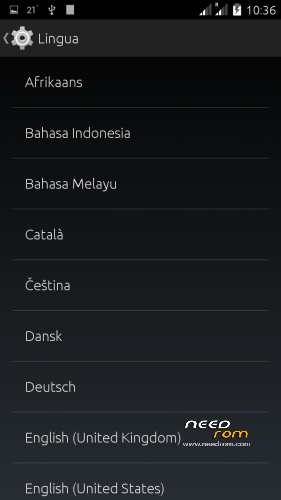
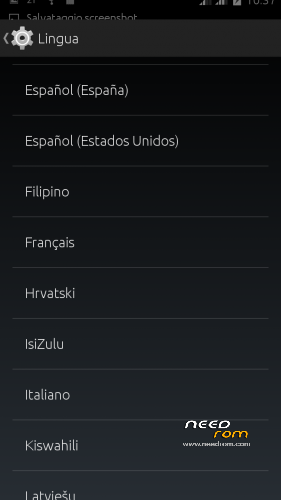
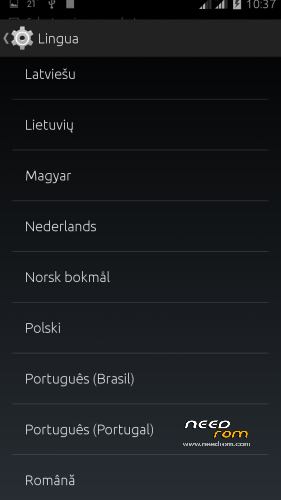
Based on KitKat 4.4.2 – MULTILANGUAGE
v 1.1 Changelog:
1. Low volume bug fixed
2. Battery charging animation when switched off fixed
3. MtkTweak traduced (english/italian)
4. Changed Bootlogo
5. Sony Walkman updated to stable KK 4.4 version
6. Removed unnecessary system and data apps making a “CLEAN” version
7. Downgrade Wcdma Baseband to 03/14 (more stable)
v1.0 Changelog:
1.Full deodex;
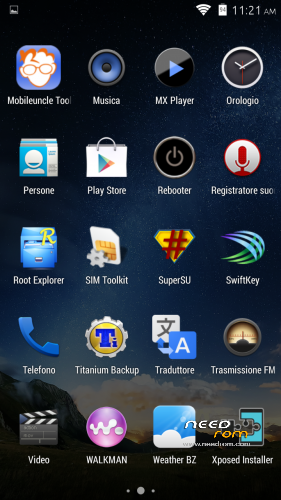
2. Root (Supersu);
3. Zipalign;
4. Support init.d;
5. Baseband WCDMA 900 MHz;
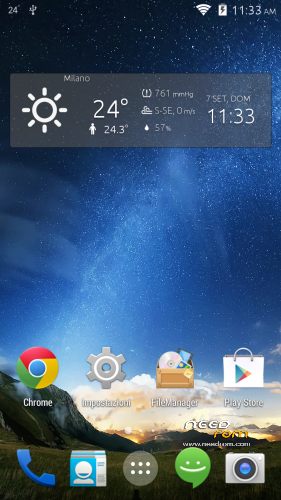
6. AOSP Theme;
7. MTK Tweaker;
8. Sony Walkman;
9. Viper4AndroidFX;
10. Xposed framework (to be activated);
11. Gravitybox KK (to be activated);
12. Scripts and tweaks optimization;
13. Various APKs integrated (discover it);
********************************************************************************************************************************************************
STORAGE MEMORIES IS OK, YOU CAN CHOOSE BY DEFAULT TO INSTALL APK IN INTERNAL MEMORY OR SD CARD 
*********************************************************************************************************************************************************
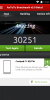
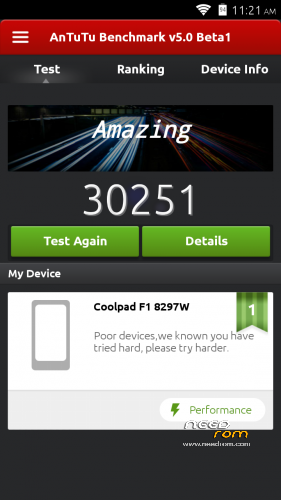
VERY FAST, SMOOTH AND STABLE. Antutu Score 30251.
Known Bugs:
1) Wrong battery charging animation when phone switched off, but phone regularly charge to 100%
2) Wrong 3g/g Indicator in status bar [you can disable them in GravityBox ]
INSTALL PUREAOSP ROM
Download the custom ROM FILE.ZIP and copy to an external SD card root directory
ENTER TWRP RECOVERY :
Power off the phone, then do the following:
– Power button + volume button up, to enter the recovery mode.
– Power button + volume button up, to enter the recovery mode.
IN TWRP perform a full WIPE –> WIPE–> ADVANCED WIPE–> SELECT
– Dalvik Cache
– Cache
– Factory Reset
– Cache
– Factory Reset
Return to recovery main interface and Install zip from sdcard:
- Select your ROM FILE.ZIP –> It will launch my installation procedure
- At the end Reboot System – Patience required – first boot takes a while
All done, Enjoy your new PURE AOSP ROM!!
============================================================ ATTENTION!!! ============================================================
I invite everyone to make a backup. Only if you have done the backup and you are able to restore the device then you can write me relatively few bugs in the rom or any other problem.
So ATTENTION! … You did not do a Nandroid backup? … You are not able to restore the device? … Well, do not write to me, because I will not answer to you!!
============================================================ ATTENTION!!! ============================================================
※Please make a backup of your device before installing or updating ROM
Hello, thanks for you works. I'm just tested the version 1.0 and i'm very impressed. I'm waiting your version 1.1. For me, walkman is stoped and not working, this is a bug or just for me, why? Thanks.
it is a bug. If you read his comment two posts above yours, you'll see he announced the fix of this issue (and some other things) for the next version he's going to upload this evening (or maybe tomorrow)
Thanks for your answer. And now i'm waiting his next version. When?
read my post again
@baldos81
Put if you can please and the Bravia Engine is nice and have more saturated colors.
Guys, I’m upping … 1.1 works like a charme.
In the next update, v2 I’ll update bravia engine and wait for other suggestions.
If you like my work, also a little donation is appreciated.
Thank you
Thanks Baldos81
excellent version, my problems: cant add widget in lockscreen, cant sync google calendar and mobileuncletools failed to restart in recovery update
i can't calibrate proximity sensor, does it work?
OK, my mistake, sensor works.
ANTUTU 17165
I’m so tengkyu if youre gave a single patch only for v1.0 cz my bandwitch has been limit.. LOL
Aelin there is rebooter to restart in recovery. For problems of synchronization, let me verify, I have no problems for this.
perfect, waiting for newer version and thanks for your work!
can we flash also with cwm or twrp only ?