|
Use ROM at your own risk!
Install:
Install with CWM.
If you have the original rom, I suggest to use MiRo's (thanks) great temporary CWM (download).
You can install this from original recovery, after this you get a temporary CWM.
Before installing a ROM always perform the next steps:
-
Make full factory reset
-
Wipe cahce
-
Wipe Dalvik cache
After install:
First start-up after installing the ROM takes a very very long time.
To optimize the ROM for a smoother, lag-free system make the next changes:
-
Go to
system setting -> deleoper settings ->
–> transition animation to 0.5x
–> Window animation scale change to 0.5x
–> Enable GPU rendering
–> disable "rounded cornres"
-
Sound ->
–> Disable touch
–> Lock Sound and Vibrate
I experienced in this configuration:
-
The rom smoother
-
Sensitivity of touch is better.
Weather BZ setting –> MIUI ROM's–> enable widgets support & V5 options
(Thanks to BurgerZ for a great work!)
Changelog
2013.11.09 First change:
-
Remove all chinese app
-
Replace Baidu input keyboard to Multiling keyboard
-
Add Hungarian, German, Czech, Italian, Spanish, Polish, French, Russian languages
(thank you for a translator and BurgerZ!)
-
Change Chinese Superuser to latest Super SU
-
Add minimal Gapps with latest PlayStore, Gmail , News
-
Add latest QuickSearchBox, work with system browser (use for search Google engine)
-
Add as non-system app : Youtube Mod, LocaleSwitch , Flashplayer
-
Add weather (non-system) app: Weather BZ working with Lockscreen with Weather & Clock widget
-
Set default language and locale Englsih , you can change language with LocaleSwitch.
(I didnt find a working solution, add the new languages to settings …  ) )
-
Replace original Fileexplorer to FileExplorer mod (with root function)
-
Replace original lockscreen to Lockscreen xiMix mod (with Weather & Clock widget) Thanks for a great work !!!
-
Replace bootanimation to colorfull Google animation
-
Replace gps and apn conf
-
And some little things
|
|



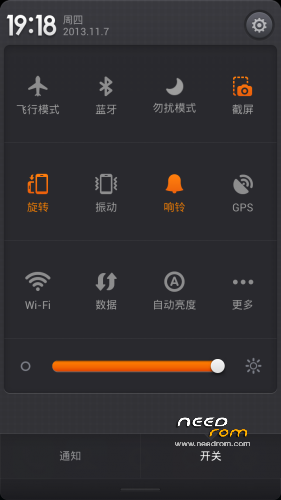
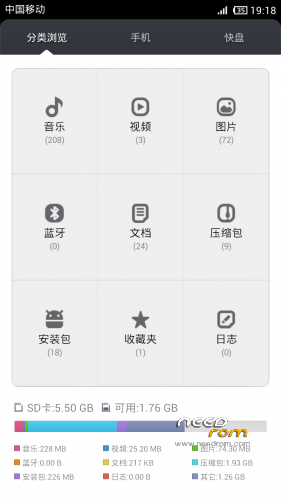
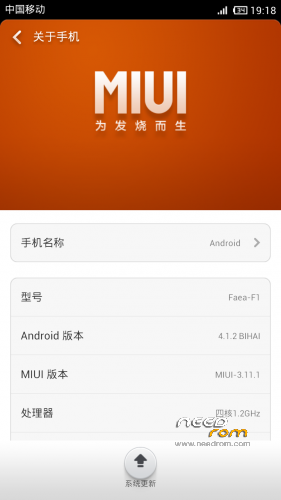
 Member Info

q