
- Title: FAEA F2 MIUI
- Listed: July, 2013
- Last modified: 03/03/2014 6:25 pm
- Version: ROM Android 4.2.1 MIUI
You must be logged for ROM download.
24675 total views, 1 today



 Member Info
DESCRIPTION
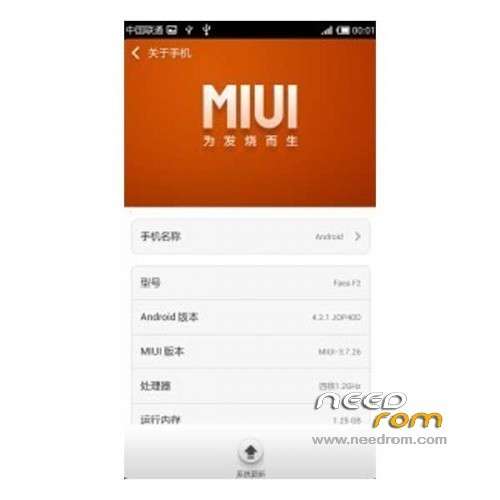
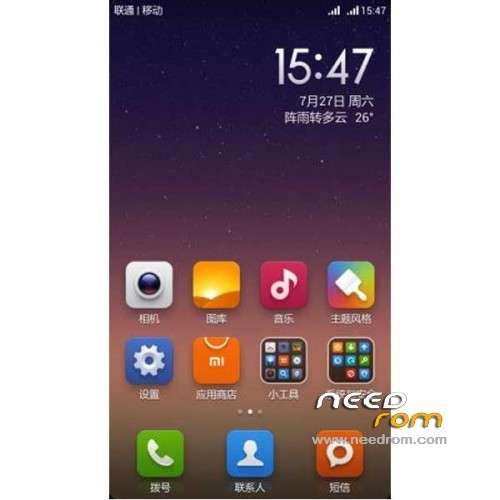
ROM Phone FAEA F2 – ROM Android 4.2.1 MIUI
Features ROM:
Update MIUI v5 4.2.21
Gapps include – Multilang
—————————————————————————————————————————————————-
Update MIUI v5 4.1.24
Gapps include – Multilang
—————————————————————————————————————————————————-
Update MIUI v5 3.12.13
—————————————————————————————————————————————————-
MIUI v5 3.11.15
.
Gapps not include – no Rooted
Language support: EN/CN
Install ROM:
CWM
Step 1: Download the custom ROM copied to an external SD card root directory
Step 2: the shutdown state. While holding down:
– Power button + volume button up, to enter the recovery mode.
– Wipe Data / Factory Reset -> delete all user data
– Wipe Cache Partition -> Wipe cache
Step 3: Return to recovery main interface Install zip from sdcard -> choose zip from sdcard -> Select your ROM
Step 4: Brush complete, restart the phone Patience required – first boot takes a while
※Please make a backup of your device before installing or updating ROM
how to root this rom
nfc not working Can you please fix this…
funny… the recovery is in chinese. pls inform about that before posting the file
not working Bluetooth 3.10.18
3.11.15 sticks on the mi logo..i tried flashing it tre times and still did not boot.
Hey Man the last version 3.12.13 you uploaded has a zip file which is uncompleted, can you check it please
After 3 tests the last update does not work, the zip folder is corrupted.
I gonna downgrade on the previous which worked.
You make a great job man, dont forget that!
4.1.10 does not boot. It stops on FAEA logo
You've done big work, but new firmware does not work again
4.2.21 dont boot, stuck on faea logo