
- Title: Flyme 4.5.5A
- Listed: February, 2016
- Last modified: 02/17/2016 2:27 pm
- Version: Android 5.1
You must be logged for ROM download.
12991 total views, 2 today
5 Total favorites
CUSTOM






 Member Info
DESCRIPTION
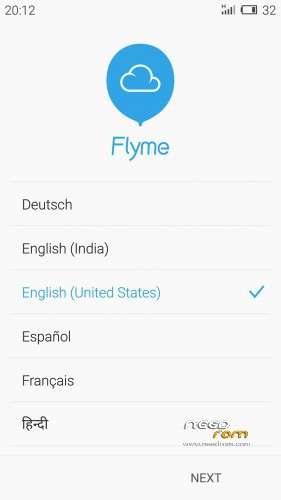
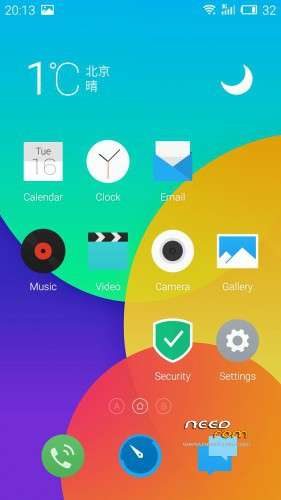
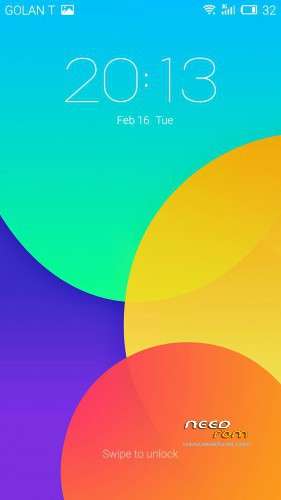
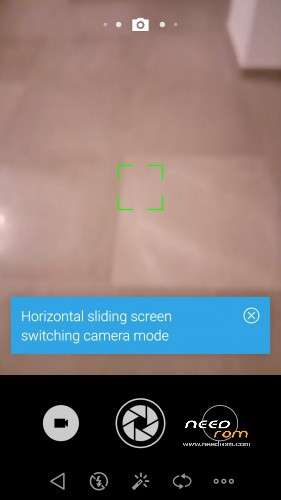
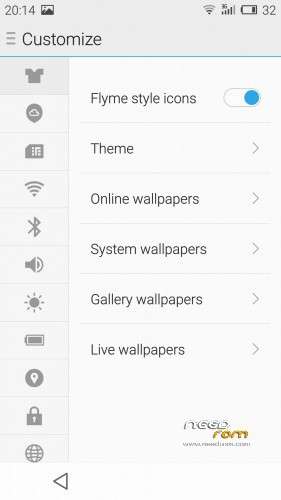
Ulefone Be Touch 2 FlymeOS 4.5.5A Rom
Bugs
- No Fingerprint Scanner
- Vibration Does Not Work
- Laggy
- Disable HW Overlays
- NO Screen-OFF Gestures
- On Screen Buttons Will Appear With Hardware Buttons
Warnings
- Still IN Beta
- Install Via ClockWorkMod/Carliv Otherwise, You Will Get A Bootloop
- Do Not Install Xposed
How To Install
- Go To Wipe Menu
- Choose Preflash
- Or Wipe Dalvik,Cache,Data,And System.
- Choose Install ZIP
- Wait
- Wait….
- Reboot
- Wait….
- Enjoy!
※Please make a backup of your device before installing or updating ROM
Awesome ROM! From what device is it ported? Thanks
Thanks! I think Its Proted From The Elephone p7000, but im not sure…. Iam Not the porter, its from 4pda, and i thought it was worth sharing
Correction: M1 Note
Original Thread: http://4pda.ru/forum/index.php.....0#entry45436161 The Developer is Alexxxx i Just fixed some Internal bugs.
Thank you for reply ☺
thank but not work for me . stuck bootanimation
Let me try to help….. Make sure you flashed the rom with Carliv/CWM. If Yes, Lets Go To The Next step. Make Sure You wiped Dalvik, Data,Cache,And System. If Yes, Make Sure you didnt flash Xposed or Any Other tweak. If Trying All of this options didnt work, send me a Private Message. If This Does work, Say it worked on the commentary or in a private message.
Have A good Day!
Im loving this Rom!! Very nice work!!! Can any one install the Xposed? i can't install
Dear friend, sorry for the late reply…… Try to Install the rom with Carliv, After installation finished, wipe cache and dalvik and data, Then, install xposed from the recovery (find the right version) , after the Xposed installation finished, wipe dalvik and cache again. Good Luck!