
- Title: FlyMe OS for Nubia Z7 Max
- Listed: August, 2015
- Last modified: 08/16/2015 11:34 pm
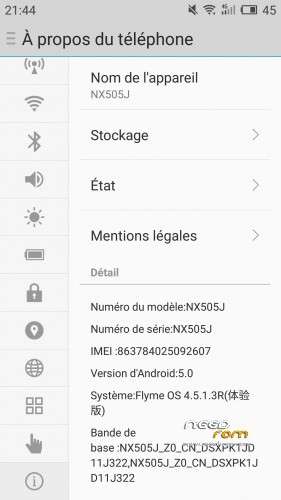
- Version: FlyMe 4.5.1.3R
You must be logged for ROM download.
13905 total views, 1 today
CUSTOM



 Member Info
DESCRIPTION
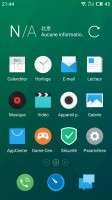
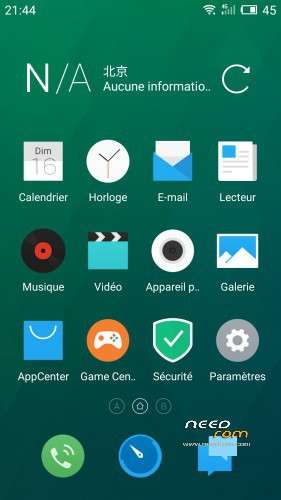
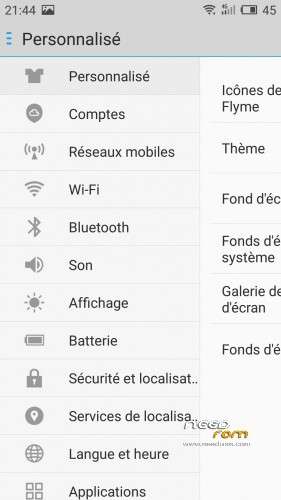
FlyMe OS 4.5.1.3R for Nubia Z7 Max.
Found it on some Chinese forum, don't remember where. Probably TDbeta or Nubia BBS.
HOW TO INSTALL RECOVERY
- Enable Android Debug Bridge (ADB) in developer options on your phone
- Plug your phone to your computer
- Use commandline to reboot to bootloader: adb reboot bootloader
- Check that your device is properly detected with command: fastboot -i 0x19D2 devices
- Flash recovery with command: fastboot -i 0x19D2 flash recovery recovery.img
HOW TO INSTALL ROM
- Make sure that your phone is powered on and plug it to your computer
- Put the romand gapps (gapps.zip) in your phone's internal memory
- Use commandline to reboot to recovery: adb reboot recovery
- Go to Wipe > Advanced wipe
- Tick Cache, Dalvik cache, Data and System boxes
- Swipe your finger on the bottom slider to wipe
- Go to Install and install rom zip
- Return to TWRP main menu and choose Reboot > System
- Rom will boot. Remember that first boot takes a long time
- Once rom is booted, complete the FlyMe setup
- Reboot to recovery
- Go to Install and install gapps zip
- Return to TWRP main menu and choose Reboot > System
Yes, you have to boot the rom once before installing gapps. If you don't do this, the installation setup will repeatedly crash the settings app and you won't be able to reach the homescreen.
※Please make a backup of your device before installing or updating ROM
is it bugfree ?