
- Title: Flyme OS v4.5.4.5R
- Listed: December, 2015
- Last modified: 01/23/2016 1:35 pm
- Version: Flyme OS v4.5.4.5R
You must be logged for ROM download.
17397 total views, 1 today
1 Total favorites
CUSTOM
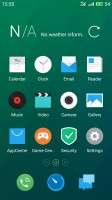



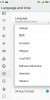
 Member Info
DESCRIPTION
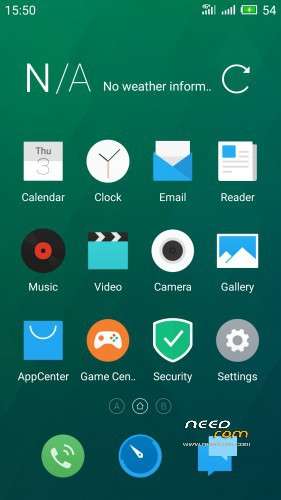
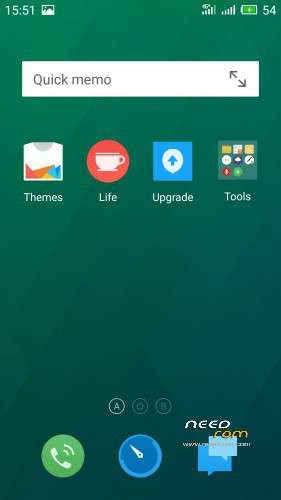
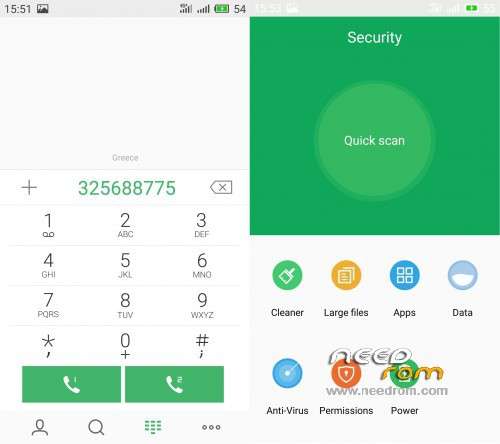
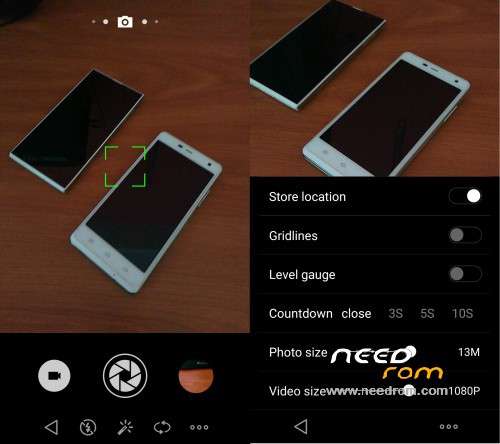
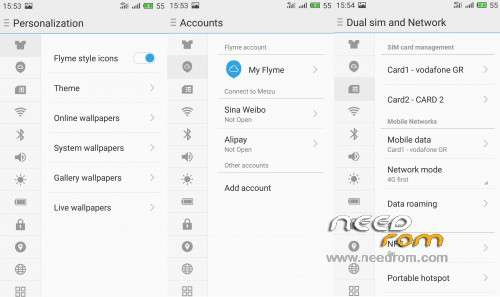
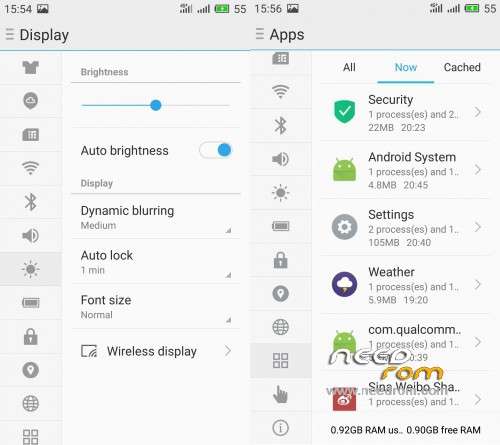
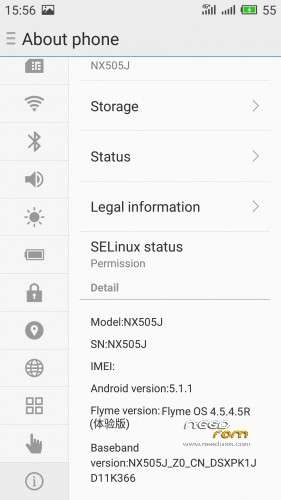
Custom ROM Flyme OS v4.5.4.5R (Android v5.1.1).
Custom Rom Flyme OS v4.5.4.5R port from Meizu Flyme OS rom.
Very fast – smooth and stable rom – Clean install.
This Rom is ONLY for ZTE Nubia Z7 Max.
ONLY FOR MERGED PARTITION.

Update log:
1)Repair AM, PM call record mode,information sessions and so the interface should be in the morning,afternoon issue.
2)User interface error probability problem restart the phone after repair.
3)Repair some models lack voice assistant application encryption and telephony issues.
4)Turn on Bluetooth now being given even fix problems
5)Repair the boot does not default priority 4g
6)Repair camera audio can not close the question new (some models) Set the option to save photos to SD card.
7)Repair song not normally know the songs matching problem.
8)Synchronization Flyme latest code.
Install:
1)Enter to TWRP Recovery v3.0.0.0.
2)Make full wipes. Wipe—> Advanced Wipe—> (Dalvik Cache – System – Data – Cache)
3)Install flyme_NX505J_qq2l_4.5.4.5R.
*Before installing this rom you should have preinstalled stock rom v3.22 with nubia tool.
*Stock v3.22 here: https://www.needrom.com/download/nubia-z7-max-v3-22/
- – - – - – - – - – - – - – - – - – - – - – - – - – - – - – - – - – - – - – - – - – - – - – - – - – - – - – - – - – - – - – -
Install USB Drivers & Recovery:
1)Download (My Tool https://www.needrom.com/download/z7-max-all-in-one-tool-v1-1-0/ ) UnRAR and run it on your PC.
2)Press 1 to Install The USB Drivers
3)Turn On USB Debugging Mode To Your Phone.(How to: https://www.youtube.com/watch?v=ze7y8rPzH9w )
4)Connect your mobile (mobile to be active) to the computer and select number.
5)DONE.

—-WARNING:This Tool Works Only For Android v5 and v5.1.1 Lollipop—-
- – - – - – - – - – - – - – - – - – - – - – - – - – - – - – - – - – - – - – - – - – - – - – - – - – - – - – - – - – - – - – -
Root:
1)Download SuperSU-v2.52.zip and put it to your internal storage.
2)Enter to TWRP recovery and install SuperSU-v2.52.zip.
3)DONE.
- – - – - – - – - – - – - – - – - – - – - – - – - – - – - – - – - – - – - – - – - – - – - – - – - – - – - – - – - – - – - – -
Install Google Apps:
1)Download Gapps For Android v5.1.1 Nano 29-11-2015.zip. and put it to your internal storage.
2)Enter to TWRP recovery and install Gapps For Android v5.1.1 Nano 29-11-2015.zip.
3)DONE.
- – - – - – - – - – - – - – - – - – - – - – - – - – - – - – - – - – - – - – - – - – - – - – - – - – - – - – - – - – - – - – -

- – - – - – - – - – - – - – - – - – - – - – - – - – - – - – - – - – - – - – - – - – - – - – - – - – - – - – - – - – - – - – -
How to Backup and Restore IMEI and MEID:
Try this Nubia Nubia emergency tool:https://www.needrom.com/download/nubian-emergency-tool-v1-0-6/

- – - – - – - – - – - – - – - – - – - – - – - – - – - – - – - – - – - – - – - – - – - – - – - – - – - – - – - – - – - – - – -
Source:
http://www.tdbeta.cn/thread-267715-1-1.html
- – - – - – - – - – - – - – - – - – - – - – - – - – - – - – - – - – - – - – - – - – - – - – - – - – - – - – - – - – - – - – -
Please if you like my work Rate me with 5 Stars.
Thanks.
※Please make a backup of your device before installing or updating ROM
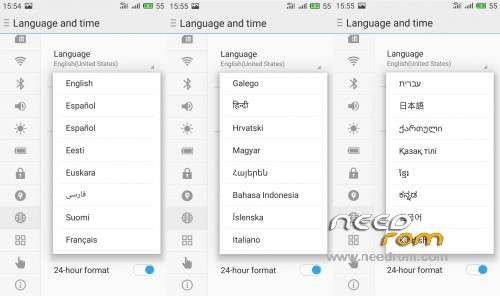
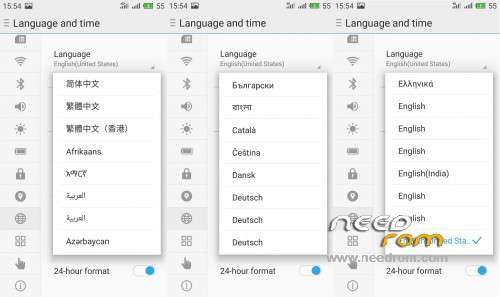
What is the difference between Flyme OS amd LixgtX Rom other that support much more languages? Does the Nubia Camera app still work in Flyme OS?
Flyme OS rom port from another brand Meizu and is multi language rom.Flyme OS not support Nubia Camera app.
LightX rom is like Nubia stock rom but much lighter,faster,delete all Chinese junk apps,better battery performance.
Please help me install this rom. I am in rom CM13?
Install:
1)Enter to TWRP Recovery v2.8.7.0.
2)Make full wipes. Wipe—> Advanced Wipe—> (Dalvik Cache – System – Data – Cache)
3)Install Fflyme_NX505J_qq2l_4.5.4.2R.zip
HI TIGREOS DOES THIS ROM HABE STOCK INFRARED APP?
THANKS
Does not have stock infrared app.Try to install 3 third party app from the playstore.
1. Tigreos is it really necessary to have installed Stock v3.22 before flash this ROM, because I am now on CM 12.1 !??
2. do I need to have Flyme account to get root privileges (acces through SuperSu) or flashing SuperSu is enough…
3. Croatian (Hrvatski) language !??
thanks…
1)If has installed stock 3.22 once in the past is enough,the new phone partition is ok.
2)Not need Flyme account.
Root:
Download SuperSU-v2.52.zip and put it to your internal storage.
Enter to TWRP recovery and install SuperSU-v2.52.zip.
DONE.
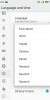
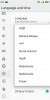
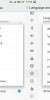
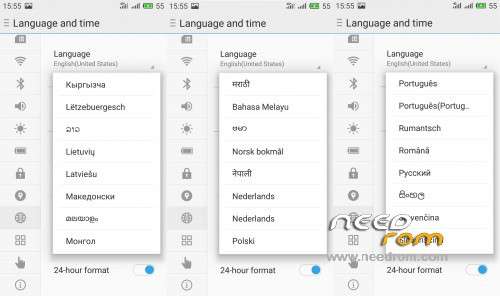
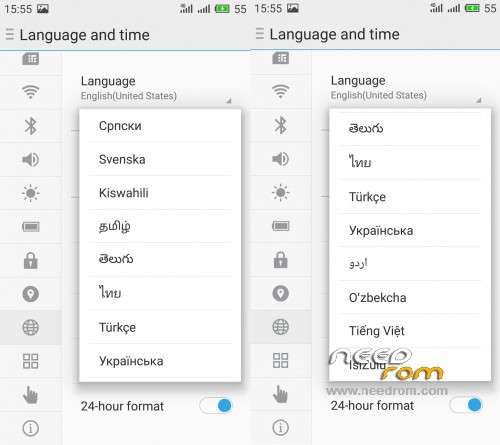
3)Look at the photos to see if there the language you want.
Yes I see now, Hrvatski (Croatian) is there…, thanks…
Any bugs or problems with ROM..!??
Tigreos you are a ROM genius
in terms of features how different is flyme from your CM 12? (or CM 13)
CM12 and CM13 is not my roms is from paolo
There are many differences between these roms (CM and Flyme) i can not write them.Try the roms and choose which do you like.
sorry for confusion i saw your posts with CM and here.
will consider flyme
which is more stable CM 12 or flyme?
Can not setting for rom. Notification: "Unfortunately, settings has stopped".
Can't setting rom on step 4. Notification: "Unfortunately, settings has stopped".
that is related to gapps u need to flash the rom first, boot once in to your phone, reboot to recovery and flash gapps after your first boot.
I get the same error if i flash rom+gapps at the same time, happens to me with cm12, cm13 and nubia official rom
Thanks Zeggi, Tigreos. I had flashing this rom success. Thank so much!