
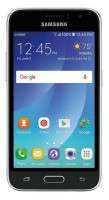
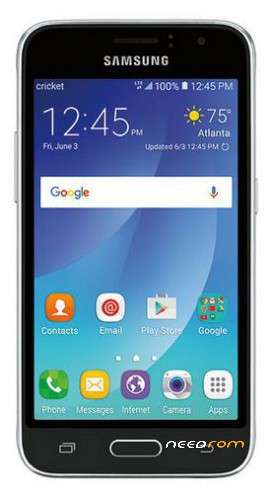
- Title: GALAXY J1 Amp 2 / SM-J120AZ Official Samsung Firmware
- Listed: January, 2018
- Last modified: 01/07/2018 4:34 pm
- Version: Andriod 6.0.1 Marshmallow
You must be logged for ROM download.
16625 total views, 2 today
1 Total favorites
OFFICIAL

 Member Info
DESCRIPTION
FLASH INSTRUCTIONS:
1. Choose correct flash file(s).
2. If you have PIT file chosen, then you must check 'Repartition' option.
3. Check flashing options if needed (Repartition, EFS clear, Boot update).
4. Power on the phone in download mode (turn off phone, press vol.down + home + power).
5. Connect the phone to PC with USB cable, install drivers if needed.
6. Press 'Flash' button.
※Please make a backup of your device before installing or updating ROM
Hi i need help i need the ROM of this mobile but binary 5 its j120aztus5ars1 please upload the rom
thanksssss!!!
Deberian subir el binario 5 Buenas Tardes