
- Title: Galaxy S6 For S660 Dual Sim
- Listed: July, 2015
- Last modified: 07/12/2015 8:34 pm
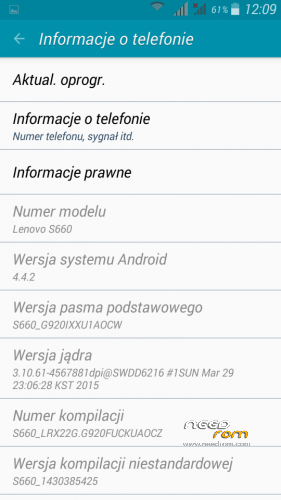
- Version: Android 4.4.2
You must be logged for ROM download.
22131 total views, 2 today
12 Total favorites



 Member Info

DESCRIPTION
Tested on versions CN (not tested on versions row)
Galaxy S6 (Dual Sim)
Before installing backup IMEI.
GO into recovery TWRP (Installed by TWRP 2.8.1.0 )
Wipe- Cahce, Dalvik Cahce, Data
Flash rom
Reboot.
Config S6: MT6582
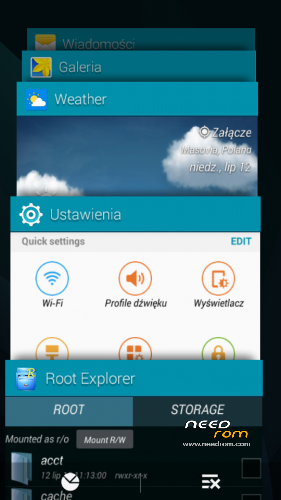
Gapps include - Rooted
Language support : Multilang
After installation, restore IMEI
1. Go to Engineer Mode and Select Engineer mode (MTK)
2. Go to Connectivity Tab and Select CDS information
3. Select Radio Information after that Select Phone1 (for the first IMEI)
4. At the top there is a command line which begins “AT+” just type there “AT + EGMR=1,7,”IMEI_1? (Put your first IMEI number number)
5. Hit send command and you will / may get a confirmation that "sent to mSend".
6. Now go back and select “Phone2? (for the second IMEI number)
7. At the top there is a command line which begins “AT+” just type there “AT + EGMR=1,10,”IMEI_2? (Put your second IMEI number)
8. Reboot your phone and check you IMEI number (Dial *#06#).
※Please make a backup of your device before installing or updating ROM
coool just go for this rom only problem with imei no
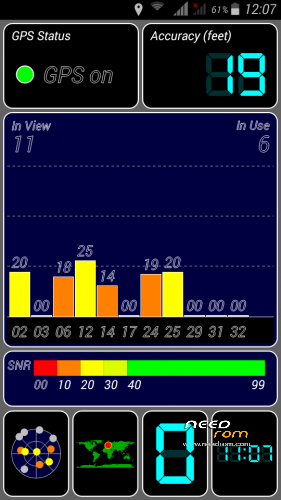
did have any gps problem..
ijin download, Thank's
Alert Troyan in the file /system/framework/XS5_4.4_V4008_fake.apk Scan it with the Mobile Security & Antivirus.