
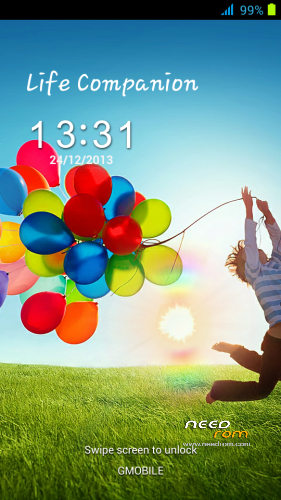
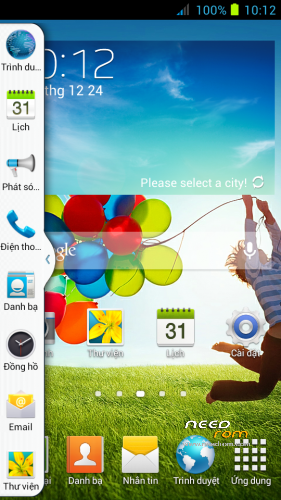
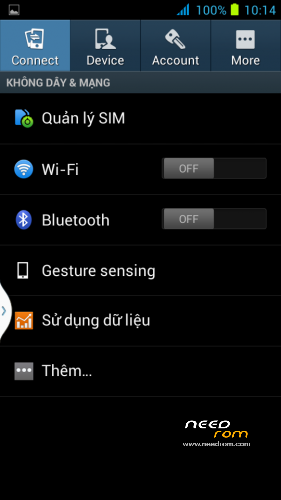
- Title: GALAXY SIV UI
- Listed: February, 2014
- Last modified: 02/24/2014 2:27 pm
- Version: 4.2.2
You must be logged for ROM download.
16767 total views, 1 today
1 Total favorites
 Member Info
DESCRIPTION
-Root full
-Multilang
-Gravyty box
-Viper4android
Install ROM (CWM):
Step 1: Download the custom ROM copied to an external SD card root directory
Step 2: the shutdown state. While holding down:
– Power button + volume button up, to enter the recovery mode.
– Wipe Data / Factory Reset -> delete all user data
– Wipe Cache Partition -> Wipe cache
– Advanced -> Wipe Dalvik Cache
Step 3: Return to recovery main interface Install zip from sdcard -> choose zip from sdcard -> Select your ROM
Step 4: Brush complete, restart the phone Patience required – first boot takes a while
※Please make a backup of your device before installing or updating ROM
any one try>>??
Drain battery. Superfast battery drain
The bluetooth doesn't work! =S How can i fix? I Like this rom…
@Ziolupen92 reboot phone..ok
Works with C version?