
- Title: Ghost Rom V2.1
- Listed: May, 2016
- Last modified: 05/02/2016 1:22 pm
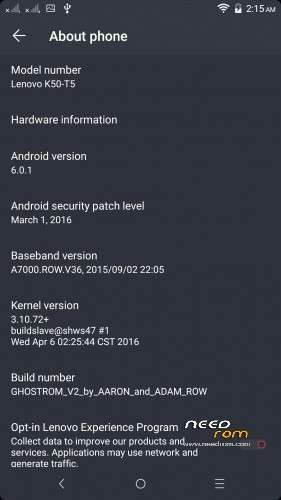
- Version: Android 6.0
You must be logged for ROM download.
25824 total views, N/A today
5 Total favorites



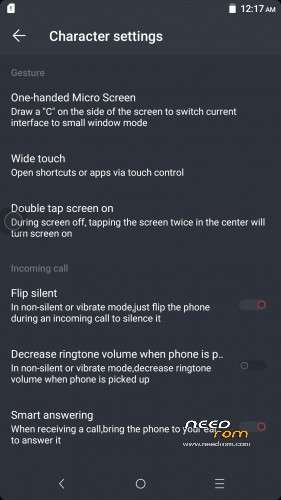
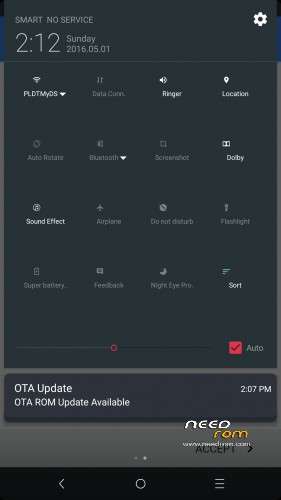
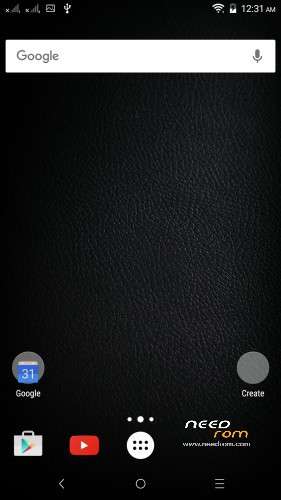
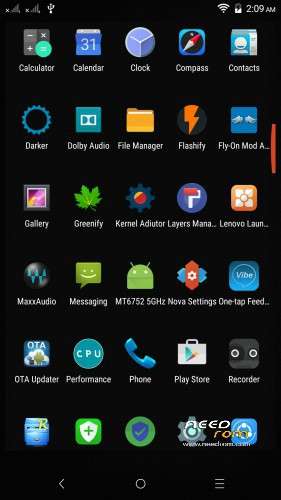
 Member Info
DESCRIPTION
Ghost Rom V2.1 is COMPLETED…
OTA Updates for GhostROM is now live pls update your GhostRomV2.1 to 2.2
if you like the GHOSTROM V2.1 pls donate us to make more to come
( phampam2@gmail.com )
how to install:
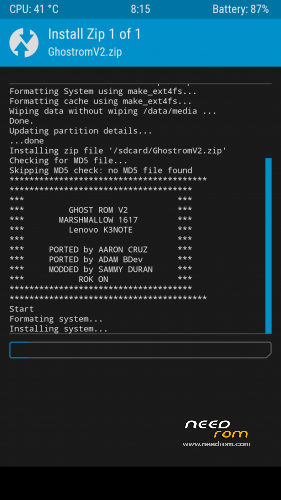
go to TWRP 3.0 + or CWM
wipe factory reset
wipe cache/ dalvik / data / system
install GHOST V2.1.zip
wait and reboot!
for a7k+ after install the GHOST V2.1.zip
install modem patch
wait and reboot!
———————————————————————————————
after setup wizard just wait 1-2 minutes for super user popout
then go to selinuxmodechanger put permissive then reboot
Enjoy SUPER GHOST ROM V2.1 heart emoticon heart emoticon heart emoticon
Changelog 2.1:
- Remove Chinese Stuff…
- Added Google Keyboard
- Enabled Navigation_Bar With theme (Layers Manager)
- New Bootloader Logo
- ****Selinux needs to be Permissive*****
- Added LayersManager
- Added SElinuxModChanger
* Please ignore Google warning that Selinux ModChanger is dangerous *
- Added OTA updater
- Some Suprises
** Incase the Quick Settings symbols are to small
Goto layers Manager
Then Uninstall Layers
Tick Framework frameworkN systemui systemuiN
click on the garbage and reboot
**
- Replace Lenovo Clock with AOSP Clock for more Layers Compatibility
- Replaced Lenovo Calculator with AOSP Calculator
- Replaced Lenovo Calendar With Google Calendar
- Final edit : THEME ADDED
- Lenovo videoplayer
- Pre-installed GAPPS
- Camera snapit 4.1
- Fix lenovo gallery
- Dpi density 420
- Shareit
- Titanium backup pro
- Greenify pro
- Root explorer pro
- Youtube
- Kernel Configuration
- latest weather app
** manually remove widgetapp on default
and replace the widget
**
- Performance and Tweaks Management
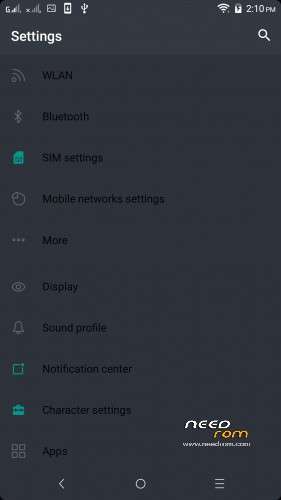
- Setting themes
** manually active the SElinuxModChanger to
permissive in order to make it run
**
- Added Nova Launcher PRO
** You can change launcher anytime **
- AND MANY MORE….
thx to my brother Adam Belamri
my mentor/boss/modder Sammy Duran
Base Rom by: Leishui
and all a7000plus and k3note family
bug:
no flipscreenoff
no VR
※Please make a backup of your device before installing or updating ROM
If i plug in usb storage, it will show me it in file manager or only like previous time, so it will open some shitty
*Some unuselles page
why settings wont open after rezize of the icons from layesrs manager ?
can u plz tell me how to normal the size of quick sttings icons ……without effecting the settings ……coz it wont open after uninstalling what u gave in layers manager
go to system/vendor/overlay then delete this file
art_systemui_n
art_systemui
art_framework
art_framework_n
language translations made with the application and very local mess more
Good rom
thx so much <3
open the kernel aduitor/menu/edit buildprop look for qume.hw.mainkeys=0 change the value to 1 then reboot
after doing this i have to restart my phone ?
yes bro kindly reboot
same problem bro …..size of the icons changed but setting option still wont open ……:(
acually settings option is working but screen is full black i cant see the options >>.
because bro u didnt follow the instructions after setup wizard just wait 1-2 minutes for super user popout
then go to selinuxmodechanger put permissive then reboot
is there any other way bro to solve this problem ?