
- Title: Ghost ROM( Vanilla KITKAT Experience)
- Listed: January, 2015
- Last modified: 01/13/2015 11:53 pm
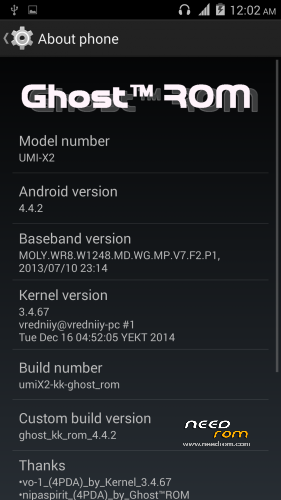
- Version: 4.4.2
You must be logged for ROM download.
22370 total views, 1 today

 Member Info
DESCRIPTION
Ghost ROM
—————————-
Intial Rom for Lagless KitKat Rom Series
—————————-
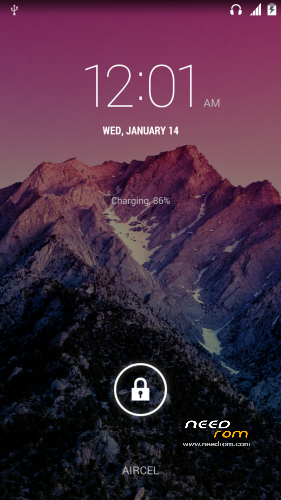
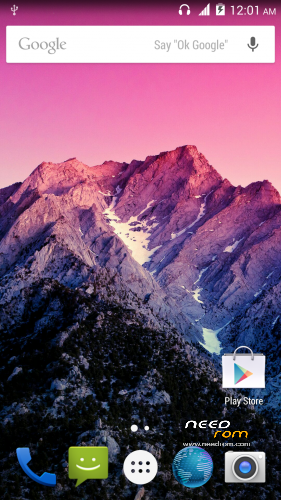
-Experience The Vanilla based KITKAT Experience
-Stable than any current kitkat rom available for umi x2 yet
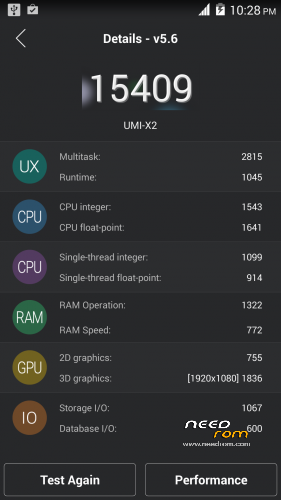
-Added patch for gaming performance
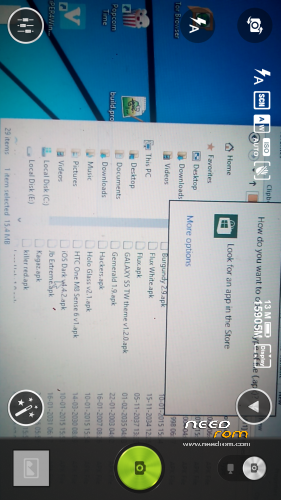
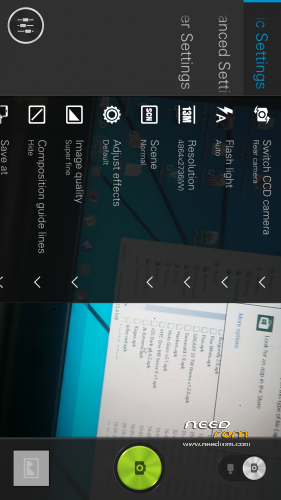
-Default Back cam 13mp available available in wide resolution, Front cam polerated to 8mp
-Viper Enabled
Bugs:None
Report down below if you encounter one
——————————-
Instructions:-
-Wipe data, dalvik, cache
-install the rom
——————————-
Calibrate your battery after install for 1st time and Please turn off “ok google” hotword detection to get good battery backup.
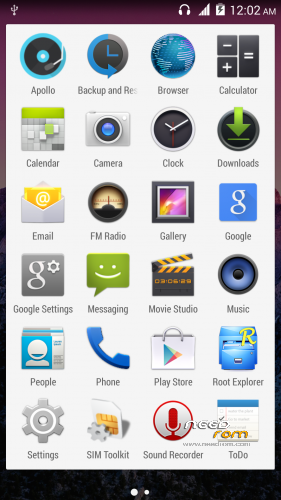
I didn’t include some vanilla google apps like camera,music etc so you can always install updated one from playstore.
——————————-
If you want exact looks like screenshots then update the google search and google home.Download either from links above or update directly from playstore
——————————
Don’t run away after downloading,if you like the rom then rate it 
—————————–
Credits-r-miheev@4pda for base rom and vredniiy for stock boot.img
※Please make a backup of your device before installing or updating ROM
After you lock the screen does not turn on the screen when the power button is pressed, you need to pull the battery and start it again, lock = removing battery
wipe, install now = norm
There's no problem with lockscreen like you are decribing,make sure you are using kitkat based recovery ,and make sure you wipe before install.
Русский язык есть ?
thanks a lot
How to install rom and updates???
Everyhing is stated in description above, just use twrp or any kitkat based recovery to perform action.
thanks.
please rate the rom if u like it
systemui sometimes force closed.
Okay is this happening particular to you in particular action because i am using this rom since a week none of this occured to me, explain your whole condition?
how can i download it? the link does not appear
Check with your ISP they might have blocked the website , use proxy to access.
Hi!
I just installed this ROM, works well and seems very stable, although I haven't tested "improved gaming performance"
Anyway, I would like to say that there's a bug, you can not select the SD card to store photos. I tested the application that's in ROM (by the way, looks great) and it sounds as if it's taking a photo but it's not saved. I've also tried with another app (Camera 360) and when I select to save the SD says "your photo can not be saved on an external SD card". I have tried both options there in Settings – Storage.
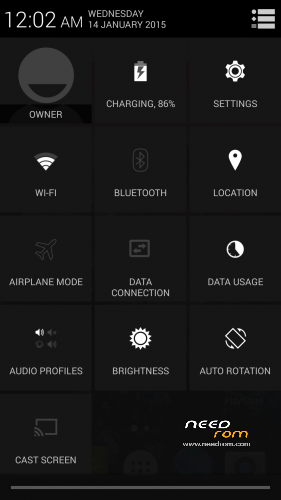
Another thing, I miss the black rectangular widget that allows you to enable/disable options such as wi-fi, data, GPS, brightness … I don't remember her name, maybe "Energy options"?
Greetings and thank you very much for the ROM!
Thanks for your response, You mean to say none of application is able to store photo in any memory ? or just the problem when you try to save in "external" sd card?
Hello shivasharmaarya, thanks for your support. What I meant was that photography apps I've tried are not able to save the photos on the external SD, but they are saved if I select internal storage. However, file explorers (Root Explorer, ES Explorer …) can indeed access and store data on the internal storage and SD card.
After, I read other websites and seems to be a bug in Android KitKat, not of our smartphones or this ROM in particular. For example, this link:
http://www.androidcentral.com/.....-sdcard-changes
In some forums I read that the problem is the 'platforms.xml' file, and you can re-enable access to SD with Xposed … It seems it isn't easy …
Thanks for research, i will look upon the solution and will include in the next update
why not using original camera2.apk? Can you send it to me? My Emali:hiapkangel@gmail.com.Thanks.
hello i looking for original camera too….. have it anybody??? lubomir.krehak@gmail.com