
- Title: GIONEE P3 AMOI ROM
- Listed: May, 2014
- Last modified: 05/02/2014 2:22 pm
- Version: 4.2.2
You must be logged for ROM download.
25102 total views, 1 today
3 Total favorites
 Member Info
DESCRIPTION
For gionee pioneer p3 only (mt6582)
Installation:-
(place the amoi.zip file on sdcard and gapps)
1.Reboot to CTR Recovery(use mobile uncle tools to install recovery)
2.Wipe data/factory reset and
wipe Dalvik cache
3.Install zip-> Select amoi.zip and install
then select gapps and install
(if you want root then flash supersu.zip too)
4.Reboot to System.. Wait for a while.. Enjoy..
Notes:-
There is aosp keyboard if you dont want the ifly keyboard.
When you open supersu link go to file->download. don’t download any .apk file inside it.re is ROM for gionee pioneer p3 (mt6582)
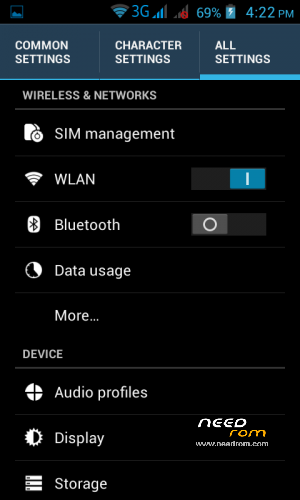
Features:
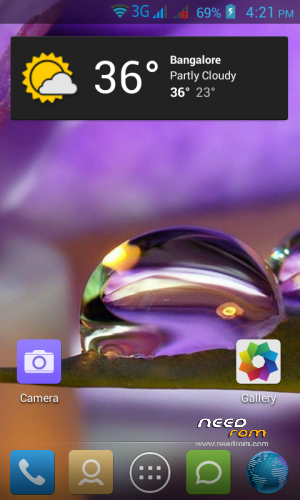
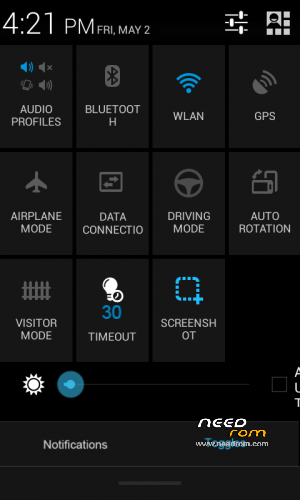
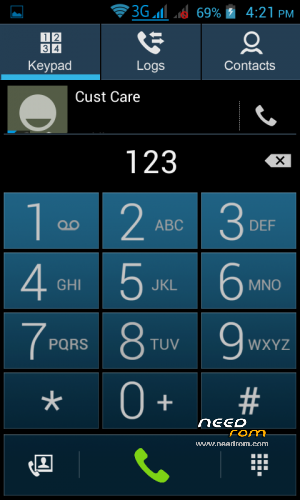
Smooth and Cool UI
Better RAM
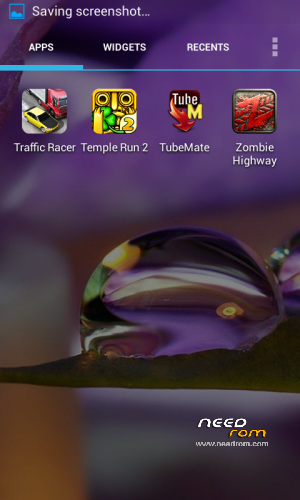
Customization options with builtin linpus launcher
Network Firewall
Custom fonts
For CTR recovery and installation steps:
https://www.needrom.com/mobile/gionee-p3-ctr-recovery/
※Please make a backup of your device before installing or updating ROM
hmmm good job
hi
i need a help
What
Thanks ! I'm using it for my Walton Primo GF handset.
Runs smooth and the internal applications require much less RAM
I'd recommend it for others as well.
Good job !
Salute to the maker !
failed to flash the rom
ctr recovery is broken coz when i flashed it, the zip became corrupted and now i cant flash anything i cant even flash recovery. can someone help me out?
SuperSU Link doesn't Work plz fixed it
how long we have to wait after installing the rom?
my phone is showing the AMOI screen for a long time
THNXX alot brother!!
Nice 180+ RAM consumption perfect.
hello
Please help my mobile boot time cwm recovery not show install from zip
please help….