
- Title: Goophone I5s Custom rom
- Listed: February, 2014
- Last modified: 01/25/2014 11:55 pm
- Version: 1.0
You must be logged for ROM download.
37524 total views, 3 today
3 Total favorites
 Member Info
DESCRIPTION
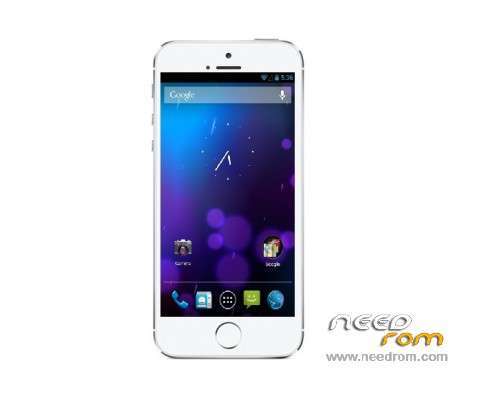
The rom is basically close to stock android, comes with Play store installed..
with Fixed back button issues and relatively mild GPS issues,
It should basically look like this,
https://www.youtube.com/watch?v=pdaPRjlZvY8
=================================================================
Device requirements:
Goophone I5s
Mt6572,
512 MB ram
Android 4.2.2
4-inch, 854*480pixel
Basically, http://www.goophone.cc/phones/goophone-i5s.html
As there are gazillion versions out there, please do research before installing this rom..I have no idea what will happen if you flash this to a wrong device or slightly different device…I am in no way responsible of what happens to your device..
====================================================================
Before installing the rom, Research a little about backing up and flashing it back again in your device ..
Please install MTK Droid tools and back up your stock rom using MTK droid tools, if your device doesnt boot after the following process, or not working properly , please have it put it download mode and go back to stock rom.
To install the rom,
1) Please make sure your device is rooted,
2) Install MTK VCOM drivers
http://forum.xda-developers.com/showthread.php?t=2206421
3) Turn off the device, put it in download mode, look it up how
4) Open SP Flashtool load the scatter file from the rom, if you have doubts how look it up how
5) Have the device connected through USB and make sure the you go through the installation process and you get the green circle
6) Please be patient , as the the first boot takes time
====================================================================
Please install lmt launcher pie control
To fix imei please watch this https://www.youtube.com/watch?v=Kn_v0UnVi24
※Please make a backup of your device before installing or updating ROM
When i connect my phone switched off. nothing happens in download from sp flash tool instead my phone begin to charge. please help me what to do?
thk