
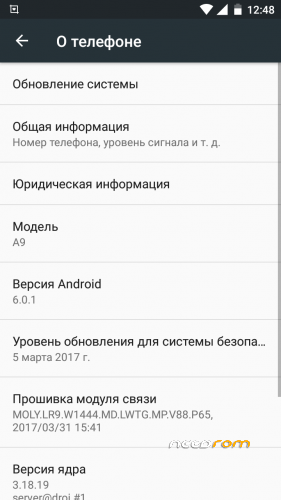
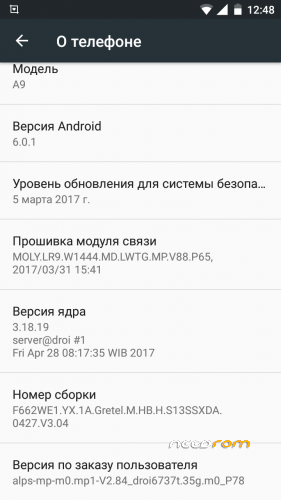
- Title: Gretel A9 Deodex
- Listed: July, 2017
- Last modified: 07/24/2017 5:40 pm
- Version: 3.04
You must be logged for ROM download.
10356 total views, 2 today
1 Total favorites
 Member Info
DESCRIPTION
What was done
1. The firmware is deodexed
2. Root is installed automatically
3. The default Russian language
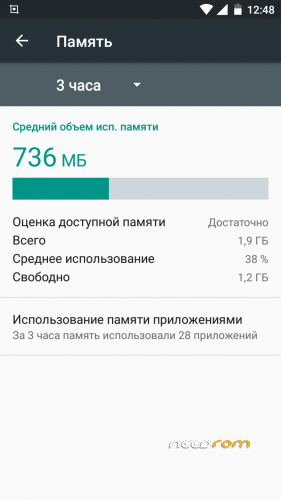
4. Cleaned from debris
5. The icons "G" "3G" "E" "4G" are deleted.
6. All applications are updated to the current version, as of July 24, 2017
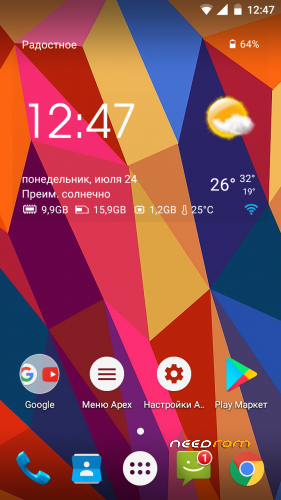
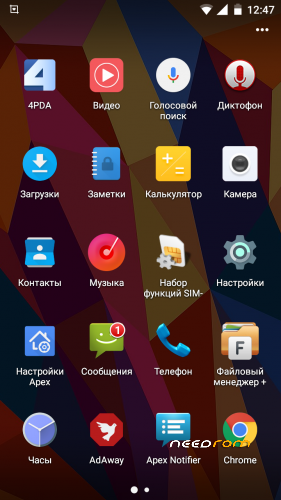
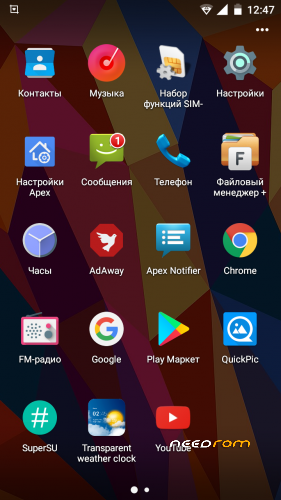
7. Standard launcher replaced with Apex Launcher Pro v3.3.3
8. The standard file manager is replaced with "File Manager +"
9. Added weather widget
10. Removed live wallpaper
11. Added official 4PDA client
12. Replaced standard notes
13. AdAway ad blocker installed
14. Replaced the standard gallery on QuickPic
How to install
IMPORTANT!
Before all manipulations, we copy everything that needs to be saved from internal memory to a memory card or to a PC.
1. Copy Gretel_A9_3.04_deodex.zip to the MicroSD card
2. Loading in TWRP
3. Select "Cleaning", "Selective cleaning", put the daws in front of Dalvik / ART Cache, System, Cache, Data, Device memory and do the swap
4. Go back and go to "Installation", select Gretel_A9_3.04_deodex.zip and make a swap
5. After the installation is complete, we reboot into the system
The first launch is long, do not pull the battery!
※Please make a backup of your device before installing or updating ROM
How do you get twrp recovery for Gretel a9