
- Title: GuoPhone N7100 / 9500 with CWM Recovery By Tony Mananpa v1.0
- Listed: September, 2013
- Last modified: 09/29/2013 2:36 pm
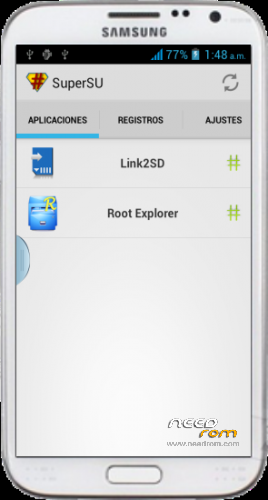
- Version: Android 4.0.4 Root with Superuser PRO
You must be logged for ROM download.
21393 total views, 1 today



 Member Info
DESCRIPTION
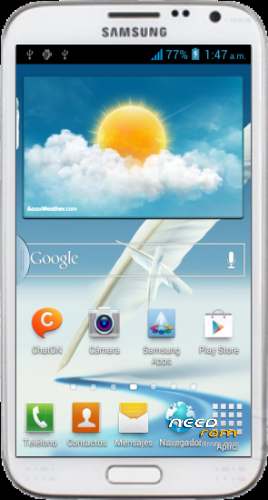
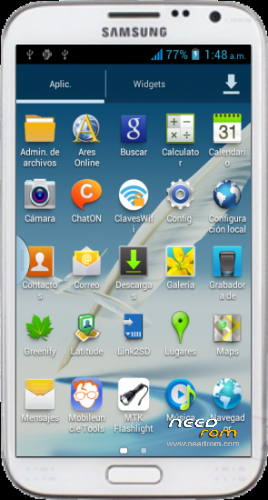
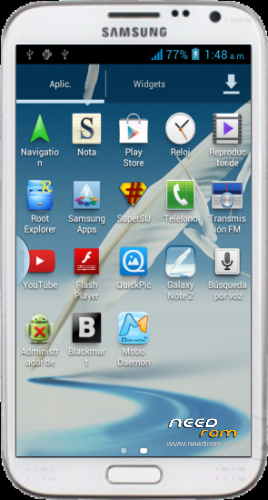
Guophone n9500/n7100 with CWM Recovery – ROM Android 4.0.4
Version Mod GuoPhone : JRO03C.N7100XXALJ1_09292013
Language support: Multilang
Install ROM:
To unpack FlashTool run Flash_tool.exe
Select a the MT6577_Android_scatter_emmc.txt in ROM with Flashtools
Click Flash_tool.exe interface Firmware-> Upgrade
Remove the phone battery
Press Vol+ + Power button and do not release
Connect the data cable
Press Home button and put the battery in the phone
The flash process is started
Flash finished with green circles appears
Turn on the phone, when Android is loaded, slide your finger up the screen down and select "micro sd card is damaged" and format.
You need to rewrite the IMEI
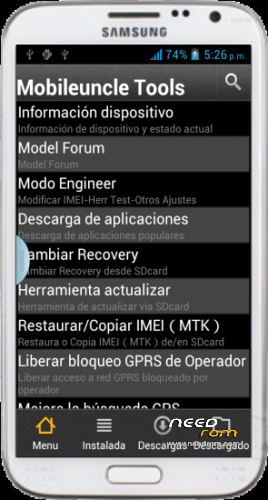
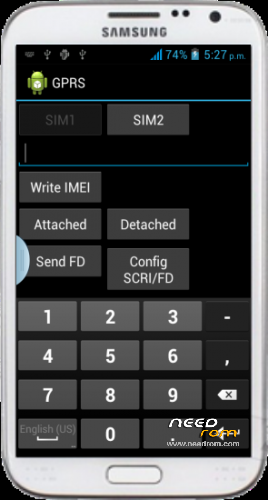
Open (Mobileuncle Tools) and select Engineer Mode, select Mode Engineer (MTK), select GPRS and writes both IMEI (IMEI are engraved The back of the phone by removing the battery).
For flash CWM Recovery:
To unpack FlashTool run Flash_tool.exe
Select a the MT6577_Android_scatter_emmc.txt in ROM with Flashtools
Uncheck all boxes except the Recovery
Double click in Recovery and select N9550-N7100-PAD_130402__recovery_130923-024724.img
Click Flash_tool.exe interface Download
Remove the phone battery
Press Vol+ + Power button and do not release
Connect the data cable
Press Home button and put the battery in the phone
The flash process is started
Flash finished with green circles appears
Note: to enter in CWM Recovery press Vol+ + Power button
For Nandroid Restore (In CWM Recovery):
Descompress n9550_n7100_Clockworkmod_By_Mananpa.exe
copy clockworkmod folder into MicroSD Memory
Turn off the phone
Boot in CWM Recovery (Press Vol+ + Power button)
Select -Backup and restore
Select -restore
Select 2013-09-29.07.39.56
Select -Yes – Restore
Wait to restore process finished
Select -reboot system now
Enjoy!.
Thanks, Pleese Donate for support,
Tony Mananpa.
※Please make a backup of your device before installing or updating ROM
Is There anyone who can provide me factory or any working Flash ROm (image) for my
Guophone G9502L (QHD) . I did something wrong and removed my ROM, so phone is not working.\
Thanks
First try select "Format" in SP Flash Tool, and finally select "Download"
I followed the instructions to the letter, for ? what am i doing wrong please help. i have been trying to fix this for day's now with no sleep
Install ROM: but there is no image booting up after i flash, i can hear it booting up but the screen is black!"
First try select "Format" in SP Flash Tool, and finally select "Download" ..
I installed this rom on my Guophone and it broke my device BEWARE!
First try select "Format" in SP Flash Tool, and finally select "Download" …
hey i have a guophone G9500 that is for my phone?
First try n9550_n7100_Clockworkmod_By_Tony_Mananpa.exe
In your phone with CWM Recovery installed
hi, is there any rom with Android 4.2 .. the ending for these?
I would like to use a mouse with this krrnel bt but it does not use me, would you have any solution? you help me so much.
Some smartphones don't support OTG cable for connect a mouse or keyboard…
Some smartphones don't support OTG cable for connect a mouse or keyboard