
- Title: HDC Galaxy Legend MIUI Xiaomi Port
- Listed: December, 2013
- Last modified: 12/18/2013 4:17 pm
- Version: MIUI V5
You must be logged for ROM download.
25393 total views, 2 today
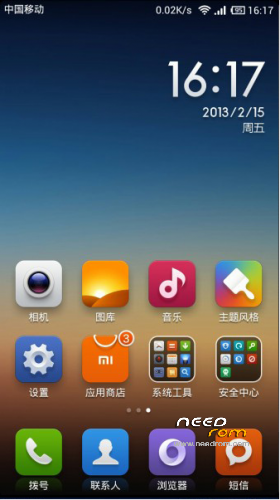
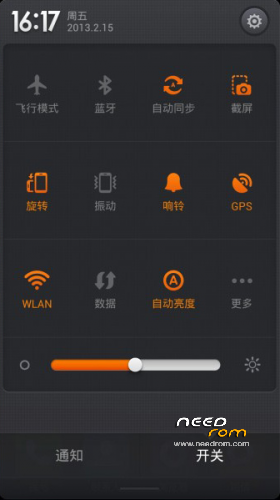


 Member Info
DESCRIPTION
Rom Installation Procedure :
This is a CWM based ROM not a SP Flash ROM
WARNING!!! ALWAYS BACKUP YOUR CURRENT ROM FIRST BEFORE YOU FLASH THIS!
Step 1 : Download the custom ROM to your external SD Card
Step 2 : Shutdown your handheld.
Step 3 : Go to CWM Recovery mode ( Volume Up + Power )
Step 4 : Assuming that you already BACKED UP your ROM, then go Wipe Data/Factory Reset, Wipe Cache Partition, Wipe Dalvik Chace, Format/Data, Format system, Format Cache.
Step 5 : Install Zip from SD Card > choose ZIP from SD Card > select the ROM
I upload to you 2 type of ROM for Legend with 2 different boot.img
So you can try your own which one is the better.
Update :
1. Upload CWM Flashable for Modem fix (more stable Network connection)
Need your feed back on it.
Press Rate and Donate if you like this ROM thanks
※Please make a backup of your device before installing or updating ROM
ppl you tested this rom? its good? have bugs?
will this rom work for the hdc spark same specs and everything
maybe it'll work,,, but if it wasn't, try to repacked the rom with your base rom boot.img
Hello, i've the i9500 s4 legend single sim mtk6589 and i've tryed by the all the possible ways installing the 2 versions, but the phone hangs on lock screen… everytime i chose the unlock option, the phone kind of reboot to miaui logo… and that's it. i've wipe all the data/cache, dalvik and format all too… what i have to do more to fix this problem? Thnx
try to repacked with your base rom boot.img
I have problems with rotation, Iknow that desktop rotation is out in the oficial MIUI ROM.
But apps like whatsapp or waze don't outo ratate.
Someone have the same problem? Any fix?
Thanks!
Hi there,
I’ve just fixed the issue, by unlocked the sim card with other rom (fluffy’s). So, after that, i installed miui rom and the problem just disappeard. No more sim card issues. I only have one question more: does fluffy camera libs work in this rom? Can you make an update? Camera is too much poor, eventhough i’m using Lenovo supercamera… Thnx
Hi there again. Like this rom a lot. But, there is a way to save or move all the apps to sd card? I’ve tryed to change vold file but still can’t move the apps and now i’m out of space… Any solution?
I used link2sd from play store for move apps. But you need a second partition on your SD. I have 16gb SD with 2 partitions one of 8gb for Apps, and other 8gb for photos music etc.
I used an ext4 format for the apps partition
Have you changed something on vold.fstab file?
I've made the same as you did @bumpyx and the result was this: FAIL
pkg: /data/app/com.android.chrome-1.apk
Failure
[install_failed_container_error]
What a hell is this!?
Hi,
why the Camera displays upside down? How resolve?
hi,the rom can install for MTK6575?