
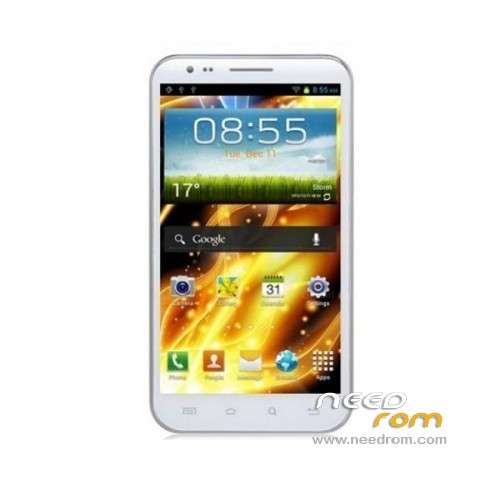
- Title: HDC N7300
- Listed: April, 2013
- Last modified: 04/16/2013 3:07 pm
- Version: ROM Android 4.1.1
You must be logged for ROM download.
18276 total views, 2 today
2 Total favorites
OFFICIAL

 Member Info
DESCRIPTION
ROM HDC Galaxy Player N7300 – ROM Android 4.1.1
Official rom of 01/14/2013 - e1901_v77_cxq_asx-user 4.1.1 JRO03C eng.root.1358155435
ROM Rooted
Language support : Multilang
Install ROM:
To unpack FlashTool run Flash_tool.exe
Select a the MT6577_Android_scatter_emmc.txt in ROM with Flashtools
Click Flash_tool.exe interface Firmware-> Upgrade
Phone after taking the battery in put something
Connect the data cable
Brush finished with green circles appears
※Please make a backup of your device before installing or updating ROM
That's fine working, but at the end system shows only startup screen for ever. Remove battery, enter chinese recovery mode and make 3 wipes. Reboot & enjoy! Really Jelly Bean!
Hi!
I can't enter chinese recovery. I just see white screen… How could you get enter the recovery?
Vol down and power doesn't work for me. Thanks for your help
Hey i'm new into this sort of stuff and have been searching an easy way to root my n7300 (dualcore) for 2 hours. I would really appreciate if you could give me more detailed instructions on how to root my phone (i'm not here for custom roms, just for root) but if that's the only way i guess i gotta use that
http://colonelzap.blogspot.co......577-how-to.html
Try this, Win7 and OSX was todo it.