
- Title: Hongmi ASUS Zen UI
- Listed: May, 2015
- Last modified: 05/25/2015 11:01 pm
- Version: Android 4.4.2
You must be logged for ROM download.
23055 total views, 2 today
7 Total favorites
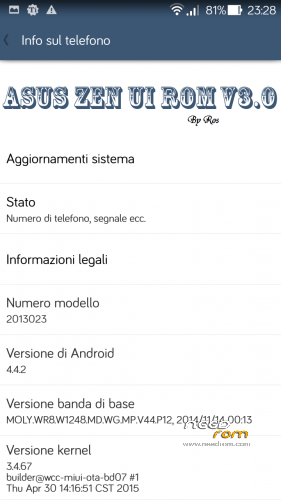
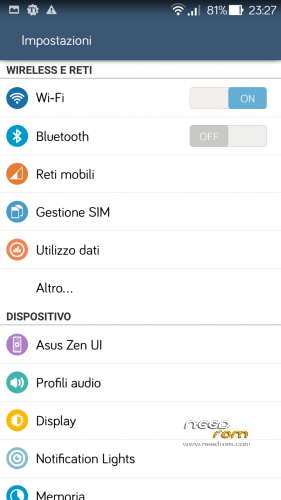
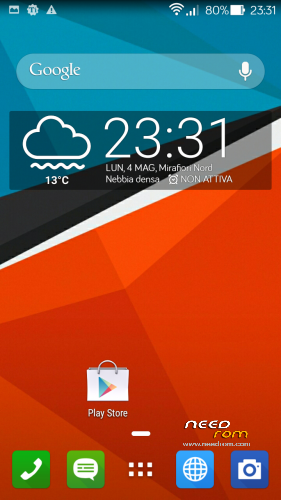
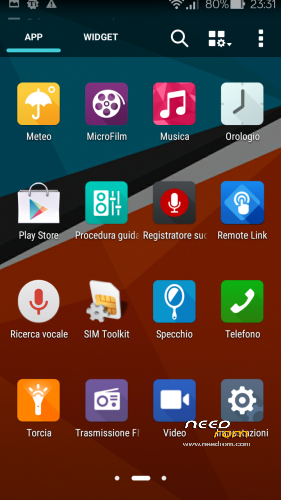
 Member Info
DESCRIPTION
I have ported for Xiaomi Hongmi WCDMA (MTK6589) this ROM
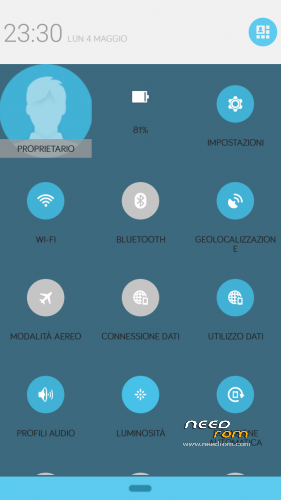
ASUS Zen UI Rom V 3.0 edition
Original project: http://forum.turkdevs.com/konu-edit-4-4-2-update-asus-zen-ui-rom-v3-0-edition-by-stan.html
Rom Properties
-Multilanguage
-Notification light
-Free ram 600
-Very fast and stable
-Most of the asus comes attached to the implementation
-Visuals looks like to asusunk
-Rom size is 415 mb
Installation
1) Enter recovery Cwm o twrp
2) Select install
3) Select the zip
4) Reboot.
Minor UPDATE ASUS Zen UI v.6.0
V6.0 CHANGES
Fix Camera stock, alternative Camera Lenovo,AsusFlash,AsusCalculator, Contacts
ASUS Zen UI Rom v5.0 (Full ROM)
V5.0 CHANGES
-Asus Lowest resolution camera that was removed instead of letting the camera v3 added
-Tab Legend V11 was inspired by ASUS
-Start logo has been redesigned.
-SMS Problem has been corrected in practice.
-20 Percent increased performance. He removed the unnecessary MiniMovie.
-Increased Support has been added (this time running at full) were free from unnecessary applications.
[Update] ASUS Zen UI Rom v4.0 (only update install first v3.0)
CHANGE V4
-Handset tone and speaker volume has been upgraded
-Fixed an error in the search screen, alone, unreadable articles
-Wifi gravity was increased
-Asus camera added
-Fixed an issue where the readout, for notifications
-Mms application so it was more like asus and posts stopped error was fixed
-Contacts (Bug add new contact was fixed)
-Dialer (more visible)
Installation:
Wipe dalvik cache
wipe cache
install zip
You do not need a wipe data
Credits: edyros2003, STAN from Turkdev forum
※Please make a backup of your device before installing or updating ROM
I I install TWRP wear. after a few minutes of completion but does not appear the writing is completed and the option to reboot the system, but direct automatic reboot, after I wait even stop at the logo MI,
does it work on redmi 1s??
Xiaomi Hongmi WCDMA (MTK6589) this ROM – NO 1s!
Support art running?
Yes Art works
Update contact and dialer
Do you plan update to V4.0?
Cheers.
Flash the rom even stop at the logo MI, Me too. Why. I use HM1W-TWRP-2.5.0.0-stas2z & HM1W-CWM. Not install TWRP-2.8.4.0_by_bucefal82.
TWRP-2.8.4.0_by_bucefal82 flash to rom. But Not to show.
1.update to MIUI6 4.4
2.flash Recover TWRP-2.5.0.0 use Redmi MIUI6 Recover
3.Use Recover TWRP-2.5.0.0 Flash TWRP-2.8.4.0
4.USE Recover TWRP-2.8.4.0 Flash The ROM(Hongmi ASUS Zen UI)
5.Reboot Can Use the ROM
Hi I like this rom. Do you plan to upload the new version 4.0? Thanks for the hard job!!
Updated ASUS Zen UI Rom v4.0
Hi,
Are the patches for v3.0 or v4.0?
What is the patch3g for?
I cannot download it, Mega asks for decription key.
Patch included in update v4
I put the link patch3g for those who want to install this patch only after V3
1. multilang?
2. working notification light?
3. call recording implemented?
multilanguage, notification light works, call recording untested.