
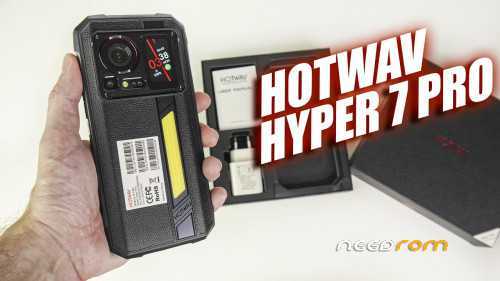
- Title: Hotwav Hyper 7 Pro
- Listed: December, 2024
- Last modified: 12/28/2024 6:22 pm
- Version: Android 14 System Update Nov,1 2024 unrooted(ALL PARTITIONS EXCEPT USERDATA PARTITION)
You must be logged for ROM download.
5779 total views, N/A today
9 Total favorites
OFFICIAL

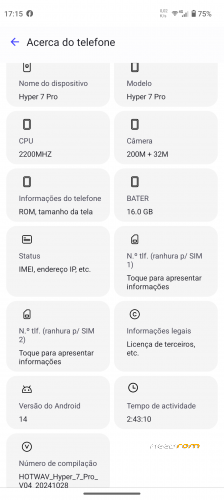
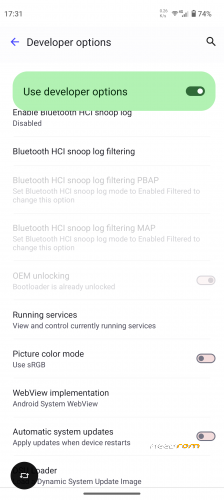
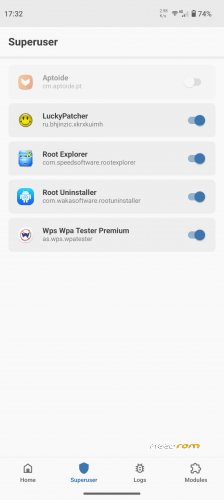
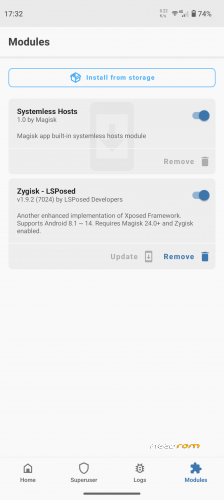
 Member Info
DESCRIPTION
UPDATE!
HOTWAV_Hyper_7_Pro_V09_20260407
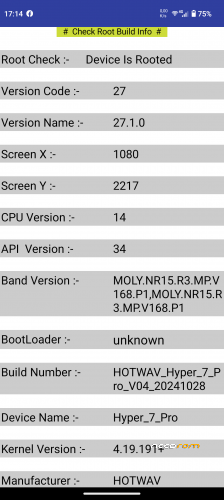
ROOT THE SAME WAY! ITS WORKING!
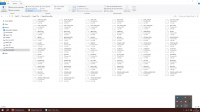
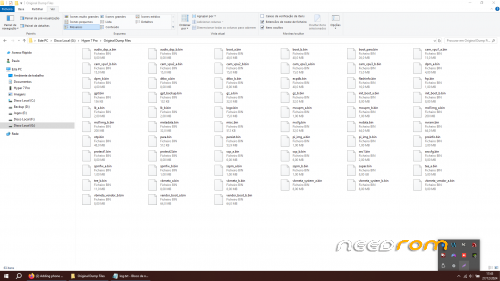
ZIP file with ROM backup and MTKCLIENT folder INCLUDED!!
To root you only need to know whats the active BOOT partition. Please search the web how to do this.
Get the active boot parttition file and patch it with magisk. Then flash the patched img to both boot_a and boot_b partintions.
This is what i have done to get root.
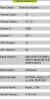
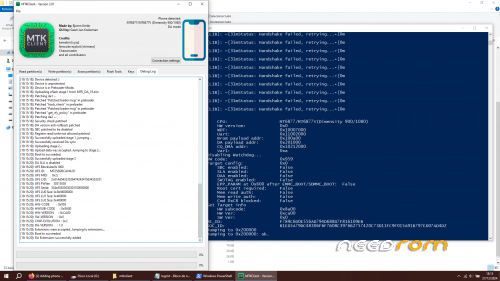
LOG from my backup:
※Please make a backup of your device before installing or updating ROM
Hi, how to flash stock rom on this device using which software?
actually there is no official software for flashing stock rom( i dont know any)
you have to use mtkclient from here https://github.com/bkerler/mtk...../heads/main.zip
This tool is very useful, you can unlock almost any mediatek device using it, you can write partitions, read partitions, and even erase partitions.
This tool can also get you out of any kind of brick!
Hello! Can you please tell, how to root this phone? Thank you!
1 install drivers(search the web for correct mtk drivers for mtkclient)
2 unclock bootloader(actually is very simple just activate oem unlock on android then go to fastboot unlock command(very easy, search the web for it))
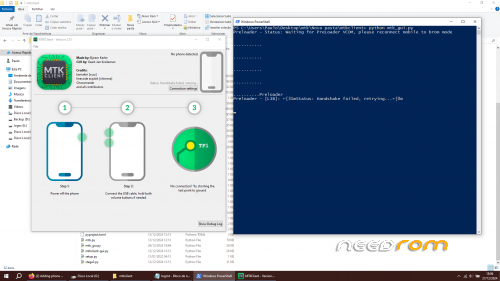
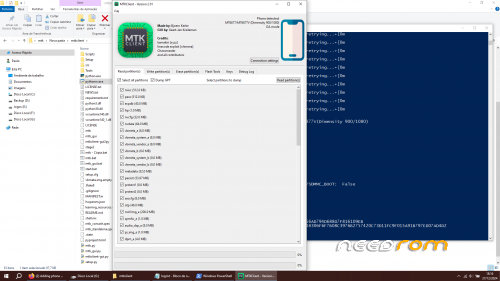
3 Make a backup with MTKclient or use the bin files to restore(very easy, search the web) (to open MKTclient go to mtkclient folder then open cmd prompt or powershell and type python mtk_gui.py then follow instructions.
4 to ROOT check whats your ACTIVE BOOT PARTITION(serach the web) ex: boot_a or boot_b then patch it after magisk install then use the PATCHED.img to flash from fastboot command (flash both boot_a and boot_b on the phone with the patched file)
install magisk, patch the files needed for flash with the h elp of the tool used to flash the phone. you can select the files you want to flash. then finish the process on magisk app. it was something like this.
Thank you very much! I will try your way.
Is it possible to upload a clean firmware version HOTWAV_Hyper_7_Pro_V08_20250317?
no i did not update the rom. i have original firmware on my phone.
Hello, friend. Can I ask you, does this firmware have ability to record voice calls without rooting the phone? Is it Global ROM or any regional ROM? Is it possible to choose any region on a first start of the phone? Thank you very much!
its a global rom. yes i think you can record call without root. just use an apk for that
Please help me. After flashing all the partitions, the IMEI is not registered, and the mobile connection is not working. Do you have a ready-made version of SN WRITE TOOL for the HOTWAV HYPER 7 PRO phone?
Here is the link for that tool https://snwritetool.com/
Did you backup all your partitions before flashing?
If not, try my backup. I had no problems. Recently i bricked my phone and used my backup with MTKCLIENT to recover it.
Right now im on latest firmware update from hotwav
Hi,
I have a problem !
I'm using HOTWAV_Hyper_7_Pro_V09_20260407
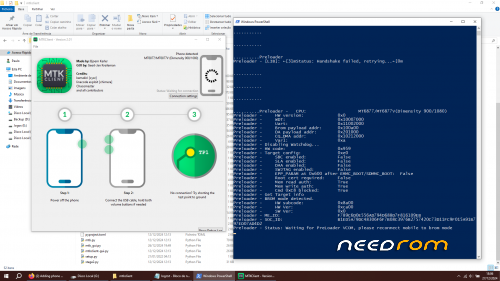
And trying to connect with mtkclient with no success to rollback my firmware to root it. I'm getting handshake failed all the time.
Does anyone have the preloder needed for it ? I tried already everything
Please help
Or link me an SP flash ROM with scattered txt to use it if possible.
Thanks.
keep + and – pressed while holding power button until you get this. if needed release power and press and hold again
looking for scatter file. sp tool? scatter file anyone?
thanks