
- Title: HTC ONE For A177/A77
- Listed: February, 2015
- Last modified: 02/26/2015 4:36 pm
- Version: 4.2.2
You must be logged for ROM download.
15444 total views, 4 today
2 Total favorites

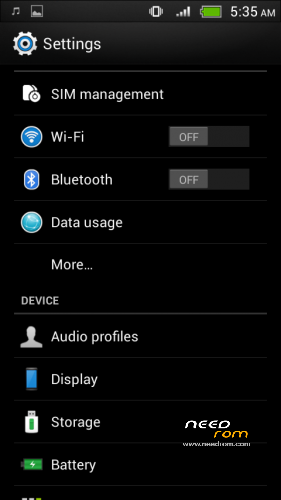
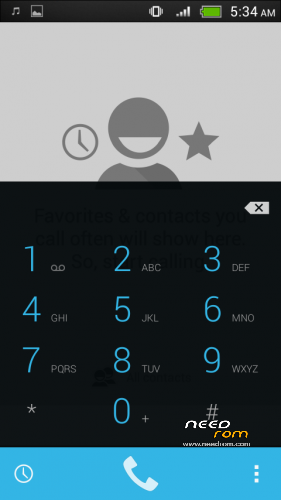
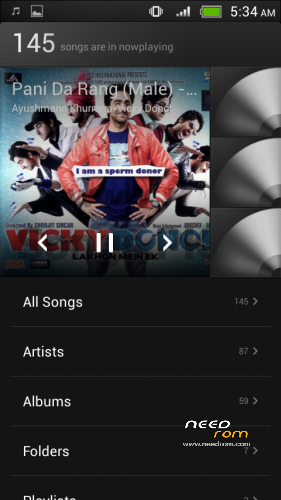
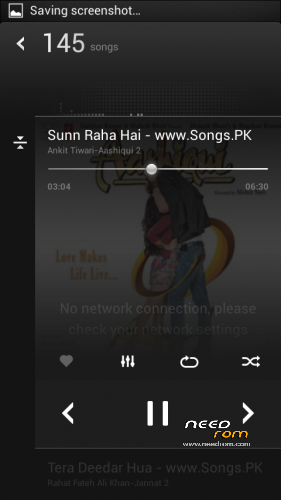
 Member Info
DESCRIPTION
HTC one for CANVAS JUICE A177/A77
Features :
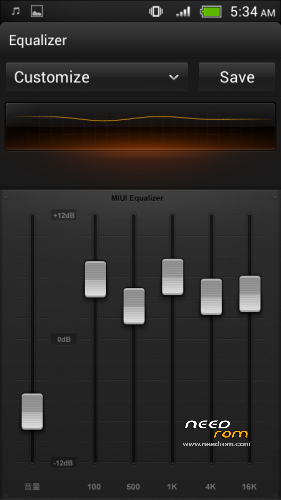
HTC Music Player
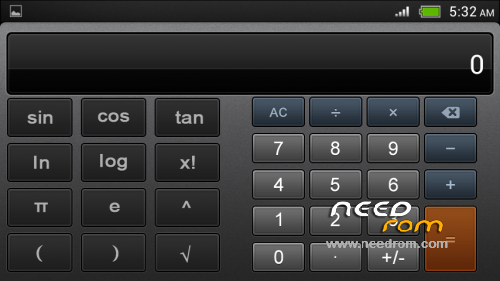
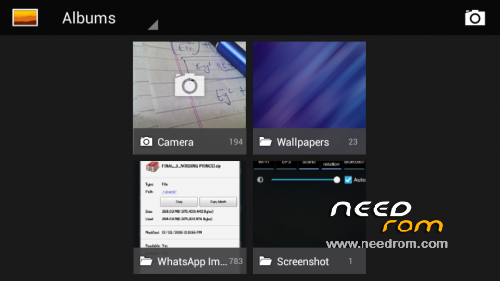
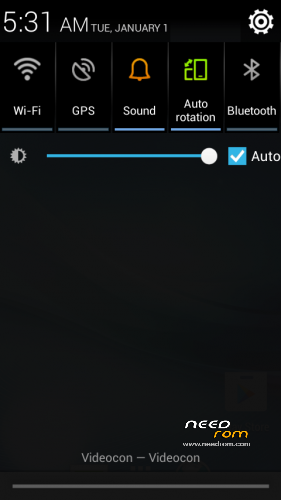
and many more ….
For Micromax A177 only
1] Download the Rom file from the link provided (Same for both A77 and A177)
2] Place it in the root of your SD card
3] Go to CWM or any other custom recovery (not stock one)
4] Wipe Data/Factory Reset
5] Wipe Dalvilk cache
6] Select "Install .zip from SD card" and select the file
7] Select "YES"
8] It will automatically REBOOT (It will take 2-3 minutes to boot so don't worry)
For Micromax A77 only
1] Download the Rom file from the link provided (Same for both A77 and A177)
2]Open the ROM file in winrar
3] Download boot.img and copy paste it in the ROM file. (replace). Select "Normal" compression and "32 kb" dictionary size.
4] Place it in the root of your SD card
5] Go to CWM or any other custom recovery (not stock one)
6] Wipe Data/Factory Reset
7] Select "Install .zip from SD card" and select the file
8] Select "YES"
9] reboot your device
Wait for some time if you see boot animation will take some time to boot up
CREDITS :
PORTED TO CANVAS JUICE BY RAVINDER SINGH(balu)
Defects:
Not changed the about section of rom
BUGS:
NO BUGS
if you find comment for bugs
※Please make a backup of your device before installing or updating ROM
When i’m connecting my phone with pc via data cable, there is no mass storage option, rebooted deveral times but still same problem.
sir which boot.img can i download.
i mean htc ones original boot.img or other.
I flash it but it come "UNFORTUNATELY SYSTEM UI STOPS WORKING"
bro main a177 h koi aisi file h jise mera camer incress ho 8mp sai v jayda
Multilang?