
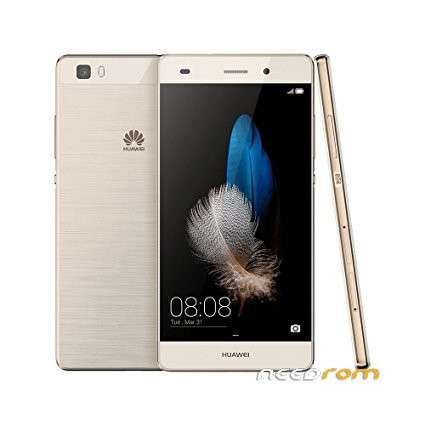
- Title: HUAWEI P8 LITE (ALE – L21)
- Listed: October, 2017
- Last modified: 10/22/2017 2:44 pm
- Version: 5.1
You must be logged for ROM download.
9797 total views, 1 today
3 Total favorites
CUSTOM
 Member Info
DESCRIPTION
1.-
Copy the Software: main package UPDATE.APP to a directory named dload.
2.-
Step 1. Copy the entire dload folder (with UPDATE.APP in it) to the root directory of the Micro SD card.
3.- Make sure your handset is power off. Insert the Micro SD card into the handset. Press the VOLUME UP and VOLUME DOWN key, and then press the POWER key to power on the phone and enter the Software Upgrade Mode.
4.- Step 1. When the progress bar stop, the phone will restart automatically.
※Please make a backup of your device before installing or updating ROM
down….