
- Title: HUAWEI U9501L hw-01e
- Listed: November, 2015
- Last modified: 11/15/2015 2:45 pm
- Version: 4.0
You must be logged for ROM download.
13085 total views, 1 today
OFFICIAL

 Member Info
DESCRIPTION
HUAWEI U9501L hw-01e update via sd
5.1 Force upgrade
Step 1.
A MICRO SD card of enough space can be used should be available.
The MICRO SD card made by Sandisk, Kingstone, or Kingmax is recommended.
Step 2.
Format the MICRO SD card ,This operation is optional
Step 3.
Copy the entire dload folder (with UPDATE.APP ) to the rootdirectory of
the MICRO SD card.
Step 4.
Make sure your handset is power off
Insert the MICRO SD card into the handset
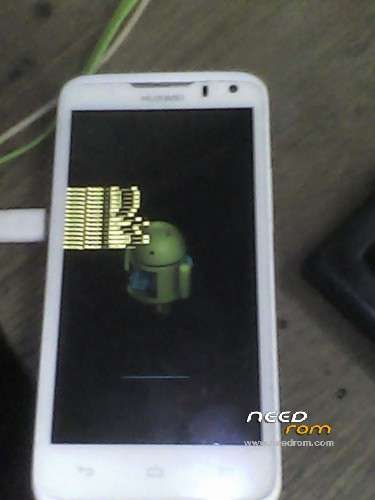
Pressing the VOLUME UPkey andVOLUME DOWNkey, and then press the POWER
key to power on the phone and enter the Software Upgrade
※Please make a backup of your device before installing or updating ROM

|
how to flash sd sir?
the force upgrade tutorial is already added , plz read discrition message above t.y
Hi
would you please help me about step 3?