
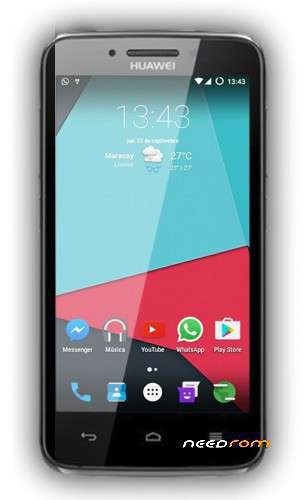
- Title: Huawei Y511 Android 6.0.1 Marshmallow with Gapps By Mananpa
- Listed: May, 2018
- Last modified: 10/05/2019 2:10 am
- Version: Android 6.0.1 Marshmallow
You must be logged for ROM download.
13643 total views, 2 today
 Member Info
DESCRIPTION
Huawei Y511 Android 6.0.1 Marshmallow with Gapps By Mananpa
BUGS: CAMERA, TRY CAMERINGO OR CAMU APPS
1. Install MTK preloader drivers.
2. Open SP flash tool and select the scatter file, click in Recovery and select the custom recovery (IMG).
3. With the phone off, press Vol- and connect to PC with a data cable.
4. Put the zip rom in the micro sd (ext card) and put in the phone.
5. Press Vol+ and power button and select recovery (with Vol- and accept with Vol+). Will boot in the custom recovery.
6. Click (with Vol buttons and select with home button) in Wipe, click in Clean to install rom, back, click install zip from sd ext, and install, reboot.
7. Enjoy!.
※Please make a backup of your device before installing or updating ROM
hello…..this rom for y511 u30
Not installing. there is error