
- Title: IMEI Tools for mtk
- Listed: March, 2017
- Last modified: 03/26/2017 2:21 pm
- Version: IMEI Tools
You must be logged for ROM download.
15572 total views, 1 today
16 Total favorites
CUSTOM

 Member Info
DESCRIPTION
IMEI Tools for mtk
HOW TO USE
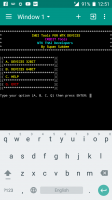
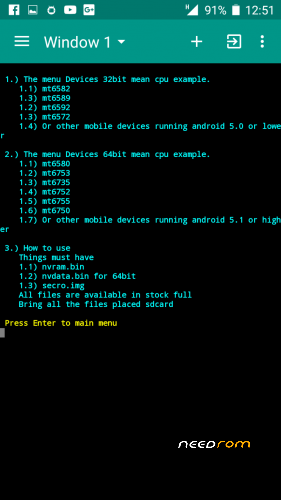
1.) IMEI tools flash with custom recovery
2.) Terminal download from playstore
3.) Rooted
4.) The file must have obtainable from stock rom full or file from custom recovery and rename them.
- nvram.bin (If not in stock, remove the file from the backup with a custom recovery.)
- nvdata.bin (for 5.1 up or 64bit)
- secro.img
5.) All files at please put it on sdcard.
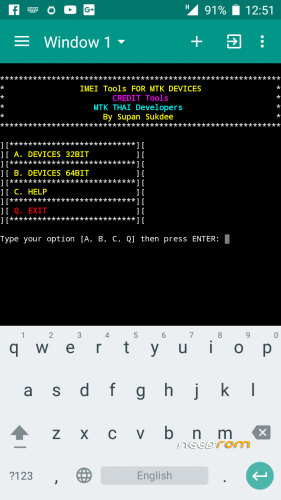
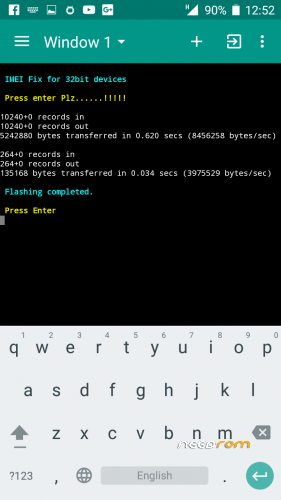
6.) Command.
- su
- imei_tools
…Enjoy…
Credit :
Supan Sukdee
MTK THAI Developers
※Please make a backup of your device before installing or updating ROM
k_shell/10102:25686: imei_tools not found.
what to do with this error…
I have not met this problem too.
Try to check on system/bin whether imei_tools exists or not.
If there is no flash around or extract then copy imei_tools in system/bin then put it in system/bin and set permissions to 0755.
Or, if it is not, use the method.
https://youtu.be/Up-63VDgU8A
I can't download tsis
Download normal or download anything I don’t understand.
i cant download this file sir
Try to use this method.
All files placed in /data/ local/tmp/
Then use the following command
for 32bit
dd if=/data/ local/tmp/nvram.bin of=/dev/nvram
for 64bit
dd if=/data/ local/tmp/nvram.bin of=/dev/block/platform/mtk-msdc.0/by-name/nvram
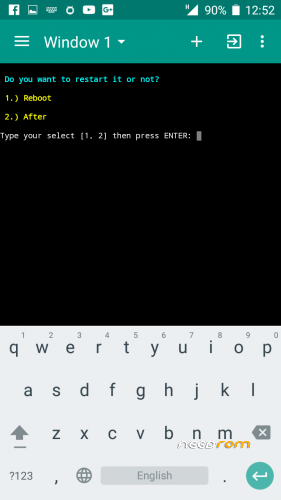
Then reboot the machine.