
- Title: Inew V3 Zopo 1000s port
- Listed: November, 2014
- Last modified: 03/16/2016 8:20 pm
- Version: 4.4.2 1.2
You must be logged for ROM download.
49128 total views, 4 today
3 Total favorites
 Member Info
DESCRIPTION
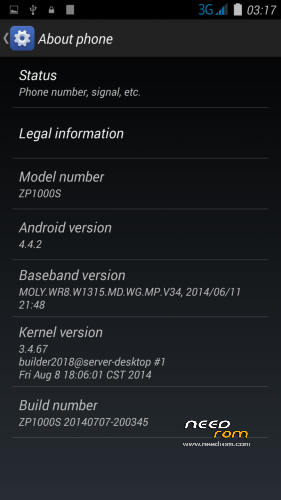
Here I present you my Zopo 1000s Modded ota ROM for Inew V3.
It is for the internal /data/media type phones. (with only MBR and EBR1). System is part5 data is part7.
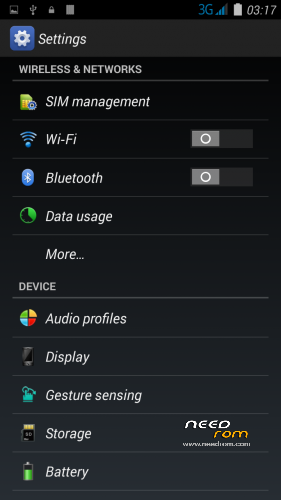
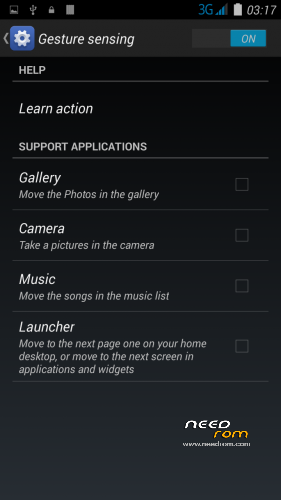
Port 100% from Zopo 1000s – GESTURES finally work in INEW (See photo)
Installation
—————
You must first install official KK 1.13 (to make the partitions correct)
If you don't have it I can build a small Flash tool update. —–>Request!
Backup your NVRAM and Sec.ro partitions. (better be safe than sorry!) It can be fixed anyway so don't worry.
Transfer my zip rom to your SD. Insert SD in phone.
First flash my recovery with your favorite program (Mobile uncle or via Flash tool <—- prefered)
Reboot phone , enter recovery.
Press Wipe (Default one wipe data , davlik , cache – BACKUP impotant data , all will be lost) .Then wipe internal.
Return to main menu after finished.
Go to install. Choose storage microSD at the middle-bottom
Select correct zip file from microSD
When finished , return to main menu and POWER off phone
Remove microSD and Start phone.
Wait longer than normal , Rom rebuilding data. Done!
Rom has native init.d Support , Superuser and partial Busybox (Install busybox from play store and update)
ADDED FLASH BASE FOR FLASH TOOLS -Not for those who don't know what they are doing!
How to install.
1) Back up your phone with flash tools.
2) Unzip my pack
3) Add inside the unpacked folder my recovery image , named recovery.img
4) Add inside the unpacked forder YOUR nvram.bin and secro.img from your backup from flash tools folder! VERY important as this retains your IMEI! Later you can simply download a newer nvram.bin if needed! Can't give you mine as it contains my Imeis!
5) Load flash tools , load MT6582_Android_scatter.txt from the folder and choose (format all and download) and press Download. ATTENTION this will totally wipe your phone!
6) Turn off your phone , remove battery. Keep it removed! Connect first usb to PC then to your Phone. It should start downloading the base. Notice you will not have a system , cache and userdata partition yet after it finish!
7) Unplug USB , put battery back on , turn on phone by pressing volume up at the same time. This will take you in recovery. Now , goto wipe , and Advanced wipe. Fist choose system , Swipe to wipe. Then Cache , Swipe to wipe , then go back and format Data , type yes to wipe. This is very important and should be done exactly like this as it formats the blank system.cache.data partitions , making them ready to accept data!
Notice you will now have 1.4gb system , 256mb cache and the rest data!
 Copy my rom to your SD and follow the step to install via TWRP after you reboot in recovery again (You will have no system yet!)
9) Enjoy new partitions and never loose imei again!
—————————————————————————————————————————————-
Updated for phones with replaces screen by popular request. Camera set to Inew standards too .
※Please make a backup of your device before installing or updating ROM
hello everybody! this rom looks nice! any bugs or problem??
Zopo been tampered with.
I would strongly recommend
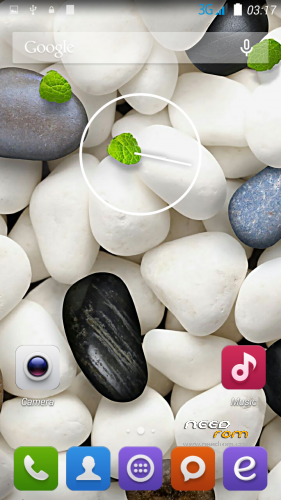
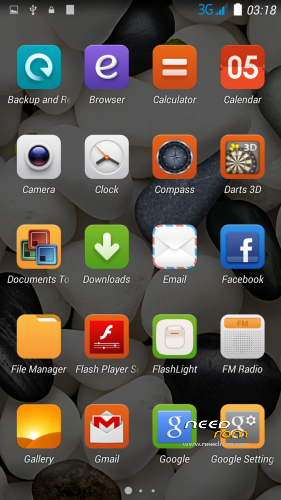
Super wallpapers
self made ROM root
The most important feature you can switch between pages as well as touching on the s5.
I liked it very much.
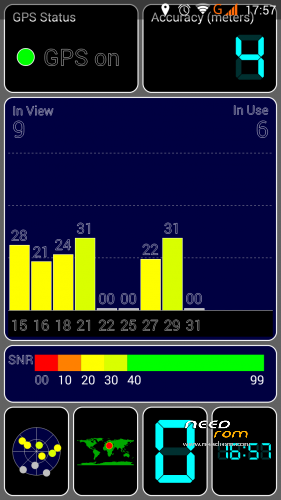
I do now GPS test.
If anyone wants to throw in my screenshot.
gps run
gesture sensing run
smart wake not run
ROM PİCTURE
https://yadi.sk/d/omwayoJ0cYHU.....U
This is a MIUI Rom (phone, etc. …) and multilanguage?
ZOPO1000S ROM
MULTILANGUAGE
good
does this have italian language?
gravity box works good with this rom?
does the flip cover and the s-view works on this rom?
sì, è multilingua, fare un test e poi mi dica, io non uso il flip
Can you please explain why we have to do the flash of recovery? Which version do you require to flash the rom as Stock SP_Flash version for 10.1.13 has TWRP recovery, and the CWM version you flash afterwards has CWM. I tried 10.1.13 TWRP version and I try to flash the recovery.zip with sp_flash tools but phone boots but cannot enter recovery.
Kavir