
- Title: Infocus m320 / m320u – 4.4.2 – Multilang using Morelocale 2
- Listed: January, 2016
- Last modified: 12/21/2014 1:17 am
- Version: v4.4.2 M320 ES 15TW 4 38K
You must be logged for ROM download.
21634 total views, N/A today
 Member Info
DESCRIPTION
Choose the rom according to your model (same hardware as far as I know):
If you have m320 (TW version) then you've to choose the rom 'for TW phones'.
If you have m320u (CN version) then you've to choose the rom 'for CN phones'
NOTE: binary updated on CN version. Please report feedback. 21-dec-2014
CWM Recovery is the same for both.
Rom based on stock ROM from Infocus (latest update: 15TW_4_38K).
Changes:
- Rooted (If not just flash this file after the rom in CWM recovery: http://download.chainfire.eu/641/SuperSU/UPDATE-SuperSU-v2.40.zip)
- Clean.
- Gapps.
- Translated to Spanish.
- Some apps replaced (launcher, music player and so on).
Installation:
1) DO A MTKDROIDTOOLS BACKUP BEFORE FLASHING IT.
2) INSTALL CWM (If you're rooted you can use Mtkdroidtools to create it).
3) BACKUP YOUR ROM USING CWM.
4) Do factory reset and wipe.
5) Install zip from sdcard
6) Reboot and enjoy it.
If you liked, you can pay me a beer using donate button.
※Please make a backup of your device before installing or updating ROM
tanx
but this Rom NOT ROOT ACCESS
ROOT NOT WORK in this rom
Just flash supersu.zip from recovery the same as the rom (download here: http://download.chainfire.eu/6.....perSU-v2.40.zip)
Maybe I forgot something to add in the rom.
Regards.
русский язык есть?
english please?
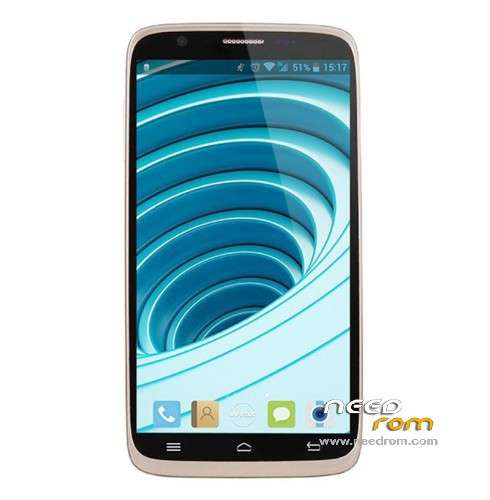
screenshot please
I'm sorry but atm I don't have phone at hand.
It's rom stock.
it stops during boot , after install "cwm installer.apk" and go to recovery .
what can i do ?
Hello,
What do you mean? what's cwm installer.apk?
cwm recovery can be flashed using flashtools.
Regards
why there is no system.img to flash with sp flashtools??
the phone wont go to recovery whether with/without connectong to usb/pc/charger while (vol+)+(power)..only goes to logo..so i need really the system.img..
goes sometimes to fastboot but fastboot.exe file wont recognize the device as a fastboot device to run commands(although had changed to android bootloader/android adb driver)
helppppp plz
the only way is having system.img to flashthrough sp flashtools
READ.
This ROM is not for flashtools.
Flash recovery CWM, flash the rom via CWM.
Recovery your phone easily.
Or…download a rom for flashtools. You can find one out there.
i'm using m320e, so supposedly i use a TW version, but when i try to update using the TW, it's always failed.
but when i using a CN version, it's work…
so, why the TW always failed ?
sorry for my bad english…
Who knows, anyway if you updated correcty using CN version, is enough,
Same hardware ;=)
ok, then…thx for the reply…
is there any chance to get the Lollipop Custom ROM for this device ?
nop, also lollipop is crap, most developers are doing work on 4.4 and waiting for 5.1 and this depends on mtk
nice share
thanksss
Usb otg not work
It shouldn't work in original rom 4.4 aswell, because the base is the same.
USB OTG works on rom 4.4.2 CN…
I didn't touch anything of OTG, so then my TW base is not working maybe..