
- Title: iOS 7 Dual Sim For MT6572
- Listed: February, 2015
- Last modified: 02/13/2015 2:12 pm
- Version: v 7.0
You must be logged for ROM download.
36932 total views, 1 today
18 Total favorites
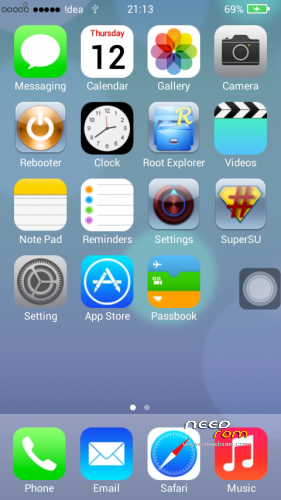
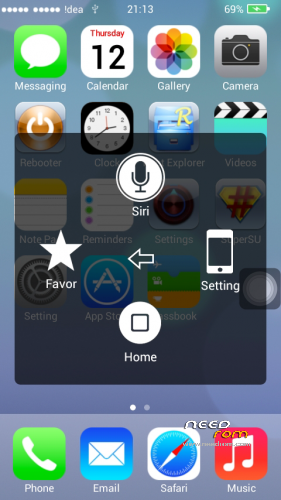
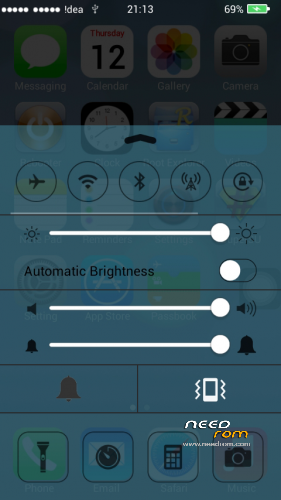
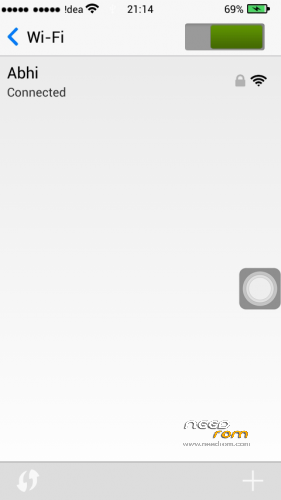
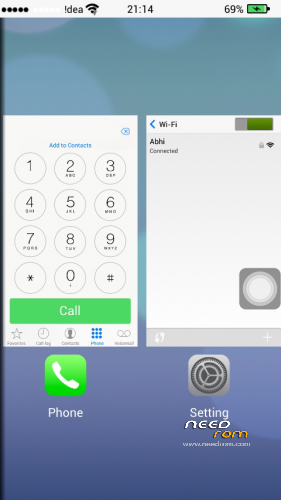
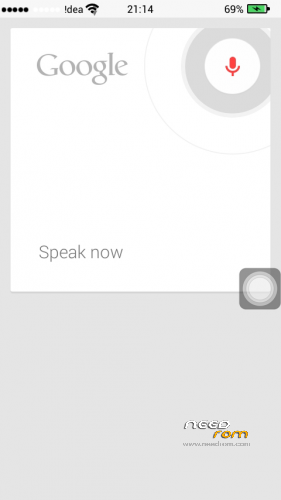
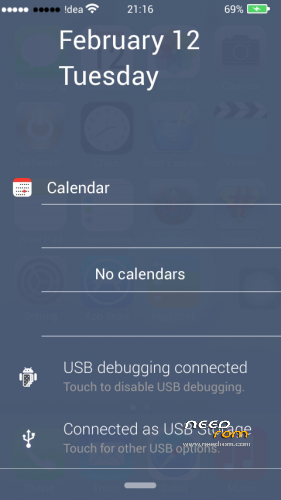
 Member Info
DESCRIPTION
NOTE :- Before Installing This Rom Make NVRAM Backup From MTKDroid Tools.
This Rom Can Be Ported to any MT6572 Running 4.2.2
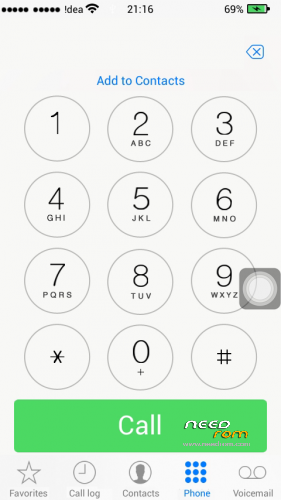
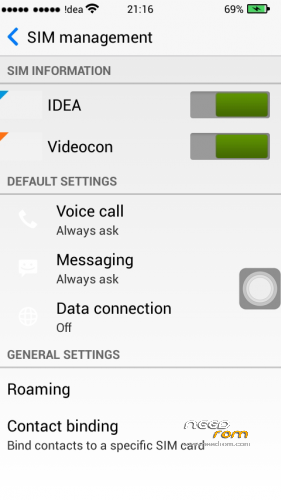
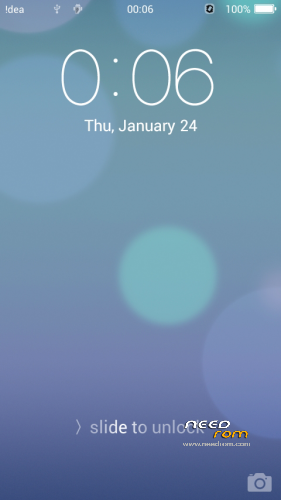
Preview:
Below are the procedures.
1. Go to CWM Recovery
2. FORMAT /system and /data
3. MOUNT /system
4. Now Flash this Zip
5. Restore NVRAM Backup From Mtk Droid Tools.
First of all try to install this rom by CWM/TWRP
If it doesn't works then do the following.
1. Open IOS_DualSim_MT6572.zip in Winrar
2. Replace /system/lib/module from your Phone's Original ROM
3. Replace /system/lib/hw
4. Replace /system/etc/firmware
5. Replace /system/etc/vold.fstab(all vold files)
6. Replace /system/etc/bluetooth
7. Replace /system/bin/vold
8. Replace /system/bin/vdc
just drag and drop these files from original rom backup or any other working rom to this rom.
Now flash through CWM.
Features:-
Full iOS Themed Rom
Dual Sim
Video Calling support
iOS like Features
Bugs :-
No Actual Bugs.
Follow MT6572 Roms And Development Page :
https://www.facebook.com/pages/Mt6572-Roms-And-Development/744290195678796
※Please make a backup of your device before installing or updating ROM
Is this working on Gingerbread (GB)???
Is this ONLY for Jelly Bean 4.2.2 -.-
Neeed help badly.
I have done everything correctly and phone booted up(after fixing bootloop)
But it says "Android is upgrading. Optimising xx of 92 apps" and after that it says "Android is Upgrading. Starting apps" and it hangs here.
I put it about 20 minutes. but nothing happnes. what to do ? please help
Help please, my cellphone stuck on the logo of the iOS, how to fix it?!

replace boot.img from your phone's original rom
did everything but still stuck on logo
backup your original rom from CWM\TWRP Recovery
then flash your new rom
now go to backup > Advanced Restore > choose your Backup > Choose your Boot.img and restore it
Now Reboot your mobile
And it shulb boot up Just Fine
how extract the system.img? i can not open the system.img
can I port this to 4.4.2 mt6582
is this working in Huawei Y600-U20
please help me how to recover MT6572 that md5 mismatch . and have no OS .. :'((
kk
Where to extract the boot.img from stock ROM
extract it into port rom