
- Title: JIAYU G2F MIUI v5
- Listed: January, 2014
- Last modified: 09/05/2014 3:34 am
- Version: ROM Android 4.2.2 MIUI
You must be logged for ROM download.
54903 total views, 2 today
3 Total favorites


 Member Info
DESCRIPTION
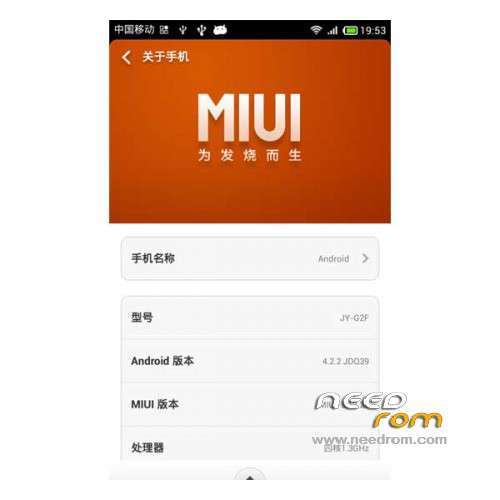
ROM Mobile JIAYU G2F – ROM Android 4.2.2 MIUI
Features ROM:
Update MIUI V5 – 4.8.29
Gapps include – Multilang
————————————————————————————————————————————————
MIUI v5 – 4.6.27
ATTENTION MIUI Market apps - Not working with Google Play
Gapps not include – Rooted
Language support : EN/CN
Install ROM :
CWM ( "CN" if you use this recovery : run 一键刷入佳域G2F百度云中文Recovery.bat and tap on enter your mobile reboot –> step 2 )
Step 1: Download the custom ROM copied to an external SD card root directory
Step 2: the shutdown state. While holding down:
– Power button + volume button up, to enter the recovery mode.
– Wipe Data / Factory Reset -> delete all user data
– Wipe Cache Partition -> Wipe cache
Step 3: Return to recovery main interface Install zip from sdcard -> choose zip from sdcard -> Select your ROM
Step 4: Brush complete, restart the phone Patience required – first boot takes a while
※Please make a backup of your device before installing or updating ROM
Dear Kampia I have used older version say 4.3 and 4.4 no problem found and some day before using now 4.4.11 also OK but from last 4 updates not working either I changed TF card with new one. I am using latest Lewa 14.6.13 now and battey consumption is more otherwise OK. I shall try latest 4.6.13 and report on 23.6.13.
Try MIUI 4.6.13 – assert failed: getprop("ro.product.device")
Possible solution found.
Worked like a charm for me.!!
Change your recovery image with this one :
http://www.592zn.com/thread-30.....1960-1-1.html
You have to register in order to download , the recovery is basically in Chinese but there is enough English to work your way around.
Once in this new recovery I burned Needrom Miui 4.6.27 straight away without errors.
Try it out and please let me know the results.
Does this ROM work with the WCDMA version?
i tried the 4.6.13 scattered files donnt found ,i want to get rid of chinese software come along and also root
which rom shall i try
4.6.6
error invalid ota package .missing scater .installation aborted
Wcdma?
4.6.27
"Fix – It was slow to register to WCDMA network in booting up in some areas"
mmmmhhh should work on wdcma…
Does not work "MIUI Market apps downloading/Installing status will show in home screen"
I can instal recovery in WCDMA version. When I instal I see JIAYU and nothing else. I not have recovery right now, what I can't do?
Yesss the KAMPIA's recovery solution runs ok, many thanks
v6.27 works fine, I like it