
- Title: JIAYU G2F MIUI v5
- Listed: January, 2014
- Last modified: 09/05/2014 3:34 am
- Version: ROM Android 4.2.2 MIUI
You must be logged for ROM download.
54905 total views, 4 today
3 Total favorites
 Member Info
DESCRIPTION
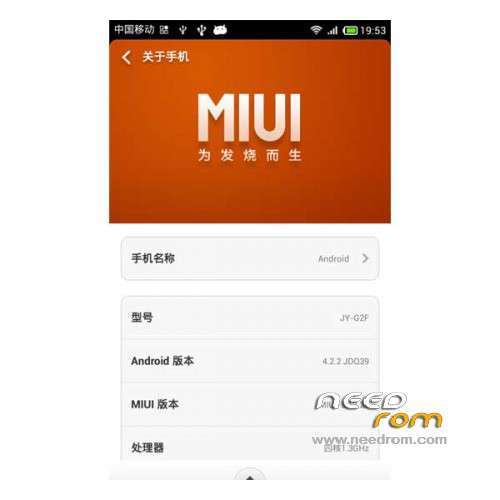
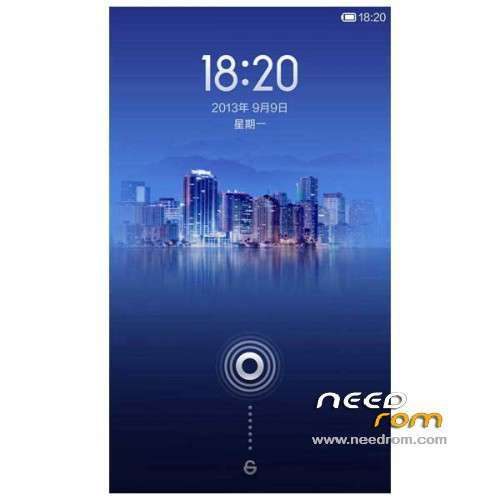
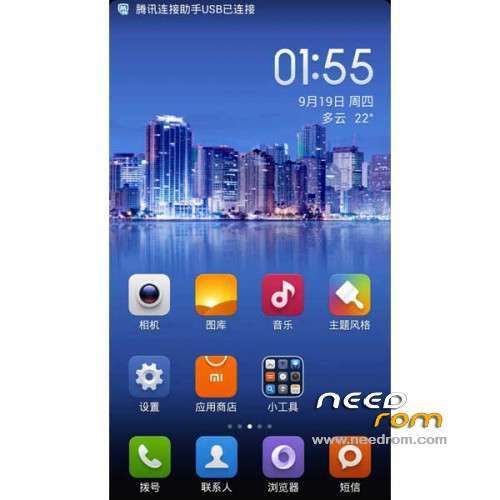
ROM Mobile JIAYU G2F – ROM Android 4.2.2 MIUI
Features ROM:
Update MIUI V5 – 4.8.29
Gapps include – Multilang
————————————————————————————————————————————————
MIUI v5 – 4.6.27
ATTENTION MIUI Market apps - Not working with Google Play
Gapps not include – Rooted
Language support : EN/CN
Install ROM :
CWM ( "CN" if you use this recovery : run 一键刷入佳域G2F百度云中文Recovery.bat and tap on enter your mobile reboot –> step 2 )
Step 1: Download the custom ROM copied to an external SD card root directory
Step 2: the shutdown state. While holding down:
– Power button + volume button up, to enter the recovery mode.
– Wipe Data / Factory Reset -> delete all user data
– Wipe Cache Partition -> Wipe cache
Step 3: Return to recovery main interface Install zip from sdcard -> choose zip from sdcard -> Select your ROM
Step 4: Brush complete, restart the phone Patience required – first boot takes a while
※Please make a backup of your device before installing or updating ROM
Is it for WCDMA version? Thank you
instalation completed, reebot and it's stuck on screen with white JIAYU,,, i tried to wipe cache and nothing… someone have solution? I installed twice. During instalation, wasn't problems
Me too!
Next problem with flashingG2F TCDMA
updated from another recovery
Does anybody have a solution?
I was successful with: http://forums.androidcentral.c.....ert-failed.html
No good for me. "Error 6".
Error 6 is where? In recovery? Do You have TD-SCDMA version?
Yes, in recovery and WCDMA version.
Embikrt, are you allright?
This ROM is IMHO for TD-SCDMA only…
Have you read the last changelog?
Yes, but its IMHO for MIUI (and for all device) in general not for exactly this ROM