
- Title: JiaYu G3 4.2.2
- Listed: September, 2013
- Last modified: 09/05/2013 9:47 pm
- Version: ROM Android 4.2.2
You must be logged for ROM download.
106878 total views, 15 today
3 Total favorites


 Member Info
DESCRIPTION
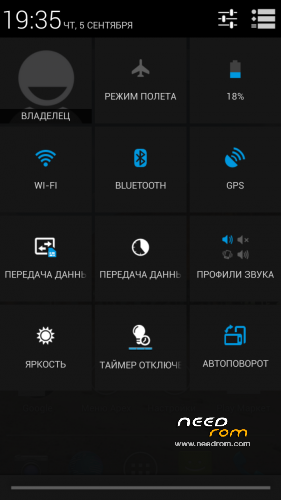
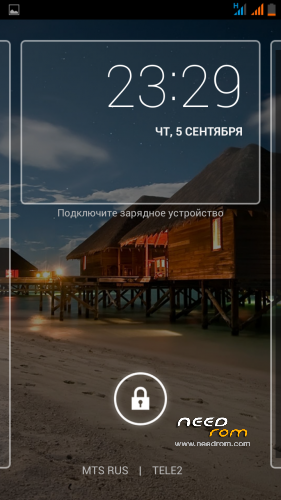
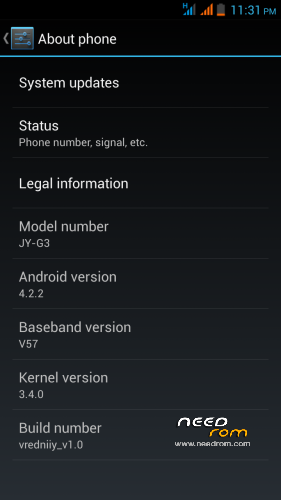
ANDROID 4.2.2 for JiaYu G3 by vredniiy
version: vredniiy stable v1.0
Language: English / Russian / Chinese
1)deodex
2)root
3)busybox
4)google apps
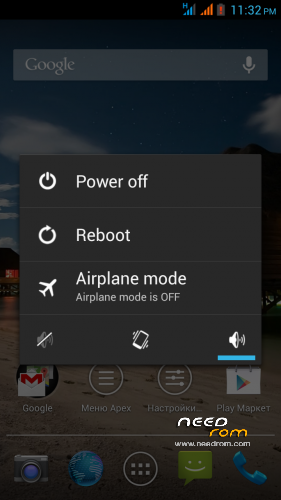
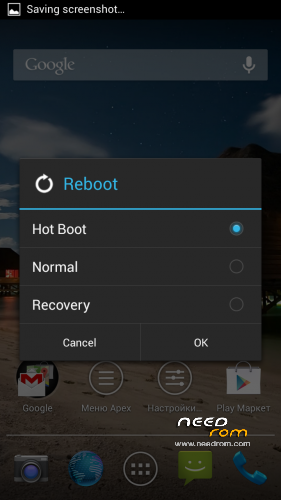
5)advanced menu reboot
6)auto-hide the network is not an indicator used by the SIM-card
7)flashlight on the volume button
8)Blue LED notification
9)Camera with 4 nexus with the photosphere
10)etc/host
11)viper audio
12)Nexus torch
13)Sound recoder for LEWA
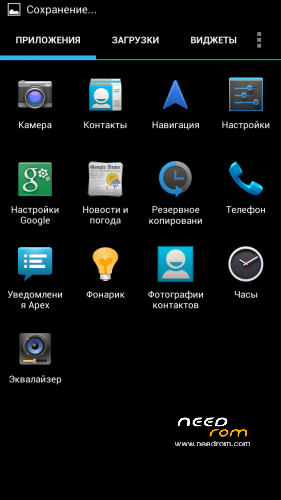
14)Apex Launcher
15)Apex Notifer
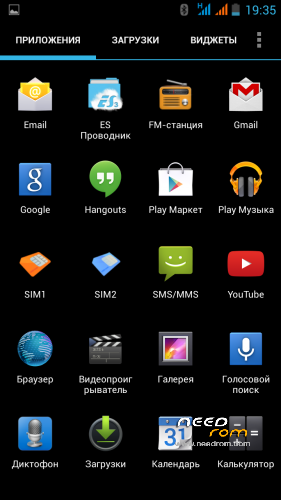
16)Es file explorer
17)Full screen photo during a call
18)EngineerMode in the settings menu Developer
19)PhotoSync
path g3 to g3n
※Please make a backup of your device before installing or updating ROM
Hi, anyone else noticing lag when scrolling setting menu? Its really annoying, everything else is smooth
I have v3.
The solution for the black screen issue can be found at 4pda:
Create a init.d script:
/system/etc/init.d/99proximity:#!/system/bin/sh
echo 900 > /sys/bus/platform/drivers/als_ps/psthd
and set ownership to root:root and permissions 755 (rwxr-x-r-x).
>> reboot <<
Test results with Z-DeviceTest
what is the suffix of the file 99proximity? 99proximity.off?
go to system/etc/init.d with root explorer (look top and mound R/W if it is not set r/w) click + symbol then slect File it will ask for name write 99proximity then ok clik file up to showing options menu clik open with then Text Editor and write
#!/system/bin/sh
echo 900 > /sys/bus/platform/drivers/als_ps/psthd
click menu then save and exit ther will be 99proximity and 99proximity.bak file delete the 99proximity.bak then clik 99proximity up to showing options menu slect permissions then mark read for 3 users write for only owner user execute for 3 users than ok exit and reboot.
thanks
tnx sdCard it working :v
My phone has very low sound output when i call someone but it works great with recording something. I also when i put it in airplane mode when i deactivate the airplane mode it does not activate the sim cards.
You can increase the volume with "Mobileuncle MTK Tools" from Google Play. It is a general problem I found on _ALL_ Jiayu G3+G4 phones :S
Go to: Mobileuncle Tools -> Engineer mode -> Engineer Mode (MTK) -> slide to Hardware Testing tab -> Audio -> Normal Mode -> Type: Mic -> Level: Set Level0: 220, Level1-> 255, Level 2: 200, Level3: 190, Level4: 220, Level5: 200, Level6: 200
i can't choose 3G, always 2G.
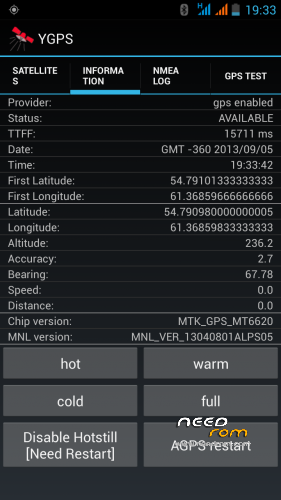
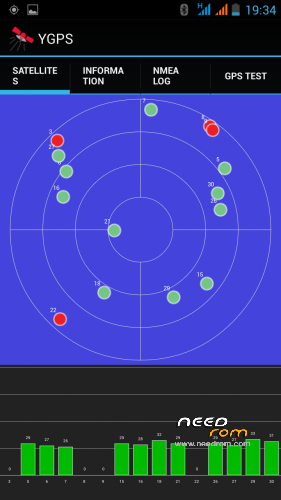
Works good but I have no difference with stock rom in gps fixing time (veeeery loooong)
I prefer the stock camera and I have to change blu led for sms (lettting blu for twitter\facebook).
The good news is that now (with android 4.2.2) I have option vpn-always-on on my Jiayu G3 blocking data when vpn drops down (before I have wifi leaking a big danger for privicy… I do not understend why this features was not introduced from android v 1.0 !!! ) …
I cant change imei on miui rom can you help me ? My device is G3N. İstersen türkçede yazabilirsin
Por favor, en español……..