
0
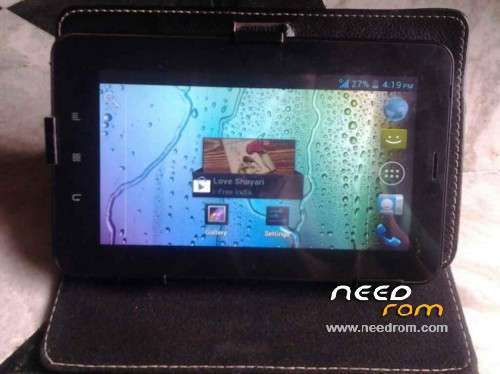
- Title: Karbonn A34
- Listed: March, 2014
- Last modified: 03/06/2014 5:50 pm
- Version: 4.0.4
You must be logged for ROM download.
15109 total views, 1 today
3 Total favorites
CUSTOM

 Member Info
DESCRIPTION
This Is Rom Exclusively Modded For Karbonn A34 (MTK6575)
Android version:* 4.0.4
Kernel Version:* 3.0.13
lentek@lentek #1
Fri Apr 28 14:56:34 CST 2013
Build Number:
ALPS.ICS2.MP.V1.3
What's needed:
- USB data cable
- MediaTek USB VCOM drivers
- SP Flash Tool ( Latest version MTK Flash Tool v. 5.1343.01 (18.10.2013))
-
First of all open SP Flash Tool, then click Scatter-loading button to load the correct scatter file
(MT6575_Android_scatter_emmc.txt or MT6577_Android_scatter_emmc.txt, depending on which phone you have) for your device and ignore any message that may appear. - Turn off your phone, remove the battery and replace it after some seconds (and don't turn on the phone).
-
Press F9 (or hit Download button) and connect your phone into the computer via USB data cable.
The process will start and a red progress bar will appear. - After the red progress bar is complete, there will appear a purple progress bar.
-
Right after the purple progress bar is complete, a message will appear underneath it:
“Please insert USB cable in x seconds” and then the download will start right away (you will see the yellow progress bar filling up). -
When the yellow bar is complete, you'll get a popup with a green circle and Download OK message,
which means that the process has been successfully terminated. - You can now safely disconnect your phone and turn it on. The process ends here.
Modded By Me
My Blog Web Here:
http://www.salmanpcshop.blogspot.com
※Please make a backup of your device before installing or updating ROM